Terminal Agents vs IDE Agents: What Benchmarks Show
A benchmark-driven look at SWE-bench and Terminal-Bench to understand whether terminal agents really beat IDE agents on autonomous coding and operational tasks.
For developers choosing between an assistant that lives in the editor and one that operates from the shell, the benchmark landscape can feel contradictory. SWE-bench rewards agents that can reason about patches across a repository. Terminal-Bench rewards agents that can operate a machine the way a senior engineer would in a terminal. Published agent benchmarks show a clear split: SWE-bench Verified is dominated by IDE-style agents, while Terminal-Bench is dominated by terminal agents. That split is not random; it reflects how well each interface matches the context model of the task.
What SWE-bench and Terminal-Bench Actually Measure#
SWE-bench is built from real GitHub issues. Each task gives an agent a repository and a problem description, and the agent must produce a patch that makes the associated tests pass. Evaluation is strict: the exact diff, not conversational ability, is what counts. That makes SWE-bench the strongest proxy for agentic coding inside a codebase.
Terminal-Bench flips the camera. Tasks are expressed as natural-language goals in a shell environment: install a service, configure a firewall, move a database, or debug a flaky process. Success is determined by the target state of the environment, not by a patch. This is agentic terminal coding, and it rewards agents that treat the terminal as their primary reasoning tool.
The two benchmarks are complementary. SWE-bench says can you produce the correct change? Terminal-Bench says can you make the system do what a user asked? An agent can be excellent at one and weak at the other. When you compare top results from both leaderboards, the terminal agent vs IDE agent debate dissolves into a task-matching problem.
Where IDE Agents Are Hard to Beat#
IDE agents have a structural advantage on SWE-bench. They see the working tree, the language server symbols, inline diagnostics, and the open files. This context reduces the search space when the task is a typical bug fix or refactor. Published SWE-bench leaderboards confirm the pattern: agents with IDE-grade context retrieval consistently post the highest resolve rates on tasks that are localized to a few files.
Dense file navigation#
Switching between a symbol definition, its call sites, and its tests is expensive in a raw shell. An IDE agent can jump to definitions and inspect type information in milliseconds. In agent benchmarks, that advantage shows up in lower pass rates for terminal-only agents on cross-file changes.
Test-driven iteration#
SWE-bench tasks all include reproduction tests. IDE agents can run a single failing test, read the exact assertion failure, edit the file in place, and rerun. The loop is tight. Terminal agents can do the same, but they spend extra turns rebuilding file context from grep and sed output. When an evaluation measures total tokens per resolved task, IDE agents usually win on pure code fixes.
None of that means IDE agents dominate all autonomous tasks. It means the interface supplies context that the benchmark implicitly assumes: a developer sitting inside a codebase.
Where Terminal Agents Take Over#
Terminal-Bench changes the definition of context. Success often depends on being able to inspect running processes, read logs, manipulate environment variables, and understand how a package manager behaves. IDE agents struggle here because their mental model is the file tree, not the operating system.
Environment and infrastructure tasks#
Installing a package is not the same as editing a dependency file. The agent must understand untrusted scripts, verify checksums, resolve version conflicts, and update a service. Terminal agents are naturally aligned with this workflow because they interact with the same commands a human would.
Long-running and stateful operations#
Terminal tasks frequently involve starting a server, waiting for health checks, and reacting to log output. A terminal agent that can keep a session alive, send signals, and poll endpoints has a clear advantage. In direct AI coding comparison tests, terminal-first agents outperform IDE agents on operational tasks even when the IDE agent has file access, because the boundary of the task is outside the editor.
What the Scores Mean for Your Daily Workflow#
Raw benchmark numbers are not a recommendation to abandon one interface. The meaningful comparison for a working developer is time-to-correctness on a specific task class. Localized bug fixes and small refactors belong to the IDE. Environment setup, dependency repair, deployment scripts, and incident response belong to the terminal.
Agent benchmarks also reveal that the best AI coding agents do not choose one interface forever. They switch based on the current stage of the task. An agent that starts with a terminal command to inspect the repo, then opens the relevant files in an editor, and finally returns to the shell to run tests will outperform either pure interface on a broad workload.
But there is a hidden cost in benchmark scores: they measure a single autonomous run. In daily use, you are in the loop. The value of a terminal agent is that you can watch the shell transcript and interrupt or redirect at any point. The value of an IDE agent is that its proposed diff is visible in review before anything runs. Both are safer when the agent exposes its reasoning.
Building a Hybrid Workflow with FutureX#
On FIM, FutureX is designed to dissolve the terminal agent vs IDE agent split. You can launch FutureX inside your editor to get SWE-bench-style patch generation with language-aware context. You can also hand it a shell session and let it drive Terminal-Bench-style operations. The task planner decides whether to run a grep, invoke a compiler, or mutate a config file based on the work, not on the interface.
A practical way to use this is task-first routing. For a code change with a clear failing test, start in the IDE because the diagnostic loop is shorter. For an infrastructure or debugging issue in production, start in the terminal because state discovery matters more than file navigation. Over time, you will build a feel for which tasks collapse into a few tool calls under one interface and which tasks spread across many unrelated files.
Bottom Line#
Terminal agents do not truly outperform IDE agents on every autonomous task. On SWE-bench, IDE agents hold a measurable advantage because the benchmark is about producing correct patches in repository context. On Terminal-Bench, terminal agents win because the benchmark is about reaching a desired system state. The scores matter less than the task taxonomy they encode. Choose an agent interface by the work you are doing today, and keep the other interface one keystroke away.
Related reading
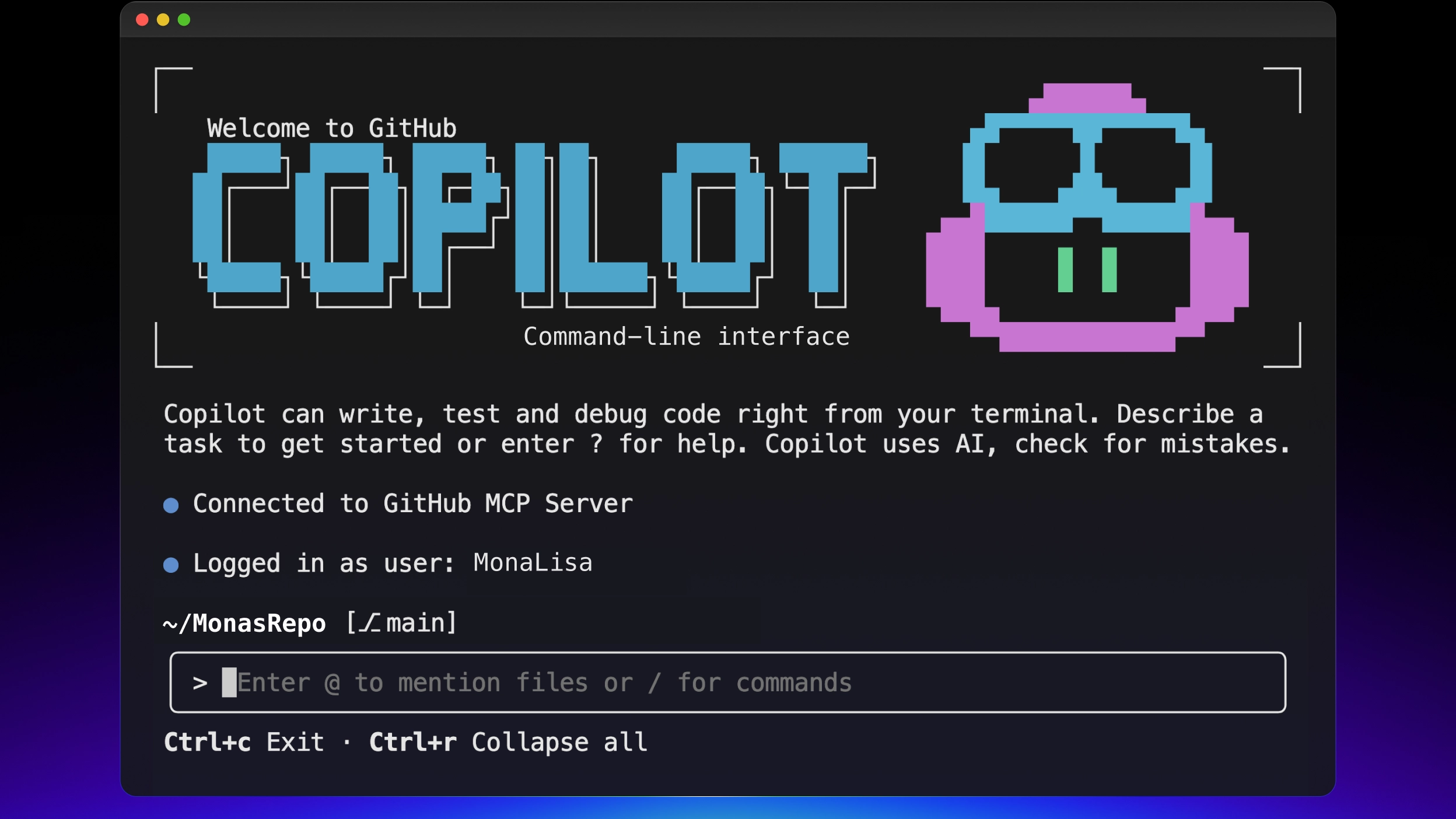
FutureX vs. GitHub Copilot CLI: Terminal Agent Showdown
A technical comparison of FutureX and GitHub Copilot CLI as terminal AI agents, covering model control, workflow, integration, cost, and security for vibe coders.
FutureX9 min read
The Terminal Is the IDE: Why FutureX for Terminal-Native Development
FutureX turns the shell into a complete development environment, proving that terminal-native coding is not a compromise but the ideal surface for agentic programming.
terminal-native coding5 min read
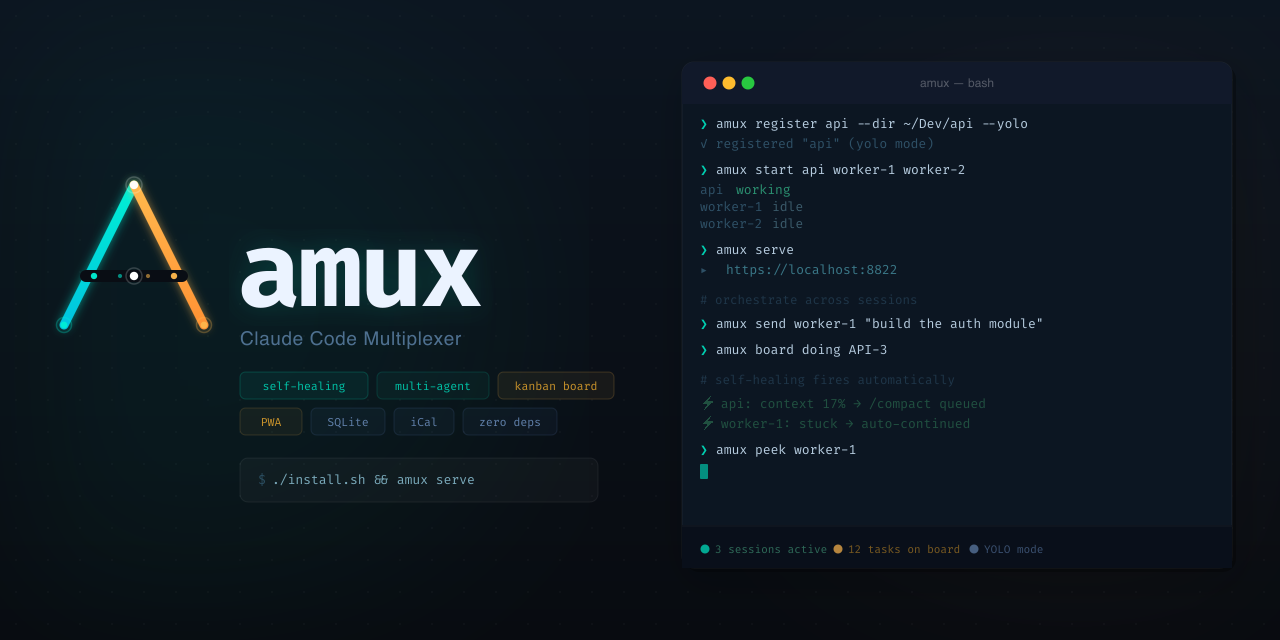
Headless, Scriptable, Parallel: Orchestrate Terminal Agents with FutureX
Use FutureX as a headless orchestrator to run parallel coding agents, self-healing loops, and a kanban-style workflow directly in your terminal.
CLI orchestration5 min read