The Terminal Is the IDE: Why FutureX for Terminal-Native Development
FutureX turns the shell into a complete development environment, proving that terminal-native coding is not a compromise but the ideal surface for agentic programming.
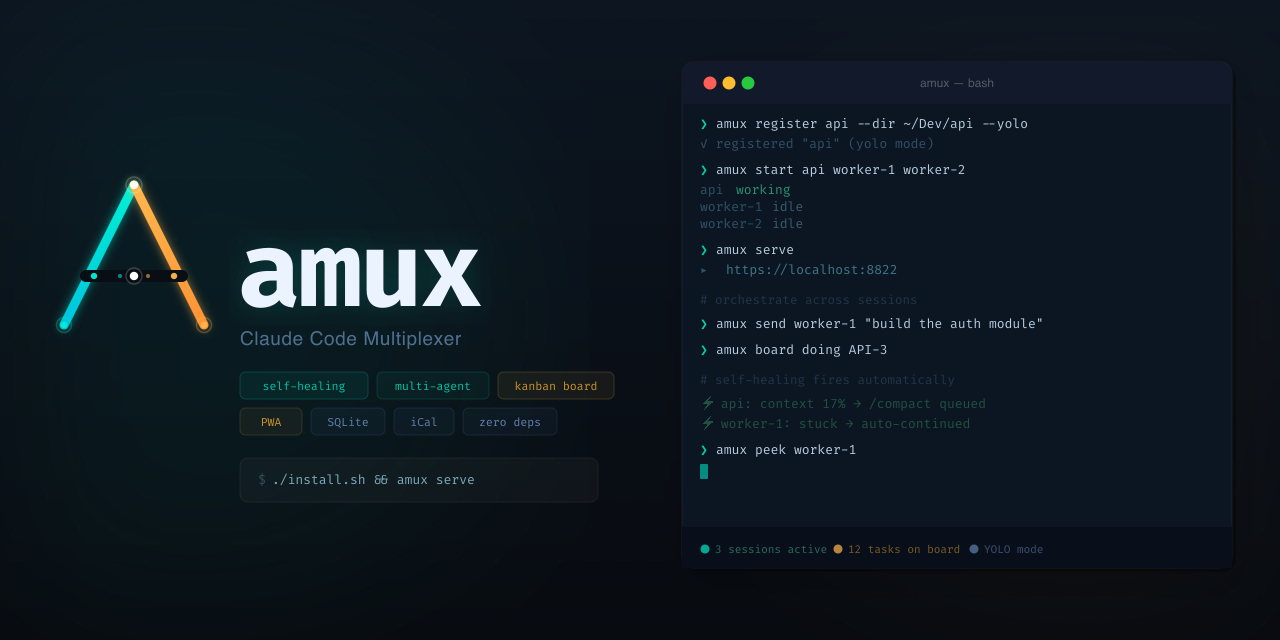
The terminal has never been the default home for modern AI coding assistants — most bolt onto a graphical IDE. But the terminal is where software was born, and it is where agentic workflows are most honest. FutureX, the coding agent for FIM, is built for terminal-native coding from the ground up: it reads, plans, edits, and tests inside the shell you already live in. This post makes the case that the terminal is not a compromise IDE, but the superior surface for agentic development.
Why Terminal-Native Coding Fits the Agent#
IDEs are interfaces designed for a human driving a compiler: menus, panels, symbol trees, mouse-driven workflows. An AI agent does not need mouse gestures. It needs a stable text protocol, complete control over the filesystem, and a way to stream actions and results that a human can audit in seconds. The terminal provides exactly that.
CLI-first development means every operation FutureX performs — a read, a patch, a test invocation — is expressed as a command. That is the Unix composition model, and it turns the agent into a composable tool rather than a magical pane inside an editor.
There is a practical benefit too. A terminal IDE has a tiny resource footprint. FutureX runs alongside your shell with none of the indexing caches, language servers, and plugin hosts that modern IDEs require. For developers working on remote machines, containers, or CI images, terminal-native coding is the only interface that works everywhere — from a laptop to a bare-metal box.
Reading a Repo Without the Graph#
Traditional IDEs spend considerable effort building a code graph. They index symbols, hierarchies, and references so a human can navigate visually. FutureX does something different: it reads the repository like a careful engineer would. It walks the directory tree, parses manifests, identifies build files, and infers conventions from the code itself.
Ask FutureX to explain an unfamiliar codebase and it returns a coherent map — entry points, data flow, module boundaries — without a single IDE panel. Because it works through the shell, FutureX also taps into ripgrep, git history, and plain-text search, giving it a fast, token-efficient path to understanding. For large monorepos, this matters: a terminal-native approach can skip millions of lines by drawing precise boundaries.
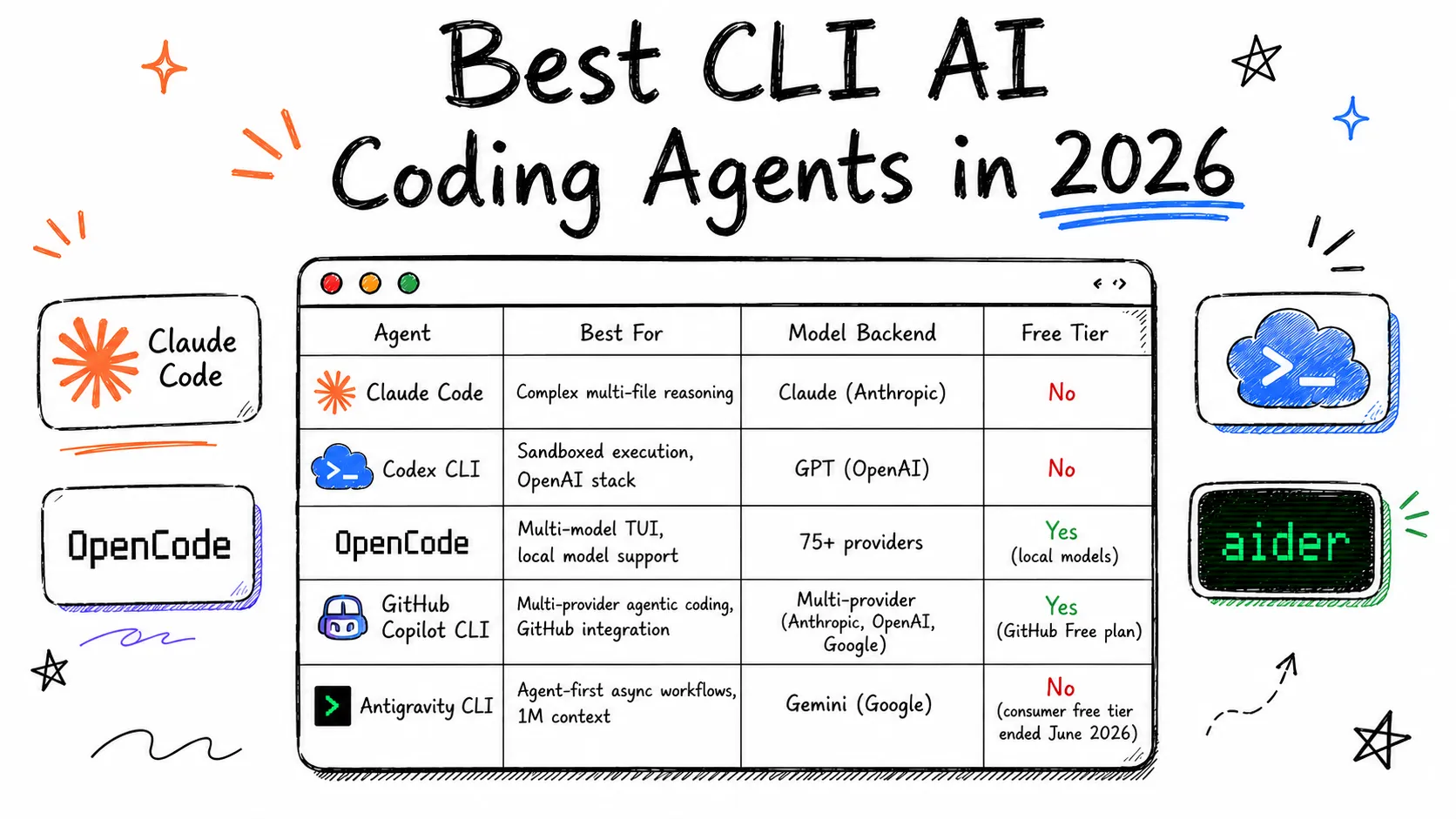
Source: devtoollab.com
Planning: A Diff You Can Review#
Before FutureX edits anything, it produces a plan. This is not a vague chat summary; it is a concrete, structured artifact — files to touch, transformations to apply, risks to watch. Because the plan is plain text, it can be reviewed in the terminal, saved to a file, or attached to a pull request. The plan reads like a diff you can understand before it exists.
This planning step is where AI coding in the terminal diverges from the vibe-coding style of "generate and hope." FIM's orchestration layer lets you choose the model behind FutureX — from the fast fx-mini for boilerplate to the frontier fx-pro for architecture-level reasoning — but the planning discipline is fixed. You see the intent before you accept the change.
Editing: Surgical, Auditable Patches#
The core of any coding agent is editing, and FutureX edits like a senior engineer: precise, minimal, and formatted to match the surrounding code. It applies patches to multiple files atomically, then verifies the result against your repository's formatter and linter settings. Every edit is visible in the diff, so code review becomes a confirmation rather than an archaeology project.
Because FutureX works in the terminal, it composes naturally with your existing git workflow. Branches, commits, rebases, amends — all of it stays under your control. You can have FutureX stage a change, run a pre-commit hook, or draft the commit message. CLI-first development means the agent never drags you out of the shell to click "accept" in a chat widget.

Source: shakudo.io
Testing Without Leaving the Shell#
An agent that edits but cannot test is just a fancy autocomplete. FutureX treats testing as a first-class step in every workflow. It runs your test suite — unit, integration, or end-to-end — parses the output, and uses failures as direct feedback to refine its edits. The loop is fast because it happens entirely in the terminal: no waiting for the IDE to reload, no switching windows, no context loss.
Reading Failures as Feedback#
FutureX knows when it cannot fix something and says so plainly. It will run a failing test, trace the failure to a specific change, and propose a correction. If the failure is environmental — a missing service, a bad fixture — it will tell you instead of hallucinating a fix. That honesty is a direct consequence of terminal-native design: the output is just text, and text can be scrutinized.
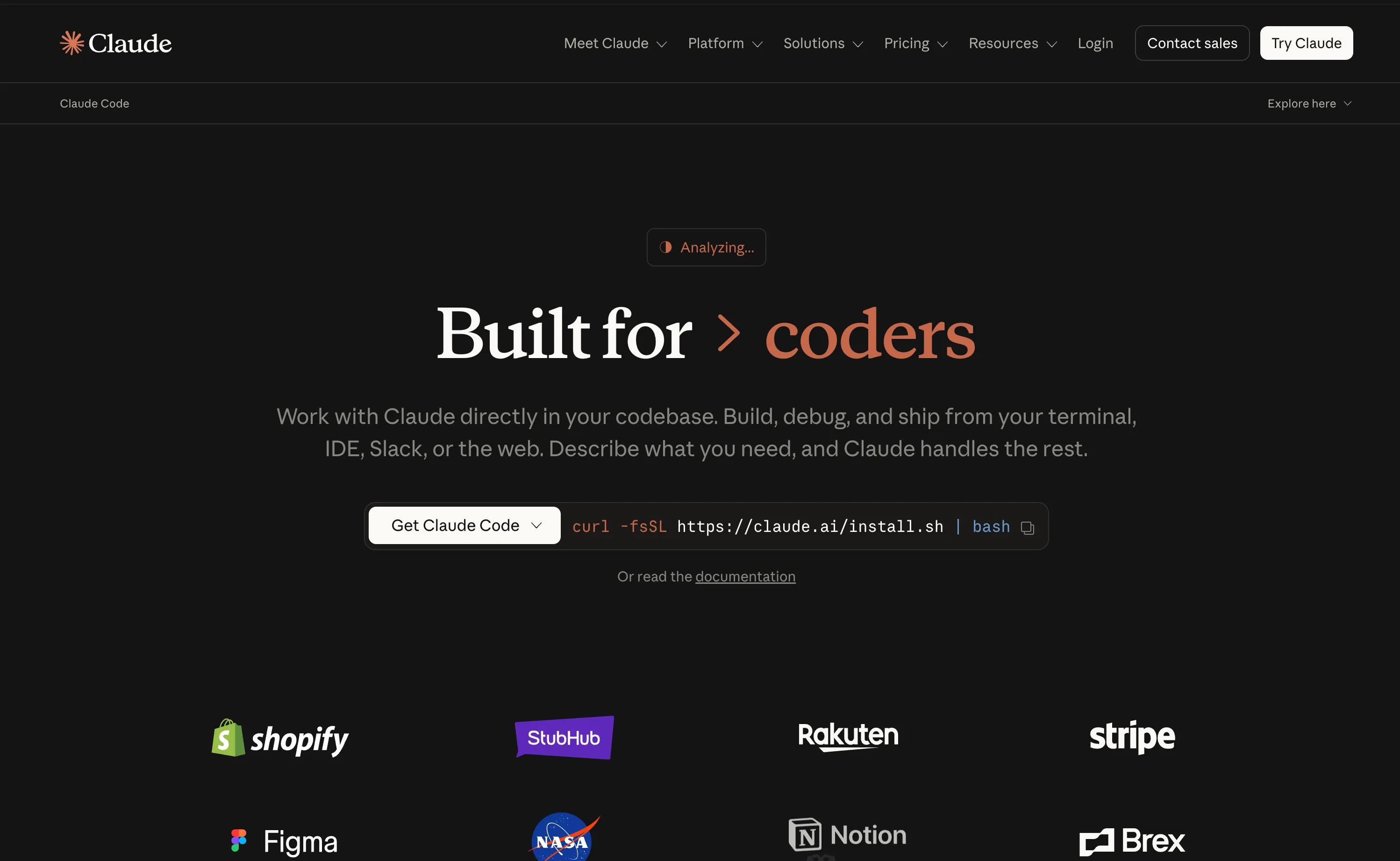
Source: devtoollab.com
One Flow, Zero Context Switches#
Here is the workflow that terminal-native coding enables. You clone a repository, open a shell, and ask FutureX to add a rate limiter to an internal API. Within seconds it has mapped the request path, spotted the relevant middleware, and produced a plan. You approve. It edits four files, applies them as a coherent patch, and runs the test suite. Two tests fail. It reads the stack traces, corrects a subtle off-by-one in the limiter window, and reruns. Green. You review the final diff, commit, and push — without ever leaving the terminal.
That is the promise of a terminal IDE: the entire engineering loop collapses into one surface. No project loading, no indexing spinner, no plugin compatibility puzzles. Just commands, text, and results.
Conclusion: The Terminal Is the IDE#
The debate was never really about whether IDEs are useful. They are. The point is that agentic development has different requirements, and the terminal — the oldest, most universal interface in programming — happens to satisfy them perfectly. FutureX makes terminal-native coding practical, auditable, and fast, and FIM's model tiering means the same terminal workflow scales from a quick refactor on fx-fast to deep architectural work on fx-pro.
If you are doing AI coding in the terminal, the terminal is not a fallback. It is the finish line. The IDE is optional.
Related reading
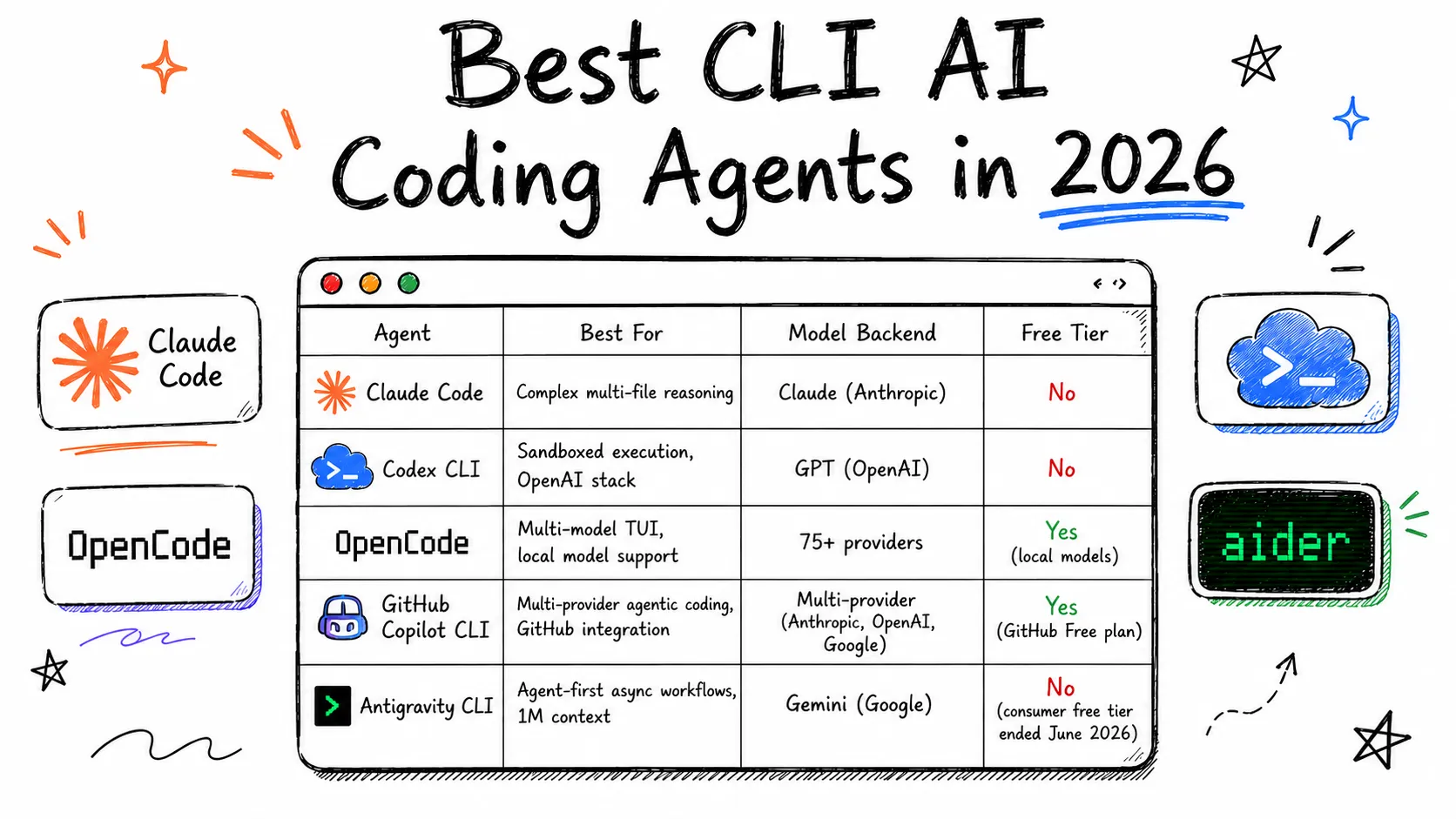
From Autocomplete to Autonomous: Where FutureX Fits
A survey of the CLI coding agent landscape in 2026 and an argument for why FutureX's terminal-first, autonomy-first design is the next step in agentic coding.
CLI coding agents6 min read
FutureX vs. AI-Native IDEs: Why the Coding Agent Is the New IDE
FutureX is not another AI feature bolted onto an editor — it is a standalone coding agent that replaces the IDE paradigm itself.
FutureX10 min read
FutureX vs. the Agent Framework Wars: Built-In Beats DIY Orchestration
A technical look at why a purpose-built terminal AI agent like FutureX beats assembling AI agent frameworks by hand, and where the complexity really lives.
AI agent frameworks5 min read