From Vibe Coding to Production: How FutureX Bridges the Gap
FutureX offers a unique middle ground between vibe coding and production-grade agents, making it the ideal starting point for beginners.
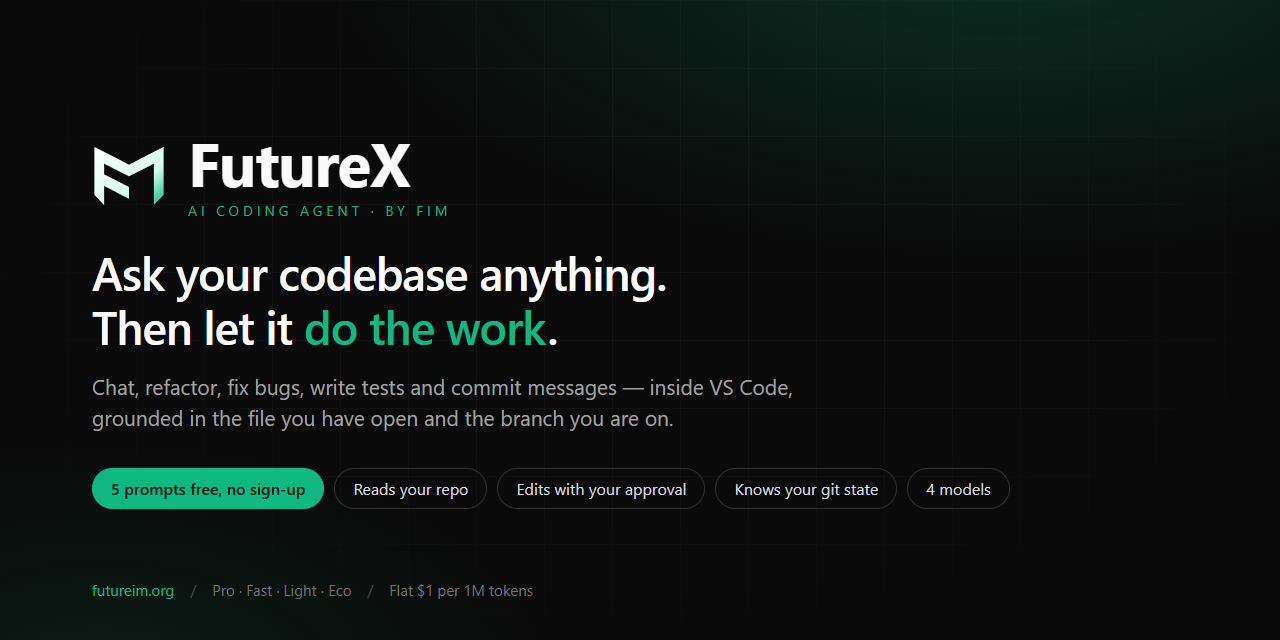
Vibe coding has taken the developer world by storm. Tools like Google AI Studio let you describe an idea in natural language and watch code appear almost magically. It's fast, fun, and feels like the future. But when you try to take that prototype and ship it to real users, the magic often fades. That's where FutureX steps in — not as a replacement for vibe coding, but as the natural next step. It keeps the creative flow while adding the guardrails and infrastructure you need to go from "it works on my machine" to "it works in production."
What Is Vibe Coding?#
Vibe coding is the practice of using AI to generate code based on loose, conversational prompts. You type "build a to-do app with auth" and the AI spits out a full stack application. It's incredible for exploration, learning, and quick prototypes. But vibe coding has a dirty secret: the generated code often lacks error handling, testing, security considerations, and scalability. It's designed for speed, not for reliability. Beginners love it because it makes them feel productive, but they hit a wall when they need to deploy something that other people will use.
The Production Gap#
Production-grade agents like Codex from OpenAI are built for robustness. They integrate with CI/CD pipelines, enforce coding standards, and can handle complex refactoring. But they come with a steep learning curve. You need to understand version control, testing frameworks, and deployment strategies before you can get any value. For a beginner who just wants to build something cool, that barrier is too high. The result is a gap: one side is pure speed with no structure, the other is pure structure with no speed.
How FutureX Bridges the Gap#
FutureX was designed from the ground up to occupy this middle ground. It understands that a beginner doesn't need Kubernetes on day one, but they also shouldn't be writing SQL queries with string concatenation. The agent is tuned to generate production-ready code from the start, using best practices for your chosen language and framework, without overwhelming you with options.
Source: aistudio.google.com
No Sign-Up Coding#
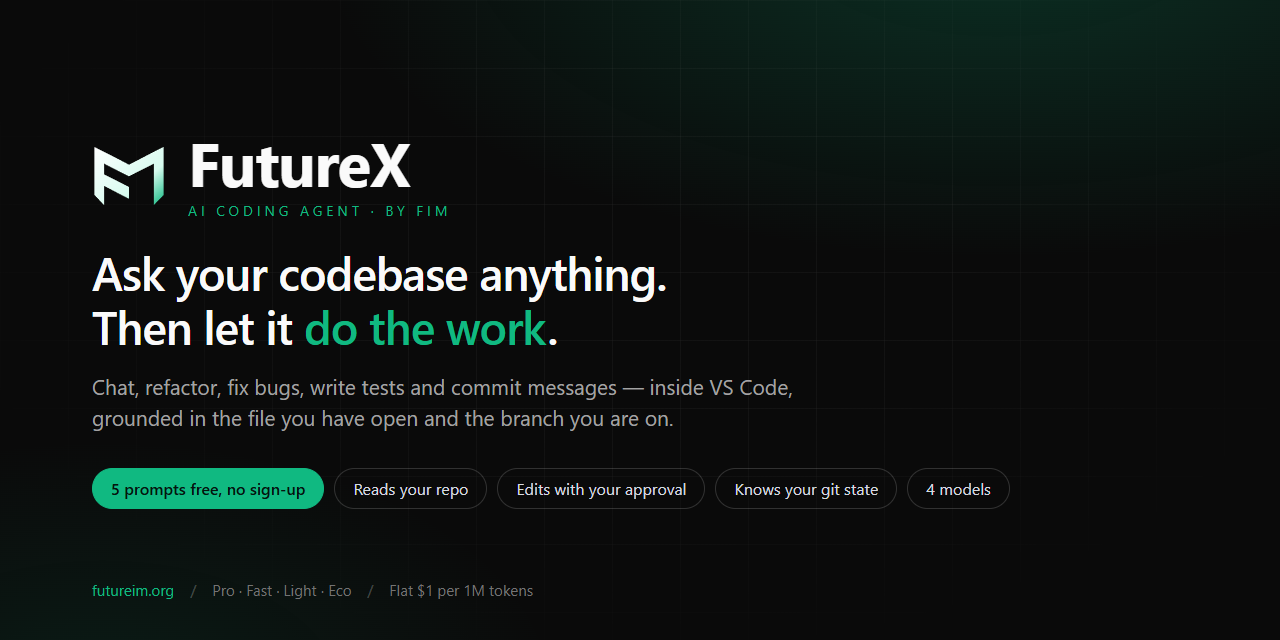
One of the biggest friction points in trying a new tool is the sign-up wall. FutureX lets you jump in and start coding immediately — no account, no credit card, no email verification. This commitment to no sign-up coding means you can test the agent's capabilities in under a minute. If you like it, you can later create an account to save projects, but there's no pressure to commit upfront.
Seamless Transition to Production#
When you're ready to ship, FutureX doesn't abandon you. The agent can export your project as a complete directory with a proper build system, tests, and deployment configuration. It can even generate Dockerfiles and CI workflows based on your hosting choice. This makes the transition from vibe coding to production feel like a smooth progression rather than a painful rewrite.
AI Agent Comparison: FutureX vs Google AI Studio vs Codex#
To understand where FutureX fits, it helps to compare it directly with the two ends of the spectrum.
| Feature | Google AI Studio (Vibe) | Codex (Production) | FutureX (Middle Ground) |
|---|---|---|---|
| Onboarding | Instant, no sign-up | Requires account | Instant, no sign-up |
| Output quality | Prototype-grade | Production-grade | Production-grade with guardrails |
| Learning curve | Low | High | Medium |
| Deployment support | None | Advanced (CI/CD) | Beginner-friendly export |
| Best for | Exploration | Professional teams | Beginner AI coding, startups |

Source: marketplace.visualstudio.com
FutureX is the only tool that combines the instant accessibility of vibe coding with the reliability of a production agent. For beginners, this means you can learn good practices by example, not by reading docs. For experienced developers, it means you can prototype ideas in minutes without sacrificing quality.
Practical Steps to Go from Vibe to Production#
If you're currently using vibe coding tools and want to level up, here's a concrete workflow with FutureX:
-
Start with a clear prompt. Instead of "make a chat app," write "create a real-time chat app with Node.js, WebSockets, and in-memory storage for now." FutureX understands context and will generate modular code.
-
Review the generated code. Every file comes with comments explaining the rationale behind design decisions. This is your chance to learn why things are done a certain way.
-
Run the built-in tests. FutureX automatically generates unit tests for critical paths. Run them, fix failures, and see how the agent refactors code based on test feedback.
-
Export and deploy. Use the one-click export to get a zip file with everything you need. Follow the included README to deploy to Vercel, Netlify, or a VPS.
-
Iterate with confidence. Because the code is production-ready from the start, you can add features without fear of breaking things. The agent can help with refactoring as you scale.
Conclusion#
Vibe coding is not going away — it's an essential part of the creative process. But if you want your ideas to survive contact with real users, you need a tool that bridges the gap between inspiration and deployment. FutureX does exactly that. It respects the beginner's need for speed and simplicity while gently enforcing the habits that lead to production-quality software. Whether you're a hobbyist building your first app or a startup founder validating an idea, FutureX is the ideal starting point for your journey from vibe to production.
Related reading
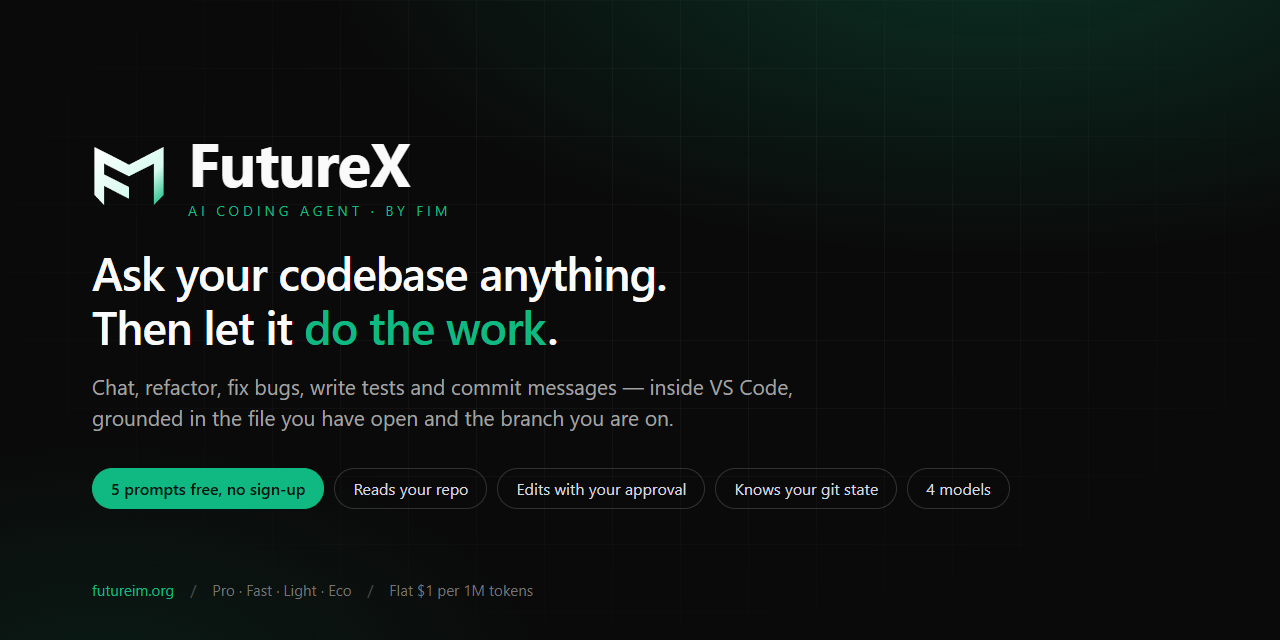
FutureX vs Codex: Best AI Coding Agent for Prototyping
A hands-on comparison of FutureX and Codex for rapid prototyping, exploring how each AI coding agent performs in real-world vibe coding scenarios.
FutureX5 min read
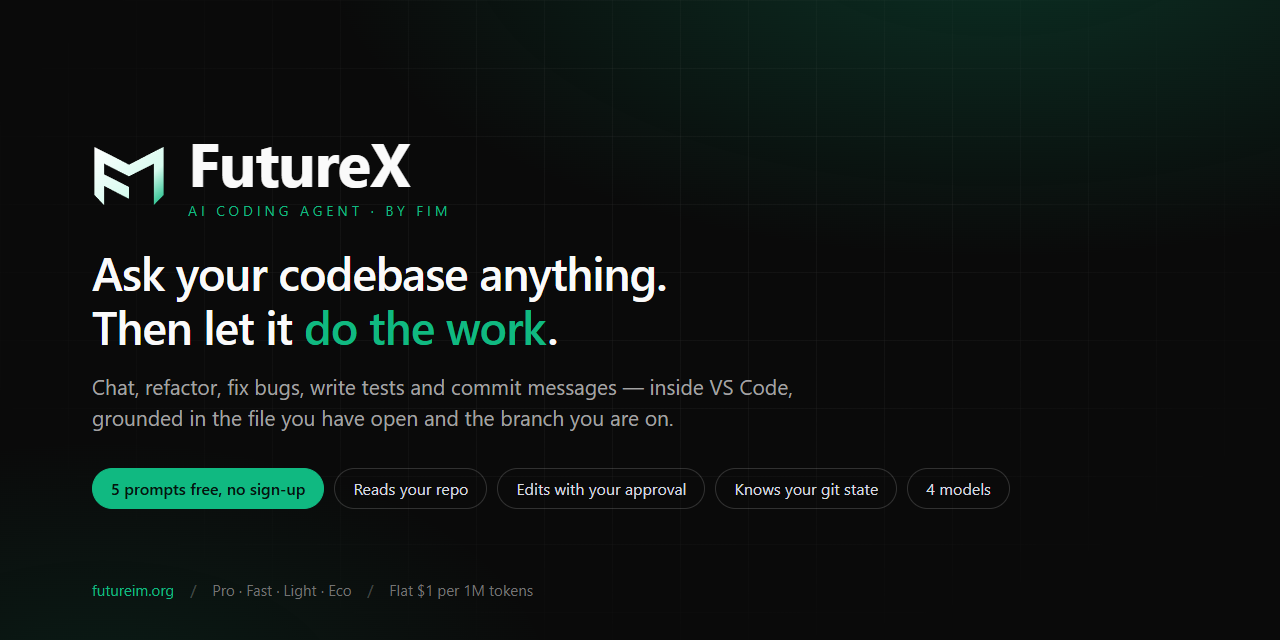
FutureX vs Codex: Why the New VS Code Extension Wins for Vibe Coders
A head-to-head comparison reveals how FutureX’s no-sign-up free prompts and lighter agent mode make it the better VS Code extension for vibe coding newcomers.
FutureX3 min read
Vibe Coding in VS Code: How FutureX Makes AI-Assisted Development Feel Natural
FutureX, the AI coding agent integrated into VS Code, enables vibe coding by allowing developers to describe features in plain language and receive working code, streamlining development workflows.
vibe coding5 min read