Vibe Coding in VS Code: How FutureX Makes AI-Assisted Development Feel Natural
FutureX, the AI coding agent integrated into VS Code, enables vibe coding by allowing developers to describe features in plain language and receive working code, streamlining development workflows.
- vibe coding
- AI code generation
- VS Code extension
- FutureX
- plain language programming
- developer productivity
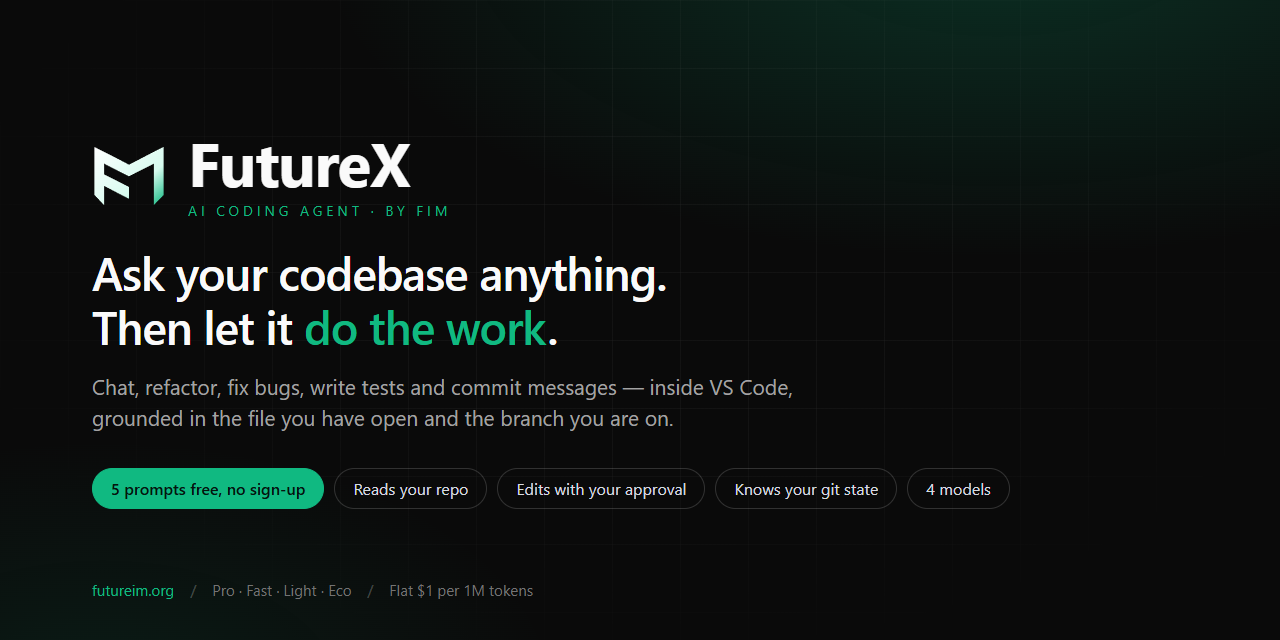
Vibe coding represents a paradigm shift in software development: instead of typing each line of code manually, developers describe the desired feature in plain English and let an AI coding agent generate the implementation. FutureX brings this vision to life inside Visual Studio Code with a deeply integrated extension that understands your project context, respects your coding style, and produces working code in seconds. By combining natural language processing with real-time code analysis, FutureX transforms the developer experience from one of rote typing to one of high-level orchestration.
The Rise of Vibe Coding#
Traditional coding requires a developer to mentally translate a functional requirement into precise syntax, library calls, and architectural decisions. Vibe coding inverts that process: you articulate the intent in natural language, and the AI code generation engine bridges the gap to executable code. This shift is especially valuable for prototyping, scaffolding repetitive CRUD operations, exploring unfamiliar APIs, or simply accelerating the build phase of features that follow well-known patterns.
FutureX's VS Code vibe coding capability is built on a foundation of large language models fine-tuned specifically for code, combined with a retrieval-augmented generation pipeline that pulls in relevant files, type definitions, and configuration from your workspace. The result is an assistant that doesn't just guess – it reasons about the codebase as a whole.

How FutureX Translates Plain Language into Production-Ready Code#
Behind the natural interface lies a sophisticated multi-stage process that ensures generated code is not only syntactically correct but also contextually appropriate.
Context Gathering#
When you type or speak a prompt like "create a REST endpoint that returns a paginated list of users with role-based filtering," FutureX first examines your open files, project structure, and installed dependencies. It identifies the framework (e.g., Express, Django, Spring), database ORM, and existing patterns in similar endpoints. This context prevents the agent from generating code that clashes with your established conventions.
Intent Parsing and Refinement#
The plain language prompt is parsed into a structured representation that captures the core requirement, constraints, and edge cases. FutureX then generates intermediate artifacts – function signatures, data flow diagrams, or test outlines – and presents them for your approval or refinement before producing the final code. This iterative loop is a key differentiator from one-shot generation tools.
Safety and Correctness Checks#
Before inserting code, FutureX runs a lightweight static analysis to catch common issues: variable name collisions, missing imports, type mismatches, or security vulnerabilities like SQL injection. It also respects your linter rules and config files (.eslintrc, pylintrc, etc.).
Seamless Integration with the VS Code Extension#
The FutureX coding agent is available as a first-class VS Code extension that enhances both the editor and the sidebar.
Inline Completions and Edits#
As you type, FutureX offers completions that go beyond simple autocomplete. You can trigger a code-generation prompt by pressing a hotkey and describing what the next block should do. The agent then inserts the code directly into the current file at the cursor position. Alternatively, you can select existing code and ask FutureX to "refactor this to use async/await" or "add error handling" – and the updated snippet replaces the selection.
Chat Panel for Complex Workflows#
For multi-step features, the dedicated chat panel provides a conversational interface. You can describe an entire module, ask follow-up questions, request changes, and have FutureX update files across your project. The panel maintains context across the conversation, so you can iterate without repeating yourself.
Project Awareness#
The extension indexes your entire workspace, including hidden configuration files, documentation comments, and even git blame history to understand which code is most stable. This enables FutureX to make recommendations that align with your team's coding practices and avoid introducing unnecessary churn.
Real-World Applications and Developer Workflows#
Developers are using FutureX for a wide range of tasks:
- Rapid prototyping: Describe a new API endpoint, and FutureX generates the route handler, input validation, database query, and response formatting in one step.
- Test generation: "Write unit tests for all functions in
utils.py" produces comprehensive test cases with proper mocking. - Refactoring: "Convert this class to use dependency injection" – FutureX rewires object instantiations and updates constructor signatures.
- Bug fixing: Paste an error trace and ask "why is this failing?" – FutureX identifies the root cause and offers a fix.
Because the extension is deeply integrated, these operations happen without leaving the editor. The developer's focus stays on the problem domain rather than the mechanics of code.
Best Practices for Vibe Coding with FutureX#
To get the most out of plain language programming with FutureX, consider these guidelines:
- Be specific about context: Mention the framework, library, or pattern you want. For example, instead of "add a search bar", say "add a React search bar with debounced input and results from the
/searchAPI endpoint using fetch." - Break down large requests: A single prompt asking for "build a microservices architecture" is too broad. Start with one service, then iterate.
- Review and iterate: Treat the generated code as a draft. Ask FutureX to adjust naming, add comments, or improve error handling.
- Use the chat panel for multi-file changes: Small inline prompts are great for single-file edits; large feature additions benefit from the conversation-based approach.
Conclusion#
Vibe coding with FutureX in VS Code makes AI-assisted development feel as natural as having a senior developer pair program with you. By leveraging the FutureX coding agent, you shift from writing every character to describing every feature, dramatically accelerating the feedback loop between intent and implementation. Whether you are building a new project from scratch or maintaining an existing codebase, the ability to express ideas in plain language and get production-ready code in return is changing how software gets built – one natural conversation at a time.
Related reading
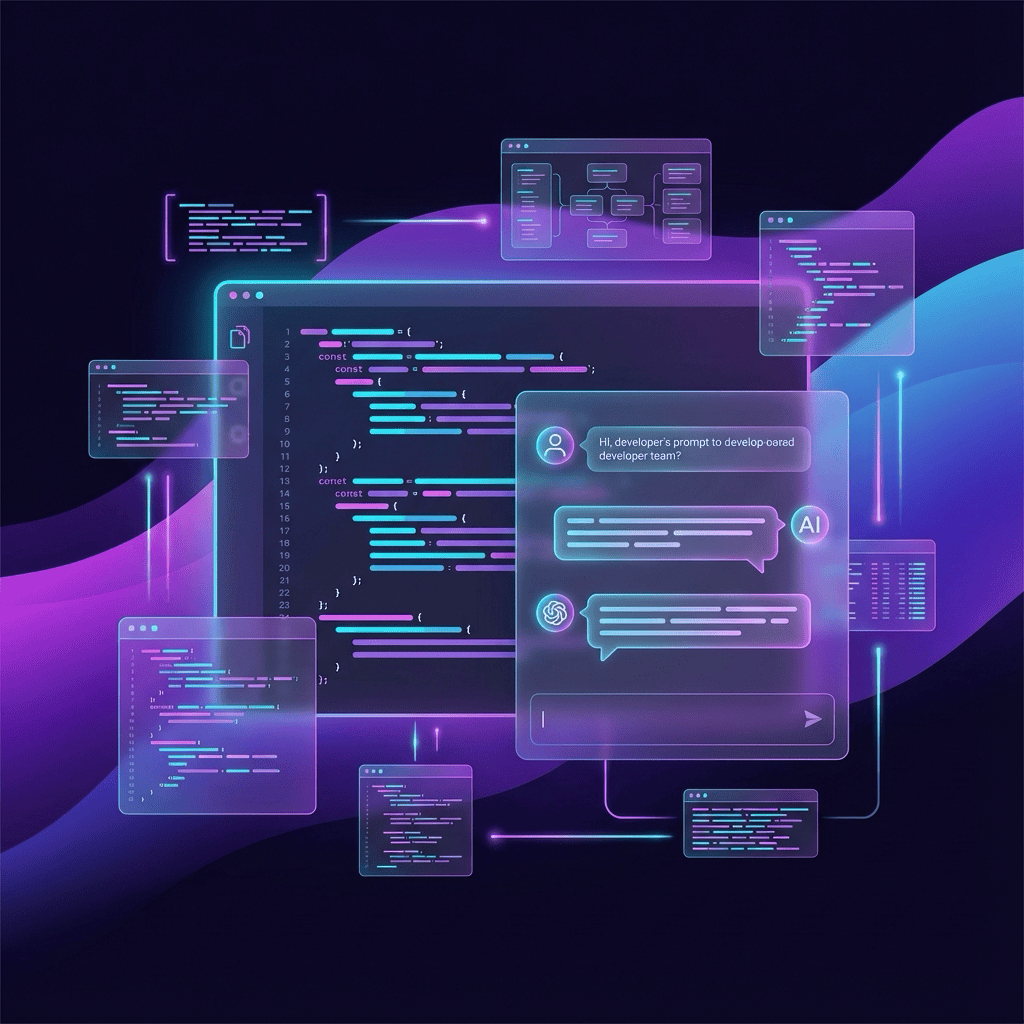
How to Vibe Code Like a Pro: 5 FutureX Prompt Patterns That Actually Work
Move beyond generic advice and learn five concrete prompt patterns that turn vague ideas into working code with FutureX, the AI coding agent on FIM.
vibe coding3 min read
FutureX vs. Cursor vs. Claude Code: Which Vibe Coding Tool Wins in 2026?
A technical comparison of FutureX, Cursor, and Claude Code focusing on context handling, multi-file edits, and pricing to help developers choose the best vibe coding tool in 2026.
FutureX5 min read
From Idea to Deployed App in One Session: FutureX Vibe Coding Workflow
A real-world walkthrough of using FutureX to go from concept to a deployed full-stack application in a single coding session, with practical tips for speed and reliability.
FutureX5 min read