FutureX vs Codex: Why the New VS Code Extension Wins for Vibe Coders
A head-to-head comparison reveals how FutureX’s no-sign-up free prompts and lighter agent mode make it the better VS Code extension for vibe coding newcomers.
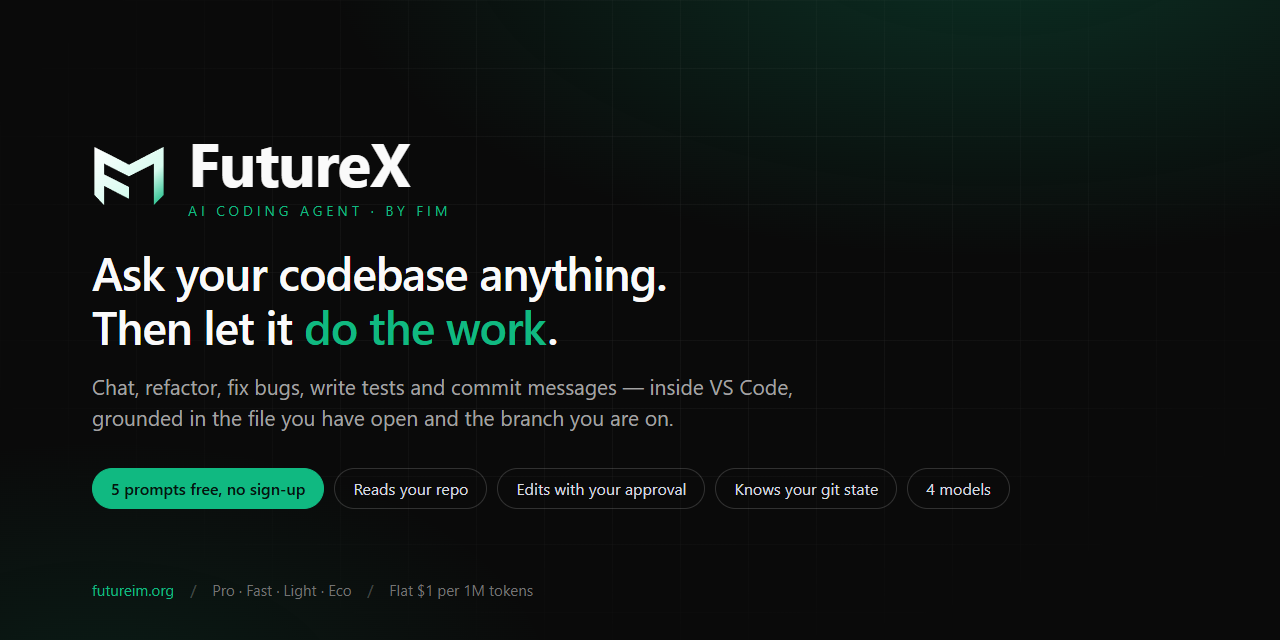
If you’ve been paying attention to the AI coding landscape, you’ve likely heard of OpenAI’s Codex and the newer VS Code extension called FutureX. Both promise to turn natural language into working code, but they take very different approaches—especially for the growing tribe of vibe coders who want to experiment without friction. Let’s dive into the key differences and see why FutureX is winning over newcomers.
The Rise of Vibe Coding#
Vibe coding isn’t about writing perfect software from day one. It’s about using an AI coding agent to quickly generate prototypes, learn by tweaking prompts, and get a feel for how code works without getting bogged down in setup. Codex, as part of OpenAI’s ecosystem, requires an OpenAI account, API keys, and often a paid plan for serious use. FutureX, on the other hand, is a free AI coding agent that lives inside VS Code and lets you start coding instantly.

Source: marketplace.visualstudio.com
The Core Experience#
Both extensions let you describe what you want in plain English, but the vibe differs. Codex tends to generate complete functions or classes, which is great for experienced developers but can overwhelm someone just exploring. FutureX, with its lighter agent mode, gives you incremental suggestions, explains what it’s doing, and lets you iterate without feeling locked into a single solution. For vibe coding, that fluid back-and-forth is gold.
Why No Sign-Up Matters#
One of the biggest barriers to trying a new AI tool is the sign-up flow. Codex forces you to create an OpenAI account, agree to terms, and often set billing. FutureX completely sidesteps that. You open VS Code, install the extension, and start prompting—no account, no credit card, no trials ticking down.
Free Prompts for the Win#
FutureX offers a generous number of free prompts per day—enough to prototype several small projects without any cost. Codex’s free tier is more limited; you’ll hit usage caps fast if you’re just vibe coding. For learners and hobbyists, FutureX’s model is a clear win. You can explore, make mistakes, and restart without financial anxiety.
Privacy and Simplicity#
Without account creation, FutureX also reduces the privacy overhead. Your prompts are processed, but there’s no permanent identity tied to them unless you choose to sign up later. Codex ties everything to your OpenAI profile, which can feel heavy for a quick experiment.
Agent Mode: Lighter and Friendlier#
Both tools offer “agent” modes that attempt to automate multi-step tasks, but the philosophy differs. Codex’s agent mode is powerful—it can chain together function calls, write tests, and even interact with files. But it can also be aggressive, making changes you didn’t expect. FutureX’s lighter agent mode is designed for vibe coding: it asks for confirmation before major edits, shows a diff preview, and can be paused at any step.
Control vs. Autonomy#
Vibe coders often want the agent to take the wheel but also want to stay in control. FutureX strikes that balance by being helpful without being heavy-handed. Codex can feel like it wants to write the whole app for you, which is great when you know what you’re doing, but overwhelming if you’re just playing around. FutureX’s step-by-step approach lets you learn from each suggestion.
Context Handling#
FutureX manages context elegantly. Because it’s built specifically for VS Code, it understands your open files, workspace structure, and even running terminals. Codex also does this, but the integration feels deeper in FutureX—less like a separate chat window and more like a pair programmer sitting next to you. For vibe coding, that co‑presence is crucial.
The Verdict for Vibe Coders#
If you’re a seasoned developer who needs raw power and has an OpenAI subscription already, Codex remains a strong choice. But if you’re a vibe coder—someone who wants to explore AI coding without commitment, without signing up, and without an overpowered agent taking over—FutureX is the clear winner. It’s free, it’s lighter, and it respects your flow. Install the VS Code extension today and see how vibe coding feels when the friction is gone.
FutureX isn’t just another AI coding agent; it’s the one designed for the way you actually want to code—experimentally, iteratively, and with zero upfront hassle. Give it a try.
Related reading
FutureX vs Codex: Best AI Coding Agent for Prototyping
A hands-on comparison of FutureX and Codex for rapid prototyping, exploring how each AI coding agent performs in real-world vibe coding scenarios.
FutureX5 min read
Vibe Coding in VS Code: How FutureX Makes AI-Assisted Development Feel Natural
FutureX, the AI coding agent integrated into VS Code, enables vibe coding by allowing developers to describe features in plain language and receive working code, streamlining development workflows.
vibe coding5 min read
From CLI to Context: Why VS Code Extensions Outshine CLI Agents
VS Code extensions provide the context-rich, multi-step environment that CLI agents lack, making them the natural home for modern agentic AI workflows.
agentic AI6 min read