Aider vs Claude Code vs Codex: Choosing Your First CLI Agent
A hands-on comparison of Aider, Claude Code, and Codex CLI covering setup complexity, cost, and which terminal coding agent fits beginners versus experts.

Choosing your first terminal coding agent is harder than it should be. Aider, Claude Code, and Codex CLI each take a different approach to the same job: turning natural-language instructions into edits in your local repository. This hands-on guide compares setup complexity, cost, and where each tool lands on the beginner-to-expert spectrum, so you can pick the one that fits how you actually work.
Why Use a Terminal Coding Agent?#
An agentic coding IDE embeds assistance in a graphical editor, while a terminal coding agent lives in your shell. The distinction matters. Terminal agents sit next to git, your test runner, and your linter. They can run commands, read logs, and amend commits without you switching windows.
For many developers, the terminal is the least distracting place to work, because it is also where the ground truth of your project lives. CLI agents compose well with existing tooling, and they are easier to script, automate, and drop into CI pipelines. If you are new to agentic coding versus agentic terminal coding, starting with a CLI agent teaches you the underlying loop: propose, review, apply, verify.
The Three Contenders#
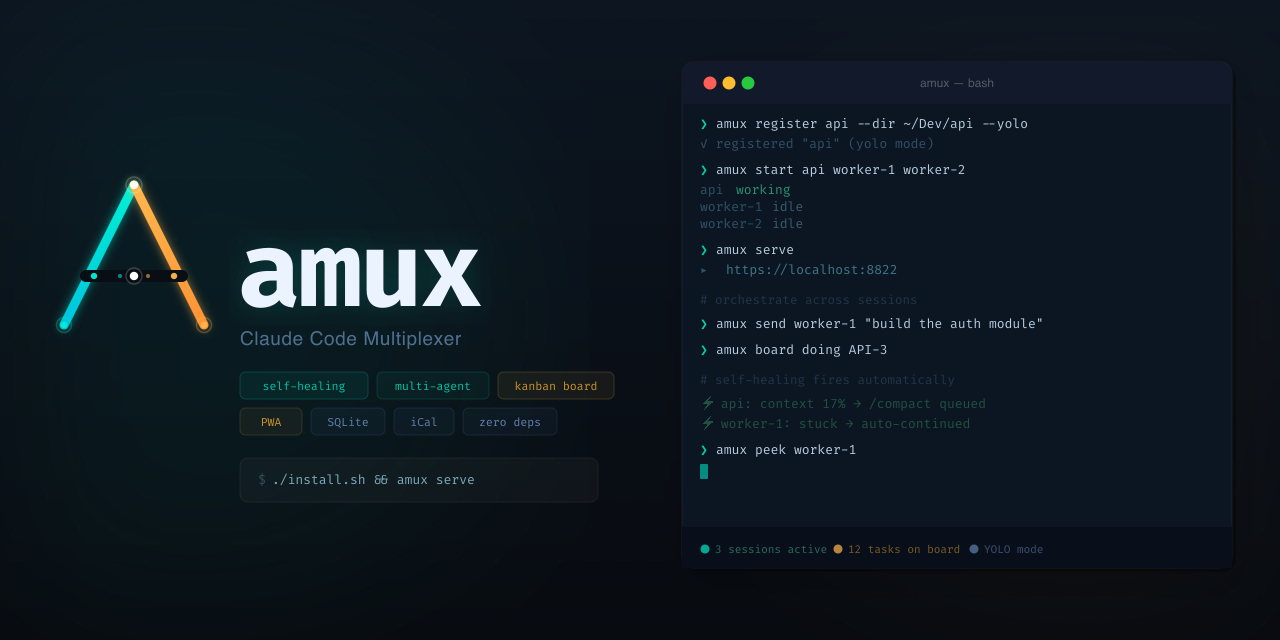
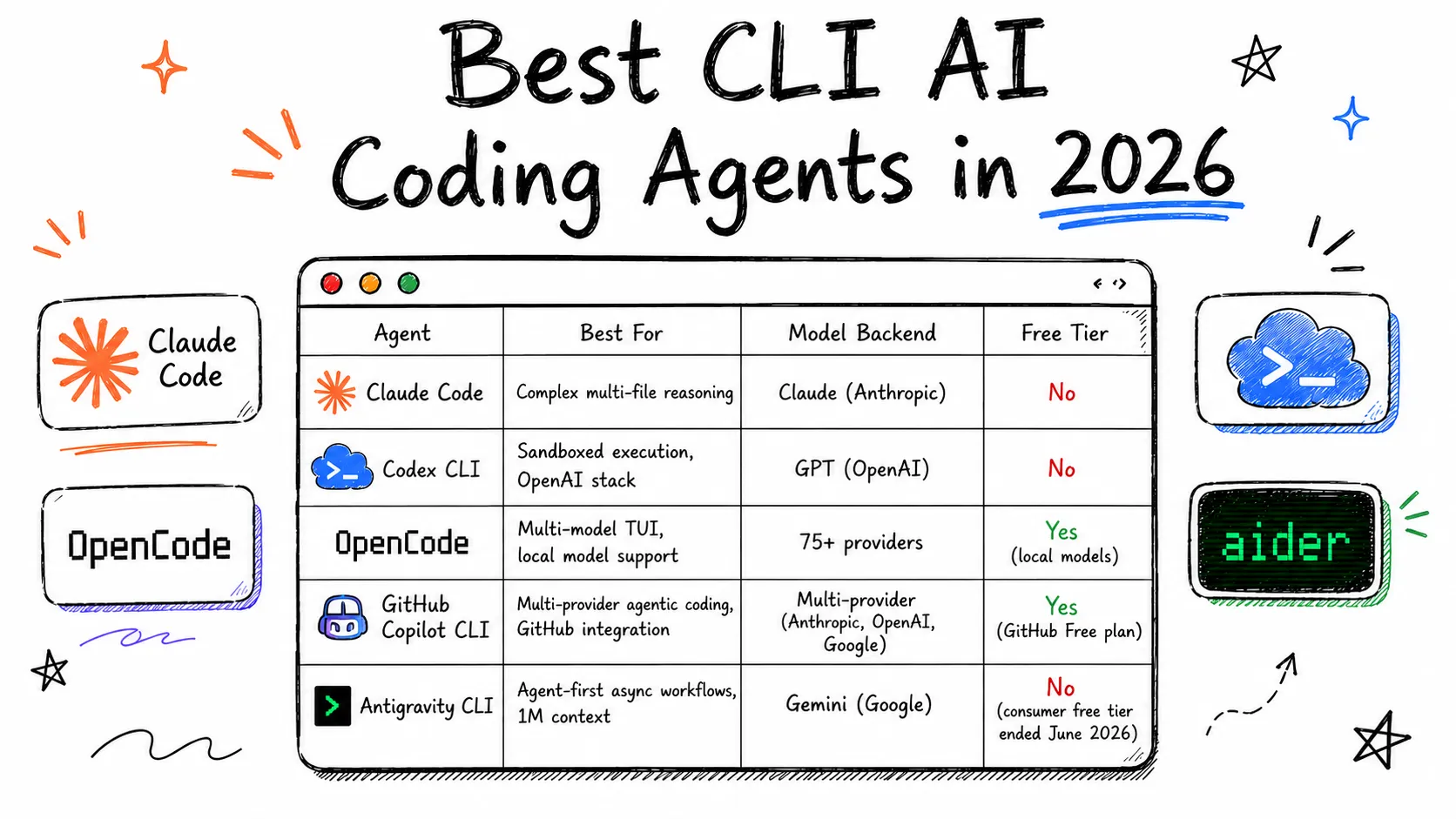
The current CLI agent comparison usually comes down to three names: Aider, Claude Code, and Codex CLI. All three are open about their workflows but differ sharply in philosophy.

Source: tembo.io
Aider#
Aider is the veteran of the group. It wraps a code-editing workflow around a chat interface, tracks the files you add to the session, and creates git commits for every change. Its hallmark is the repo map: a compact map of your codebase that helps the model reason about where edits belong. Aider is model-agnostic — you can point it at any provider — which makes it a favorite for people who want portability and fine-grained control.
Claude Code#
Claude Code is Anthropic's agentic coding tool for the terminal. It is built around a different metaphor: an agent that can explore your repository, run commands, and edit files, with a permission system that lets you approve each action. It is opinionated about its default behavior but still configurable. Its transcripts and checkpoints make it easy to review what the agent did and to resume or roll back work.
Codex CLI#
Codex CLI is OpenAI's open-source terminal agent. It inherits the familiar assistant-style interaction and adds sandboxed command execution. Codex can run commands with approval, and its configuration leans toward integrating with existing git workflows and custom model endpoints. It is the youngest of the three, so its ecosystem is still settling — but that also means it iterates quickly.
Setup Complexity Compared#
Setup effort is often the deciding factor for a first terminal coding agent.
Aider's Setup#
Install with pip or uv, then run aider in your repository. You need an API key for whichever provider you choose. The initial configuration asks which files to add and which model to use. Total time to first edit: about five minutes if the key is already in your environment. The tradeoff is that Aider exposes a lot of knobs, and new users sometimes feel the need to read the docs before they trust it.
Claude Code's Setup#
Claude Code is installed through the Anthropic CLI and requires authentication with a Claude account or an API key. It will scan your repo, detect the language, and propose a plan before making broad changes. Its permission prompts are the main thing to learn. If you have used an agentic IDE before, the approval flow will feel familiar. If not, the prompts are verbose enough to be self-explanatory.
Codex CLI's Setup#
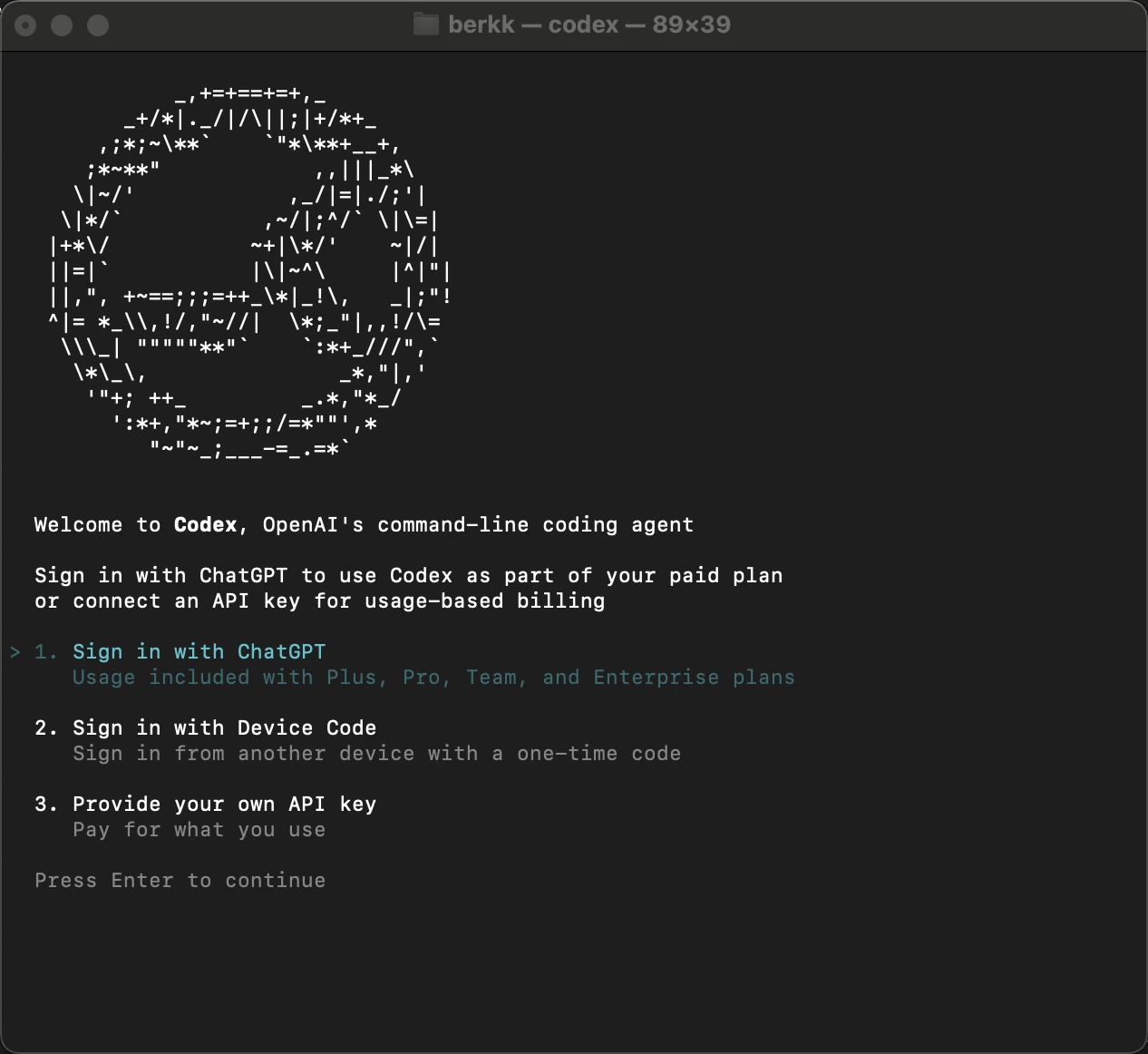
Codex is distributed via npm (npm i -g @openai/codex) and authenticates with your OpenAI account. It offers a sandbox feature for running untrusted commands in an isolated environment, which is great for safety but adds a conceptual layer. The setup is a single command plus a login flow, but the sandbox configuration options can confuse beginners.
Source: aimultiple.com
Verdict: all three are installable in under ten minutes. Codex is fastest to first edit for people already in the npm ecosystem; Aider is fastest for people who already have a provider API key; Claude Code has the smoothest guided first-run experience.
Cost Comparison#
Cost splits into two parts: what the tool charges and what the underlying model usage costs.
Aider itself is free and open source. You pay per token to whatever model you configure. Using a cheap model for simple refactors and a strong model for architecture work is straightforward, but wiring multiple providers is on you.
Claude Code has an open-source CLI, but the default path requires a paid Claude subscription. Heavy users may hit rate limits during long sessions. There are no per-seat costs beyond the plan, but large codebases can consume significant context. One thing to watch: approval pauses do not save tokens — you pay for the whole working session.
Codex CLI is free to use with a limited tier and requires a paid account for heavier usage. Its token pricing is metered per request, and the sandbox does not add cost by itself. For big repos, the cost driver is how many context refreshes the agent triggers.

Source: tembo.io
General guidance: if you want strict cost control, Aider gives you the most leverage because you choose the model. If you want predictable monthly pricing, a subscription-based plan with Claude Code or Codex scales more gently. Watch out for long-running agentic loops — every tool can burn tokens quickly when it re-reads the repo.
Beginner vs Expert Fit#
The line between beginner and expert is less about years of experience and more about tolerance for black boxes.
Beginners benefit from visible guardrails. Claude Code's plan-then-act flow and permission prompts make it the most legible: you see what the agent intends to do before it does it. Codex CLI's sandbox is also reassuring because a bad command cannot destroy your workstation. Aider is the least guarded — it edits files and commits directly, which is powerful but requires trust and a habit of reviewing diffs.
Experts tend to prefer Aider because it is scriptable, model-agnostic, and integrates cleanly with existing git habits. The repo map gives precise control over context. Claude Code appeals to experts who want a powerful agent with good audit trails. Codex is attractive to developers already invested in the OpenAI ecosystem and who want a sandboxed, hackable agent that can be tuned via configuration files.
How to Choose#
Start with your workflow, not the hype. If you live in the terminal and want maximum control over model choice and cost, pick Aider. If you want the most guided experience with clear permission boundaries, pick Claude Code. If you want a modern, sandboxed agent with a gentle onboarding curve and you are comfortable in the Node ecosystem, pick Codex CLI.
The good news: all three are CLIs, so trying another one costs an afternoon. Install two of them side by side, run them on the same small refactor task, and compare the diffs. The terminal coding agent that fits you is the one whose decisions you can follow without reading the whole patch.
Related reading
The Terminal Is the IDE: Why FutureX for Terminal-Native Development
FutureX turns the shell into a complete development environment, proving that terminal-native coding is not a compromise but the ideal surface for agentic programming.
terminal-native coding5 min read
From Autocomplete to Autonomous: Where FutureX Fits
A survey of the CLI coding agent landscape in 2026 and an argument for why FutureX's terminal-first, autonomy-first design is the next step in agentic coding.
CLI coding agents6 min read

IDE Agent vs Terminal Agent: What Devs Use in 2026
A look at what 2026 developer survey threads reveal about IDE agent preference versus terminal agent choice among senior engineers.
IDE agents5 min read