The 4 Categories of Agentic Coding Tools in 2026
A practical map of CLI agents, IDE agents, autonomous agents, and model routers — and how to choose where your workflow fits.
By 2026, the term "agentic coding tools" no longer describes a single product category. What began as a chat pane in an editor has fragmented into at least four distinct tool types, each optimized for a different workflow: CLI agents, desktop IDE agents, 24/7 autonomous agents, and model routers. Picking the wrong one usually means paying for autonomy you do not use, or missing the speed of a terminal-native loop. This post maps the landscape so you can decide where your workflow fits.
The Four Categories at a Glance#
| Category | Primary Surface | Typical Loop | Best For |
|---|---|---|---|
| CLI agents | Terminal | Edit, run, repeat | Scripting, SSH, CI, remote hosts |
| Desktop IDE agents | Editor panel | Select, refactor, test | In-editor context and debugging |
| Autonomous agents | Issue queue and CI | Issue, PR, review | Async backlog and maintenance |
| Model routers | API gateway | Prompt, route, respond | Cost, latency, model selection |
Each category answers a different question. CLI agents ask how fast a change can be executed. IDE agents ask how much code the agent can see at once. Autonomous agents ask whether the loop can run without a human. Model routers ask which model should pay for a given request. Most teams end up combining two or three.
CLI Agents: The Terminal-Native Loop#
CLI agents run directly in your shell. They operate on the filesystem, run git commands, invoke build tools, and stream diffs back to stdout. For developers who already live in a terminal, this is the most direct form of agentic terminal coding: no editor startup, no mouse, and no GUI overhead. The loop looks like one command, a review of the diff, and a follow-up command.
futurex "extract the caching layer from the API handler into cache.go"
Because the agent shares the environment with you, it can run tests, re-run a failing command, and inspect logs in the same session. That makes CLI agents excellent for scripting, server maintenance, and any workflow that happens over SSH. The trade-off is context: a CLI agent does not see your editor buffers, selections, or diagnostics unless you explicitly feed them in. If your work is deeply tied to editor state, a CLI agent will feel blind.
Desktop IDE Agents: Context Where You Edit#
Desktop IDE agents, commonly called IDE agents, live inside editors such as VS Code, JetBrains, and Neovim. Their defining characteristic is access to rich editor state: the open file, the current selection, language server diagnostics, and the project index. That context changes what the agent can do well. Refactoring a symbol across many files, generating tests for the function under the cursor, or explaining a failing build step become one-shot operations because the agent does not need to rediscover what you are already looking at.
The main weakness of IDE agents is the loop itself. They are tied to a GUI session, so they cannot run unattended, and they tend to be slower to ramp up in a fresh checkout than a CLI agent. Still, for most application development, the marginal context advantage of IDE agents outweighs terminal speed. This is the category most developers mean when they say "agentic coding" as opposed to "agentic terminal coding."
24/7 Autonomous Agents: Work That Never Sleeps#
The third category pulls the agent out of the interactive loop entirely. 24/7 autonomous agents run as services: they watch an issue queue, pick up tickets, implement changes, open pull requests, and wait for CI or a human reviewer. They suit work that is well specified and low-risk — dependency bumps, documentation updates, migration of deprecated APIs, or triage of failing tests.
For an autonomous agent to be safe, the surrounding workflow has to supply the supervision. A robust CI pipeline, mandatory code review, and narrowly scoped issue templates are prerequisites. Without those, an agent can open hundreds of plausible but wrong PRs. With them, the agent behaves like a junior engineer that works overnight and arrives with a review queue in the morning.
Model Routers: The Dispatch Layer#
Model routers are the category that most developers never see directly. A model router sits in front of one or more model providers and decides, per request, which model should handle the task. The decision can be based on prompt complexity, token budget, cost ceiling, or latency target. For example, a router might send a one-line rename to fx-fast and a deep architectural refactor to fx-pro.
The rise of model routers is a direct consequence of the cost and quality spread between models in 2026. The cheapest model may be adequate for 70 percent of requests, and the most expensive model may only shine on genuinely hard problems. Routing turns that spread into a cost advantage instead of a fixed overhead.
Routers do not replace the other three categories; they sit underneath them. A CLI agent, an IDE agent, or an autonomous agent can each call a router as its backend. That is also how FIM's model lineup works: fx-mini for high-volume simple edits, fx-fast for interactive coding, and fx-pro for the hardest reasoning tasks, with a router-style layer choosing among them.
Choosing Between Agentic Coding and Agentic Terminal Coding#
With the four categories mapped, the practical decision for most developers is narrower: agentic coding in an IDE versus agentic terminal coding with a CLI agent. The right answer depends on where your feedback loop lives.
Choose IDE agents when your flow is dominated by reading and refactoring inside the editor: trace symbol references, rename across files, generate tests for the code under the cursor. Editor context is the decisive advantage.
Choose CLI agents when your flow is dominated by executing commands: reproducing bugs, running scripts against remote hosts, and repeated micro-iterations across many files. Terminal-native agents compose with shell pipelines, which also makes them the better choice for automation that feeds into CI.
Choose 24/7 autonomous agents when the work is asynchronous and well-specified, and when the surrounding CI and review process can contain their mistakes. Choose model routers when you want the other three categories to run more cheaply and more predictably.
Your workflow can also fit multiple categories at once. A common 2026 setup is an IDE agent for deep edits, a CLI agent for scripted tasks, an autonomous agent for the overnight backlog, and a router controlling the models behind all three.
The Categories Are Converging#
These four categories of agentic coding tools are not locked in stone. CLI agents are gaining IDE-like context, IDE agents are gaining CLI-like speed, autonomous agents are gaining interactive oversight, and model routers are becoming the default backend for all of them. The short-term takeaway is simpler: name the work your workflow actually does, then pick the tool whose loop matches it. FIM's FutureX agent spans the CLI and IDE categories today, and the router-style model lineup keeps the cost of that span manageable.
Related reading
FutureX vs the Agent Framework Zoo: When More Agents Help
A practical decision framework for developers choosing between a single powerful coding agent like FutureX and orchestration frameworks such as Microsoft Agent Framework or LangGraph.
AI agent frameworks comparison10 min read
The Terminal Is the IDE: Why FutureX for Terminal-Native Development
FutureX turns the shell into a complete development environment, proving that terminal-native coding is not a compromise but the ideal surface for agentic programming.
terminal-native coding5 min read
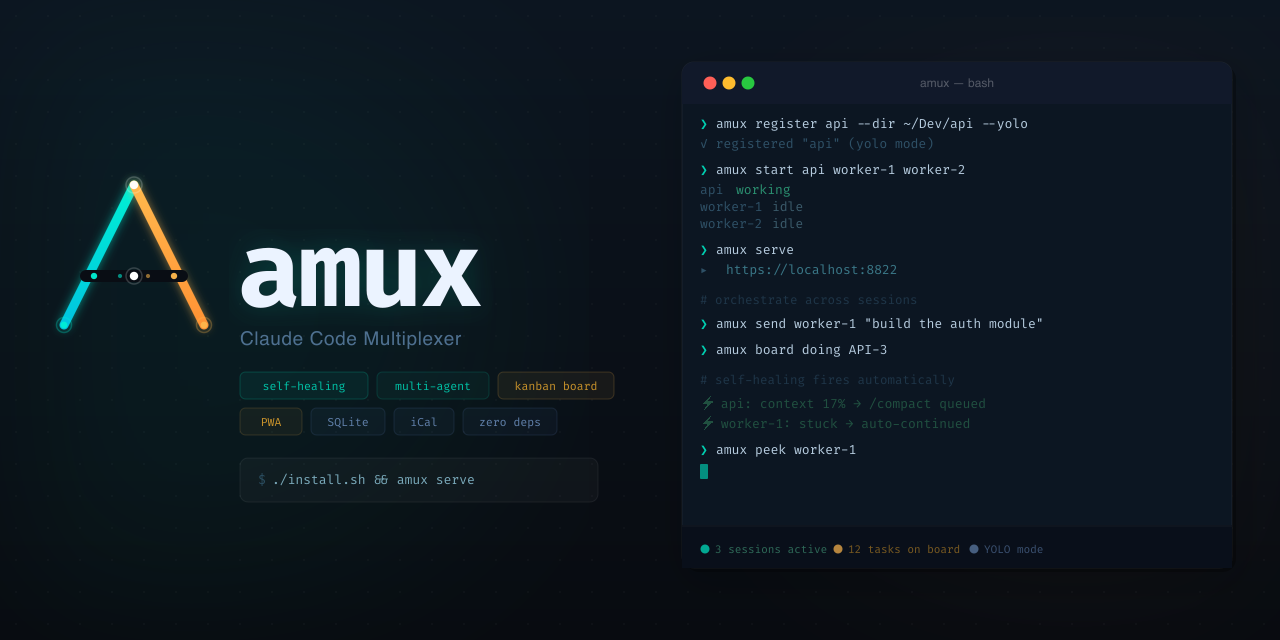
Headless, Scriptable, Parallel: Orchestrate Terminal Agents with FutureX
Use FutureX as a headless orchestrator to run parallel coding agents, self-healing loops, and a kanban-style workflow directly in your terminal.
CLI orchestration5 min read