80/20 Rule in Agentic Tools: When to Stay in the IDE and When to Drop to the Terminal
Use the 80/20 rule to choose: routine edits belong in the agentic IDE, while Git, system commands, and deployments belong in a terminal agent.
The hardest part of an AI coding workflow is not writing code; it is choosing which agent should do it. If you spend every task in the editor, you end up with an agent that is great at prose but clumsy around Git. If you move everything to the shell, you lose the static analysis that makes an agentic IDE valuable. The 80/20 rule gives a practical answer: keep about 80% of routine edits inside the agentic IDE, and drop the remaining 20% to a terminal agent when system commands, Git, and deployments are involved. This article proposes a decision framework based on that split.
The 80/20 Rule as a Tool-Selection Lens#
Pareto's principle maps surprisingly well to agentic coding vs agentic terminal coding. Roughly 80% of daily coding work is bounded by the repository: changing function signatures, fixing type errors, updating components, writing tests, and responding to linter feedback. Those tasks benefit from an in-editor context that includes language servers, symbol indexes, and diagnostics.
The other 20% is different in kind, not just in frequency. It includes changing branch state, resolving merge conflicts, running a build in a clean environment, inspecting process output, pushing artifacts, and deploying services. These tasks are defined by side effects, not by diffs. A bad command can corrupt a git history, overwrite an environment variable, or trigger a costly remote release. The right default is to give those tasks to a terminal agent with a visible terminal UI and a clear record of every command.
This is not a productivity trick. It is a tool selection strategy. When the environment of the task matches the environment of the agent, you get fewer mistakes, faster feedback, and less context pollution.
What an Agentic IDE Does Well#
An agentic IDE is built for a world where the source of truth is the filesystem. It can rename symbols across multiple files, generate code from an error, apply a repository-wide formatting rule, and preserve the abstractions that make a codebase maintainable. Because it has the whole repository loaded, it can answer questions that a terminal agent would have to discover by grepping.
The best tasks for an agentic IDE are those whose acceptance criteria can be expressed as a diff. If you know the target behavior and the main challenge is editing implementation details, the editor agent should stay in control. It can use the language server as a feedback loop and iterate until types and tests are clean.
Signals That You Are in the 80%#
- The task only changes file contents and repository structure.
- Success can be verified with editor diagnostics, type checks, or unit tests that run inside the repo.
- The important context is code: function names, component props, data models, and existing tests.
- You do not need to inspect a running process, remote machine, or environment variable to confirm the result.

The Terminal Is a Different Runtime#
A terminal agent is not a weaker version of an IDE agent. It is an agent for a different environment. It sees processes, exit codes, standard output, environment variables, network connections, and files that exist outside the repository. It can run a command, observe the result, and decide the next command without pretending to know the state of the world from source code alone.
This is agentic terminal coding: the agent operates on the shell as its primary surface. A terminal UI is essential because it makes the agent's actions auditable. You can see exactly what command is about to run, inspect its output, interrupt a long build, and approve or reject a destructive step. Without that transparency, you are trusting the agent to manage infrastructure blindly.
The 20% of tasks that belong in a terminal agent are exactly the ones where the shell has more information than the editor. Git history is shell state. Package manager behavior is shell state. Deployment environments are shell state. The terminal agent should be your default for those tasks.
Signals That You Are in the 20%#
- The task includes git operations beyond basic commit: rebase, reset, cherry-pick, or fixing a merge conflict.
- The task depends on environment variables, SSH hosts, service accounts, or secrets.
- The task changes the machine: installing dependencies, building images, modifying processes, or updating lockfiles.
- The task is a deployment: docker build and push, kubectl apply, terraform plan and apply, or serverless deploy.
- The feedback loop involves logs, network output, or a long-running server.
A Practical Decision Framework#
The 80/20 rule becomes useful when you turn it into a heuristic. Before starting a task, ask three questions.
-
What is the final artifact? If the artifact is a clean diff, a refactored file, or a PR that reviewers will read, stay in the agentic IDE. If the artifact is a running service, an updated environment, or a commit that must exist on a remote, drop to a terminal agent.
-
Where is the feedback loop? If the agent needs compiler diagnostics, intellisense, and in-file navigation, use the editor. If the agent needs exit codes, logs, process output, or command history to know whether it succeeded, use the terminal.
-
Can this action affect state outside the repo? A command that mutates branch history, installs binaries, starts processes, or contacts a remote system belongs in a terminal agent. The terminal UI gives you a chance to review the command before it runs.
Tool Selection Checklist#
- Use the agentic IDE when the task is code-first and the environment is the repository.
- Use the terminal agent when the task is command-first and the environment is the machine, cluster, or network.
- Use the terminal agent when you need a real audit trail of commands and outputs.
- Use a hybrid workflow when one task contains both: implement in the editor, then execute in the terminal.
A Hybrid AI Coding Workflow#
Most real tasks are not purely in one camp. The efficient path is a handoff. Start in the agentic IDE to implement the feature: change the components, update the tests, and let the language server guide you. Then drop to the terminal agent to format the code, run the full test suite, inspect the git status, and create a well-structured commit. If the change is ready to ship, a terminal agent can push the branch, build the image, and deploy to staging while showing every command in the terminal UI.
This split mirrors the two kinds of intelligence an AI coding workflow needs. The agentic IDE optimizes for code structure and semantic correctness. The terminal agent optimizes for system behavior and operational correctness. Trying to make one agent do both usually means forcing a file editor to reason about process state, or forcing a shell executor to reason about type hierarchies.
In FIM, FutureX sessions are available both in the editor and in the terminal. You can keep a session in the agentic IDE for code exploration and another session in the terminal for execution. The handoff is simple: mention the branch or the failing test name in the terminal session, and the terminal agent can continue without re-discovering the whole codebase.
Common Failure Modes#
-
Letting the IDE agent run git commands. The editor agent has a good view of files but a weak view of shell state. Interactive rebases and resets can leave you in a surprising state. Move git-heavy tasks to the terminal agent.
-
Treating the terminal agent as a code generator. A terminal agent can edit files, but it does not have the same diagnostics and navigation experience. Use it for verification and deployment, not for large refactors.
-
Forcing a single surface for all tasks. A fixed preference for one tool causes either risky terminal commands or bloated editor context. Let the environment of the task make the decision.
-
Skipping review in the terminal UI. Even a good terminal agent can run a destructive command. The terminal UI exists so you can catch mistakes before the shell acts.
Conclusion#
The 80/20 rule is a default, not a law. If a task is bounded by files and language semantics, stay in the agentic IDE. If it touches system state, Git, or deployment, drop to a terminal agent with a transparent terminal UI. A mature AI coding workflow uses both surfaces deliberately: the editor for the 80% of routine edits and the terminal for the 20% of actions with real side effects. That is the practical tool selection rule: choose the agent whose environment matches the task, and let each one do the work it is actually built for.
Related reading
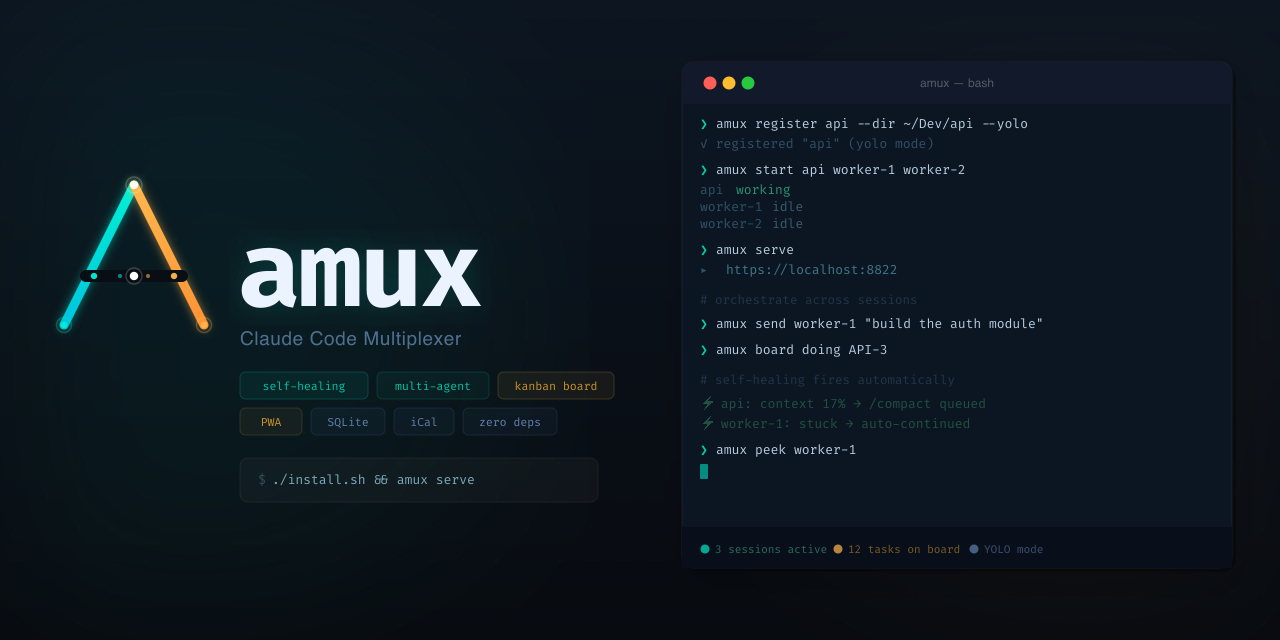
The Terminal Is the IDE: Why FutureX for Terminal-Native Development
FutureX turns the shell into a complete development environment, proving that terminal-native coding is not a compromise but the ideal surface for agentic programming.
terminal-native coding5 min read
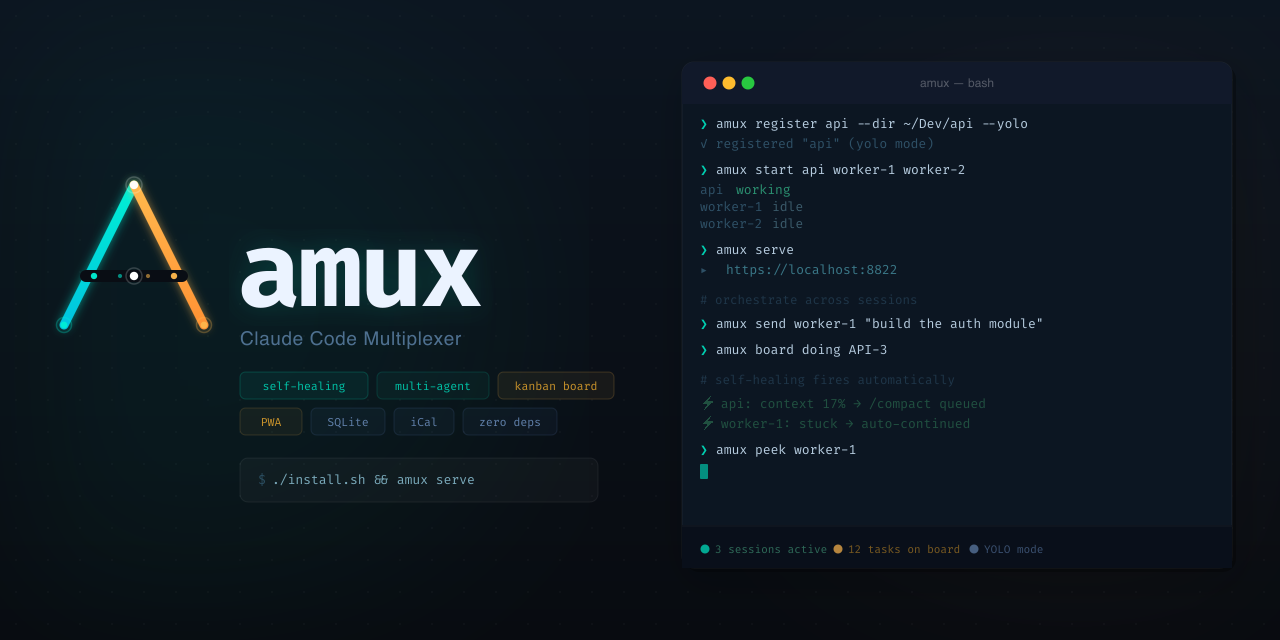
Headless, Scriptable, Parallel: Orchestrate Terminal Agents with FutureX
Use FutureX as a headless orchestrator to run parallel coding agents, self-healing loops, and a kanban-style workflow directly in your terminal.
CLI orchestration5 min read
FutureX: The Missing Terminal Agent for Vibe Coders
A practical deep dive into how FutureX brings multi-step, terminal-native automation to the vibe coding workflow without breaking the loop.
vibe coding7 min read