FutureX: The Missing Terminal Agent for Vibe Coders
A practical deep dive into how FutureX brings multi-step, terminal-native automation to the vibe coding workflow without breaking the loop.
Vibe coding is about keeping momentum: describe the change, watch the code appear, test it, iterate. The problem is that most AI coding tools force you to stop describing and start babysitting. A chat panel in the editor can draft code, but it does not run your test suite, chase down a failed import, or refactor three files in sequence without a fresh prompt. That is why FutureX belongs in the terminal. It is a terminal AI agent built to handle multi-step tasks end to end, so the loop stays intact.
The Vibe Coding Workflow Needs a Terminal Agent#
The vibe coding workflow usually looks like this: you have a rough idea, you type a short instruction, the AI produces a diff, you run the app, you notice a bug, you describe the bug, and the cycle repeats. The terminal is where the results get proven. Yet most CLI coding assistants are just wrappers around a chat session. They answer questions and generate snippets, but they do not take responsibility for the task. You still have to copy outputs, switch contexts, and manually sequence every action.
FutureX changes that by being an agent rather than a chat. When you invoke it from the terminal, it can read your repository, inspect configuration, run commands, parse errors, and adjust its own plan. That matters for vibe coding because the whole point is to stay in a state of flow. You give a high-level instruction, FutureX turns it into concrete steps, executes them, and reports back with the evidence. You are not writing a prompt for every file change; you are delegating an outcome.
A terminal AI agent also fits naturally into the tools you already use. If you live in tmux, Neovim, or a plain shell, FutureX does not ask you to switch to a web app or a separate GUI. It runs where your build, test, and git commands run. That reduces friction and keeps your history, environment variables, and scripts in the same context.
Planning and Executing Multi-Step Tasks#
FutureX does not guess one answer and stop. It builds a task graph from your request, then works through it with verification at each stage. This is the difference between a code generator and an agent that finishes a job.
Parsing Intent and Building a Task Graph#
Suppose you tell FutureX: "add user authentication to this API." A chat-only tool might produce a middleware file and a route. FutureX, on the other hand, first explores the project to see what framework, database, and routing patterns are already in place. It then constructs a plan: add a user model, create the auth endpoints, wire in password hashing, update the route registration, and write a test. Each of those becomes a discrete task with a dependency order.
This matters for vibe coding because vague instructions are the norm. FutureX resolves ambiguity by looking at the codebase instead of asking you ten clarifying questions. If something is genuinely underspecified, it will ask once, but it prefers to infer from existing conventions. That keeps the conversation short and the plan concrete.
Source: dev.to
Executing with Full Context#
Once the plan is in place, FutureX starts executing. It opens files, makes edits, runs formatters, executes tests, and reads the output. If a test fails, it does not simply give up and print the failure. It investigates the stack trace, locates the relevant code, and tries a fix. This self-correcting loop is what makes it viable for real AI app development.
FutureX also knows when to stop. If a task requires a decision you should make, it pauses and presents the trade-off. But for mechanical, well-defined work, it runs autonomously. You can watch the log and interrupt at any moment, which gives you control without forcing you to micromanage every step.
Contrasting FutureX with Other CLI Agents#
There are plenty of CLI coding assistants today, but most fall into one of two camps. The first camp is the read-only explainer: it can summarize code and answer questions, but it cannot modify files safely. The second camp is the single-shot generator: it can write a file when you explicitly tell it what to write, but it cannot reason about consequences across the project.
FutureX sits in a third camp. It is designed for autonomous, multi-step execution. Consider how it handles tool use. Other agents might call a shell command and then stop, forcing you to paste the output for the next step. FutureX chains command execution with file edits and test runs in a single session. If a command fails, it sees the exit code and stderr and adapts.
Another differentiator is recovery. Many CLI agents treat an error as the end of the conversation. FutureX treats an error as data. It can edit config, install dependencies, or adjust environment variables, then re-run the command. This resilience is exactly what vibe coders need when they are prototyping quickly and do not want to debug every step manually.
Finally, FutureX is model-aware in a practical way. You can select among fx-pro, fx-fast, fx-mini, and fx-eco depending on the complexity of the task. For a long refactor you might choose fx-pro for deeper reasoning; for a quick script you can use fx-eco to save cost. The agent interface stays the same, so the workflow does not change even when the underlying reasoning capacity does.
Handling Multi-Step Tasks Entirely from the Terminal#
To see why FutureX is the missing piece, it helps to walk through representative tasks that vibe coders face every day. These are not hypothetical file generations; they are messy, multi-step jobs that require real tool use.
Refactoring a Legacy Module#
Imagine a legacy utility module with a mix of formatting styles, duplicated logic, and no tests. You tell FutureX: "refactor this module and add tests." FutureX starts by reading the module and mapping its dependencies. It notes which functions are exported and which are only used internally. It then creates a refactoring plan that preserves the public API.
Next, it edits the file in small, reversible chunks. After each chunk, it runs a syntax check. When the refactor is complete, it writes a test file covering the main paths. It executes the tests and, if a test exposes a behavior it missed, it revisits the implementation. The final output is a diff you can review and commit. You never had to open a single file manually.
Fixing a Failing CI Pipeline#
Another common vibe coding pain point is a CI pipeline that breaks for an obscure reason. FutureX can be pointed at the failing log and asked to fix it. It reads the log, traces the failure to a dependent package version mismatch, checks the lockfile, and identifies the conflicting requirement. It then looks up the fix by inspecting the package registry and updates the manifest.
After editing, it runs the same command locally to verify the fix. If the local toolchain differs from CI, it adjusts its approach, perhaps by updating a build step or a configuration file. This is the kind of job that would normally cost you an hour of context switching. With FutureX, it is one instruction from the terminal.
Fitting Into AI App Development#
FutureX is not a toy for generating snippets. It is a serious tool for AI app development, whether you are building a small side project or a production service. The key is that it operates at the level of tasks, not tokens. You define what done means and FutureX works toward it, using the terminal as its hands.
This also changes how you write prompts. Instead of saying "write a function that does X," you say "make the checkout flow validate inventory before charging the customer." FutureX will find the relevant code, understand the current flow, and implement the validation across the multiple layers where it belongs. That is the vibe coding experience people actually want: describe the behavior, get a working change.
Because FutureX keeps all its context in the terminal, it is also easy to script and automate. You can run it in a Makefile, call it from a pre-commit hook, or wire it into a build process. The agent becomes part of your development toolkit rather than a separate destination.
Conclusion#
Vibe coding has always been about reducing the distance between intention and result. The missing piece was an agent that could execute multi-step plans reliably from the terminal. FutureX fills that gap. It plans, edits, tests, and recovers from errors without dragging you out of the command line. Whether you are refactoring an old module, fixing a CI failure, or building a new feature, FutureX turns terminal AI agent from a passive assistant into an active collaborator.
Try the mental exercise on your next task: if your current assistant cannot handle the whole job without you re-prompting it, that is where FutureX fits. It is the terminal AI agent that makes vibe coding feel as smooth as the term promises.
Related reading

The Future of Vibe Coding: 7 Trends Every Developer Should Know
A developer-focused look at the seven vibe coding trends that will define 2026, and how FutureX's roadmap is built around them.
vibe coding7 min read
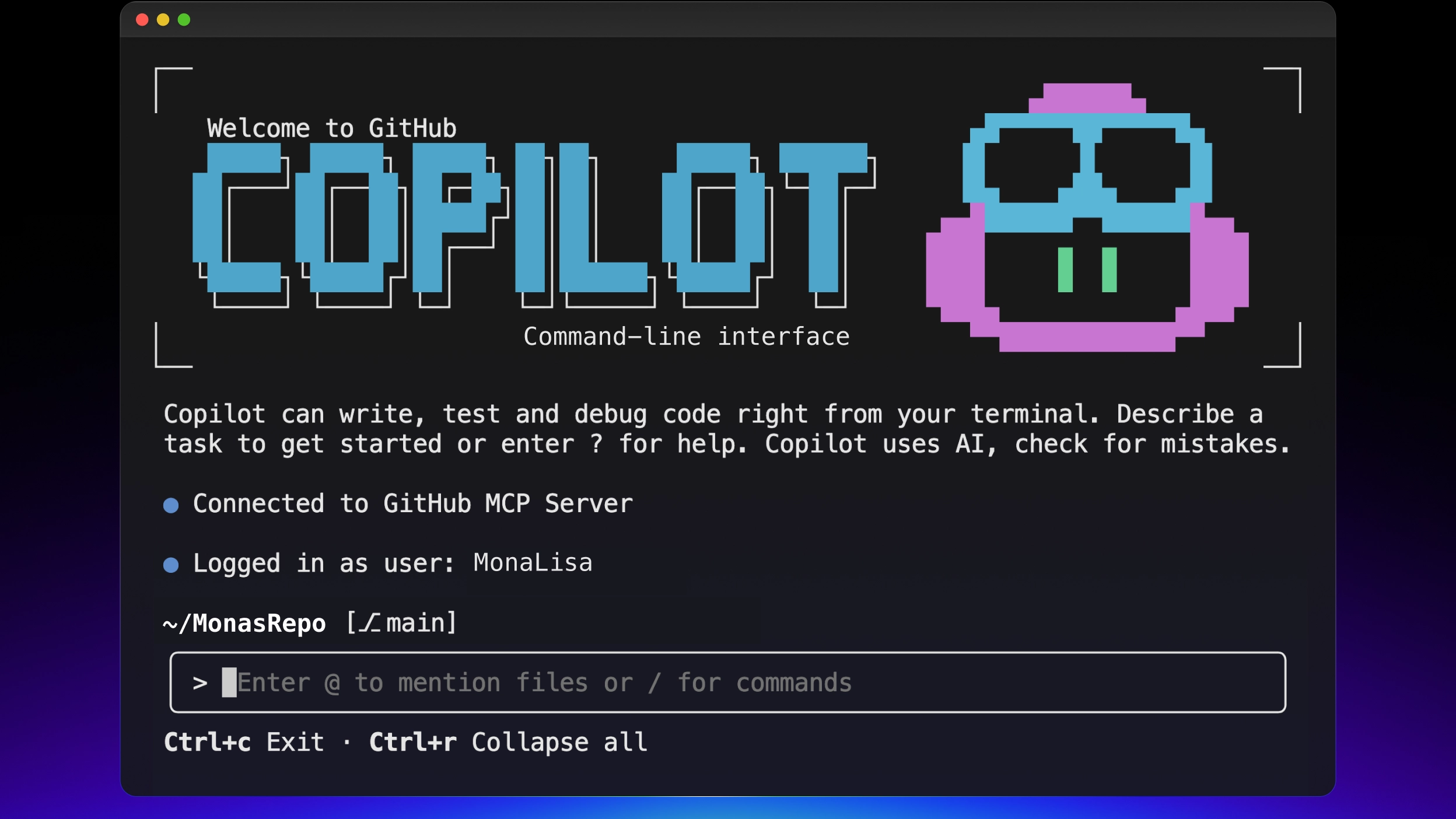
FutureX vs. GitHub Copilot CLI: Terminal Agent Showdown
A technical comparison of FutureX and GitHub Copilot CLI as terminal AI agents, covering model control, workflow, integration, cost, and security for vibe coders.
FutureX9 min read
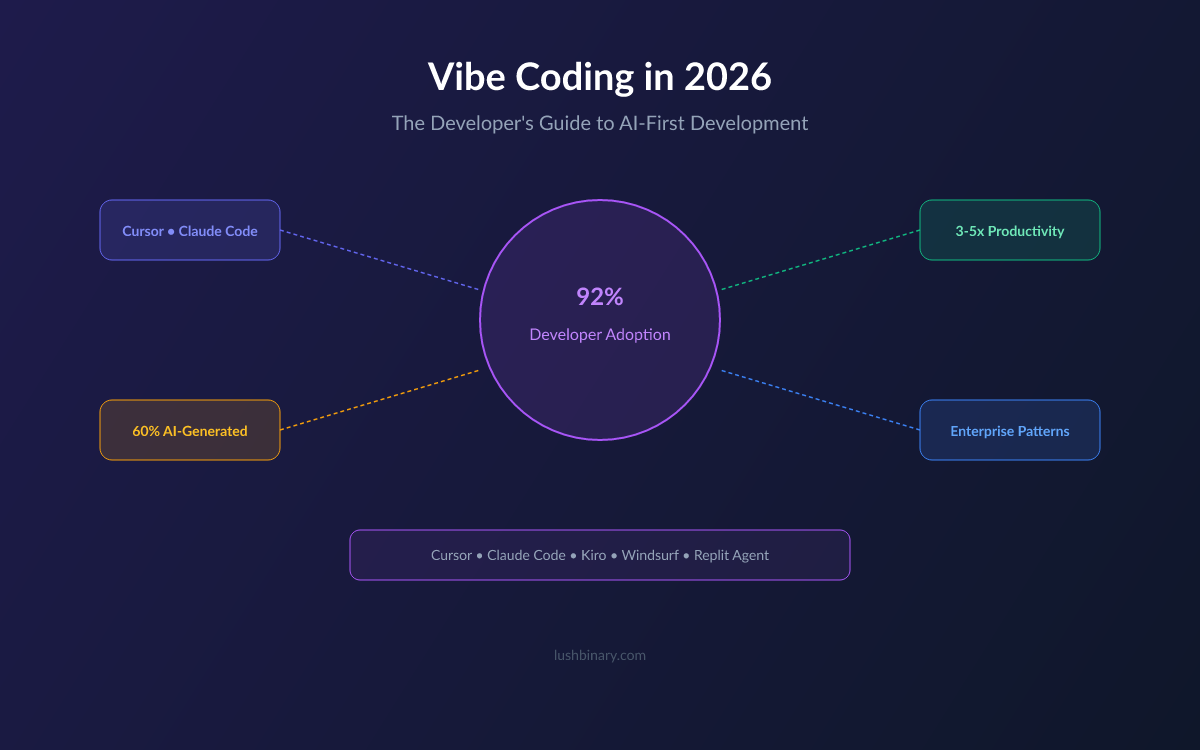
From Vibe to Value: Measuring Productivity Gains When You Code with AI
Move beyond lines of code and learn how to measure the real productivity impact of vibe coding with FutureX using metrics for speed, quality, and skill growth.
vibe coding7 min read