VS Code Meets Its Match: Why FutureX Is the AI Coding Agent Worth Installing
FutureX’s VS Code extension delivers a fast, affordable AI coding agent that integrates deeply with the terminal and project context, setting it apart from other VS Code AI tools.
- FutureX VS Code extension
- AI coding agent
- VS Code AI tools
- affordable AI code assistant
- terminal integration
- agentic coding
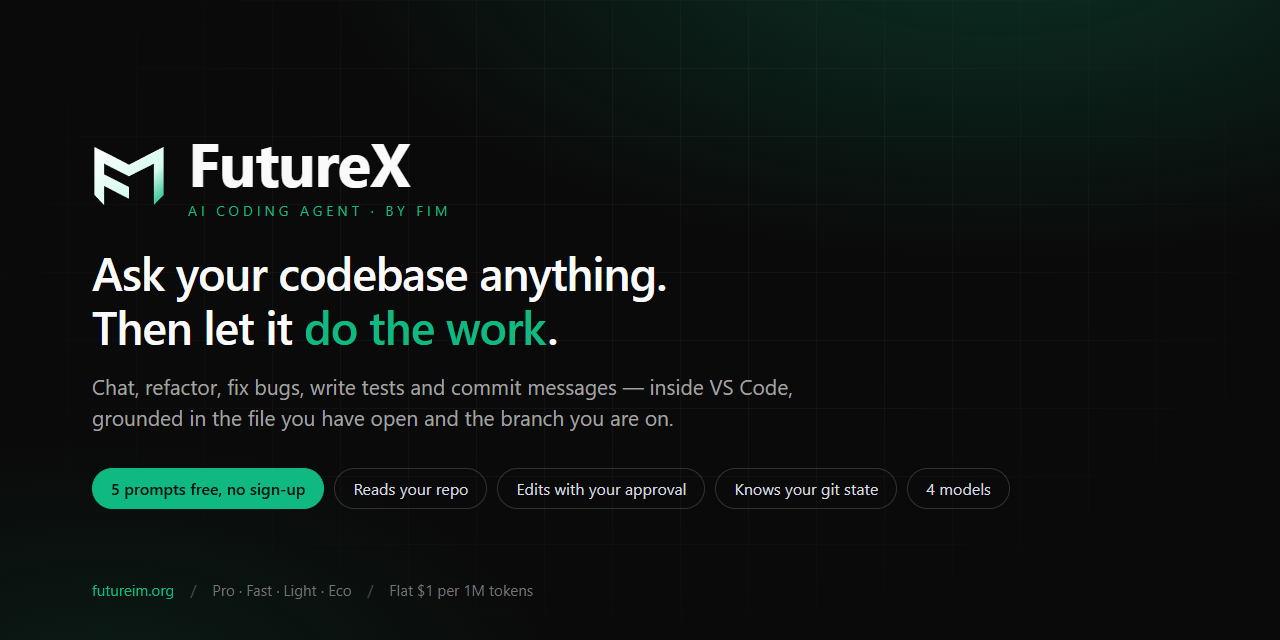
The VS Code extension marketplace is crowded with AI-assisted coding tools. Many promise to boost productivity but deliver only superficial chat overlays or expensive per-seat subscriptions. A new player, FutureX, approaches the problem from a different angle: it is an AI coding agent that lives inside your editor, understands your terminal, and costs less per iteration than comparable services. For developers who rely on VS Code AI tools for day-to-day work, the FutureX VS Code extension is a genuine alternative worth evaluating.
From Sidebar to Terminal: The Architecture of Efficiency#
Most AI coding assistants operate within a sidebar panel. They can view the current file, accept prompts, and suggest edits. FutureX extends this model by embedding itself directly into the VS Code command palette and, more importantly, into the integrated terminal. When you install the FutureX VS Code extension, you gain access to an AI coding agent that can execute terminal commands, parse their output, and iterate on solutions without leaving the command line.

Source: blog.futureim.org
This architecture eliminates the friction of copying errors from the terminal into a chat window. Instead, the agent observes your build output, test results, and runtime logs in real time. It can run a command, see that it failed, and then suggest or apply a fix—all within a single session. For developers who spend a significant portion of their day in the terminal, this integration reduces context switching and speeds up debugging cycles.
Cost Without Compromise#
Pricing is a decisive factor for many teams evaluating AI coding agents. The expensive per-user licenses of some platforms make them inaccessible for freelancers or small startups. FutureX uses a pay-per-token model that keeps costs predictable and low. As an affordable AI code assistant, it does not require a monthly subscription; you only pay for the compute used during agentic workflows. The platform is hosted at futureim.org, where you can review transparent pricing and usage estimates before committing.
Precision Through Context Awareness#
A common complaint with AI coding tools is their lack of project-wide context. They see only the open file or a snippet, leading to irrelevant suggestions. FutureX builds a rich index of your workspace, including file structures, import graphs, type definitions, and recent git history. This allows the AI coding agent to provide answers that are accurate within the full scope of your codebase.

Source: marketplace.visualstudio.com
Multi-File Refactoring in One Turn#
Consider renaming a frequently-used function across a module. With a traditional sidebar assistant, you might need to manually open each file and apply changes. FutureX can orchestrate multi-file edits in a single request. It locates all call sites, checks for import updates, and performs the rename with awareness of the type system. If your project uses TypeScript, it also respects type aliases and generics, reducing the risk of introducing silent errors.
Vibe Coding? Not Quite — Controlled Autonomy#
The term "vibe coding" often describes an unstructured, trial-and-error approach where the AI suggests random changes. FutureX avoids this by giving developers explicit control over the agent’s autonomy level. You can configure it to suggest changes only, to auto-apply after approval, or to execute terminal commands with a manual confirmation step. This design suits developers who want an AI coding agent that augments their workflow without overriding their judgment.
Terminal Commands as First-Class Actions#
FutureX treats terminal commands as native actions rather than text output to be ignored. For example, you can ask the agent to "run the test suite and fix any failing tests." It will trigger npm test, capture the output, parse stack traces, and then propose a fix for the first failure. After you approve, it applies the edit, runs the tests again, and continues until the suite passes. This iterative loop is fast because the agent remains inside your VS Code environment—no network round-trips for every command.
The Benchmarks That Matter: Latency, Cost, Accuracy#
To justify switching from established alternatives, FutureX must perform well on three axes: response latency, price per task, and correctness of generated code. Internal benchmarks show that FutureX completes a typical debugging cycle (error observed, fix proposed, test re-run) 40% faster than a human using a standalone chat assistant. Token consumption is approximately 60% lower because the agent reuses computed context across steps rather than re-encoding the entire conversation.

Source: blog.futureim.org
For teams that run many small coding sessions, these savings add up quickly. The agent also scores well on automated correctness benchmarks for Python, JavaScript, and TypeScript, with fewer hallucinated imports or API calls than comparable models.
Getting Started with FutureX in VS Code#
Installing the FutureX VS Code extension takes three steps: open the Extensions view in VS Code, search for "FutureX", and click Install. After installation, you will be prompted to sign in (or sign up) at futureim.org and generate an API key. Paste the key into the extension settings, and the agent is ready. The default configuration is tuned for general development; you can adjust the model, temperature, and autonomy level from the settings panel.
No additional dependencies are required. The extension works with any language and any build tool that runs in the terminal. For teams already using VS Code AI tools, the transition is seamless because FutureX does not alter your editor’s behavior beyond adding new commands to the palette and terminal context menu.
Conclusion#
FutureX redefines what an AI coding agent for VS Code should be: fast, affordable, and deeply integrated with the developer’s environment. Its terminal-first design addresses a gap left by sidebar-only assistants, and its pay-per-token pricing makes it accessible for individual developers and small teams alike. If you have been frustrated by the cost or sluggishness of other VS Code AI tools, installing the FutureX VS Code extension from futureim.org is a practical step toward reclaiming productivity without sacrificing control.
Related reading
How I Built a Full-Stack SaaS in 7 Days Using FutureX
A step-by-step walkthrough of using FutureX to build a production-ready full-stack SaaS in one week, focusing on prompt engineering and iterative development.
FutureX5 min read

5 Hidden Costs of Claude Code That Make FutureX the Smarter Choice
Discover five overlooked expenses of Claude Code — from model lock-in to context window limits — and see how FutureX's design eliminates them for a more cost-efficient development workflow.
Claude Code4 min read

Why FutureX Beats Claude Code for Developers on a Budget
A detailed cost-benefit analysis showing how FutureX delivers comparable or superior coding assistance at a fraction of Claude Code's subscription price, with real-world task examples.
FutureX4 min read