The Terminal Renaissance: Why Senior Devs Are Ditching IDEs for FutureX
Senior developers are trading heavyweight IDEs for terminal-native AI agents, and FutureX is leading the shift toward autonomous, parallel, remote coding workflows.
- terminal-ai-coding
- futurex-coding-agent
- ide-alternatives
- ai-agent-terminal
- cli-coding-tools
- developer-workflow
Somewhere between the fifth plugin update and the third background indexing job, a growing number of senior developers made a quiet decision: the IDE is no longer the center of gravity for their work. The terminal, long treated as a fallback, is back — and this time it has an AI agent attached. Terminal AI coding with FutureX is not a retro aesthetic. It is a workflow choice that prioritizes speed, automation, and remote execution over visual chrome.
The Context-Switch Tax Nobody Measures#
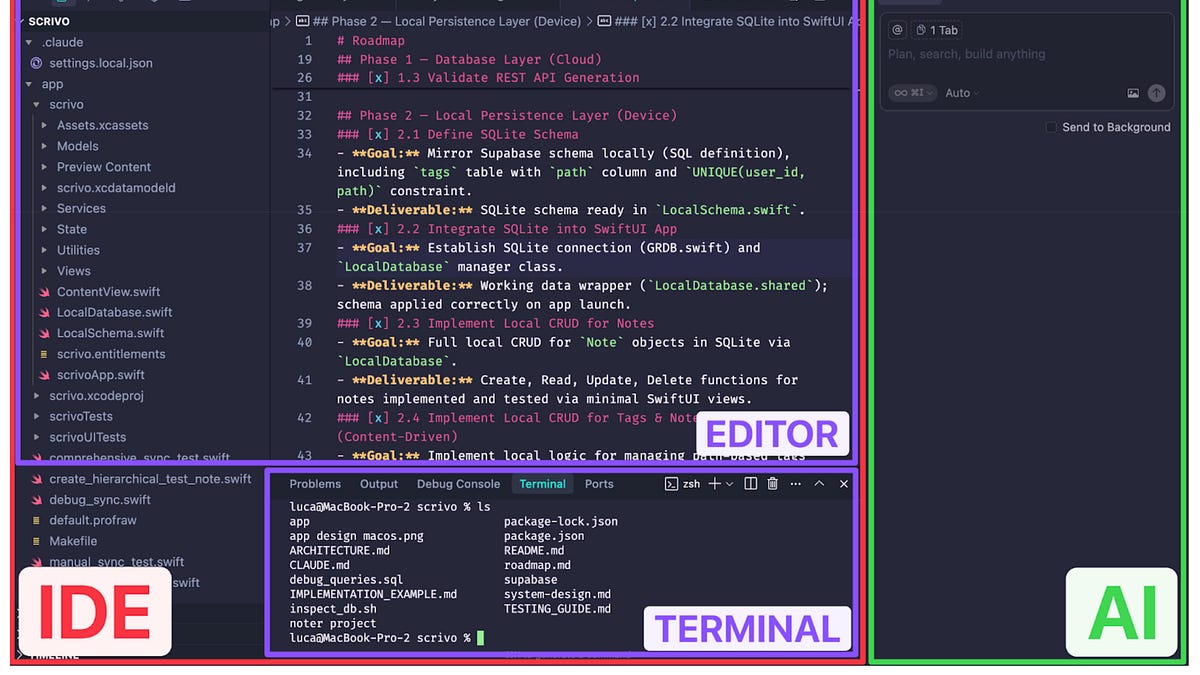
IDEs are excellent browsers. They visualize a project, index symbols, and offer clickable navigation. But browsing is not the same as building. Every time an IDE reindexes a monorepo, every time a language server stalls, every time you drag a debugger across a window, you pay a context-switch tax. The cost is not seconds; it is the loss of flow.
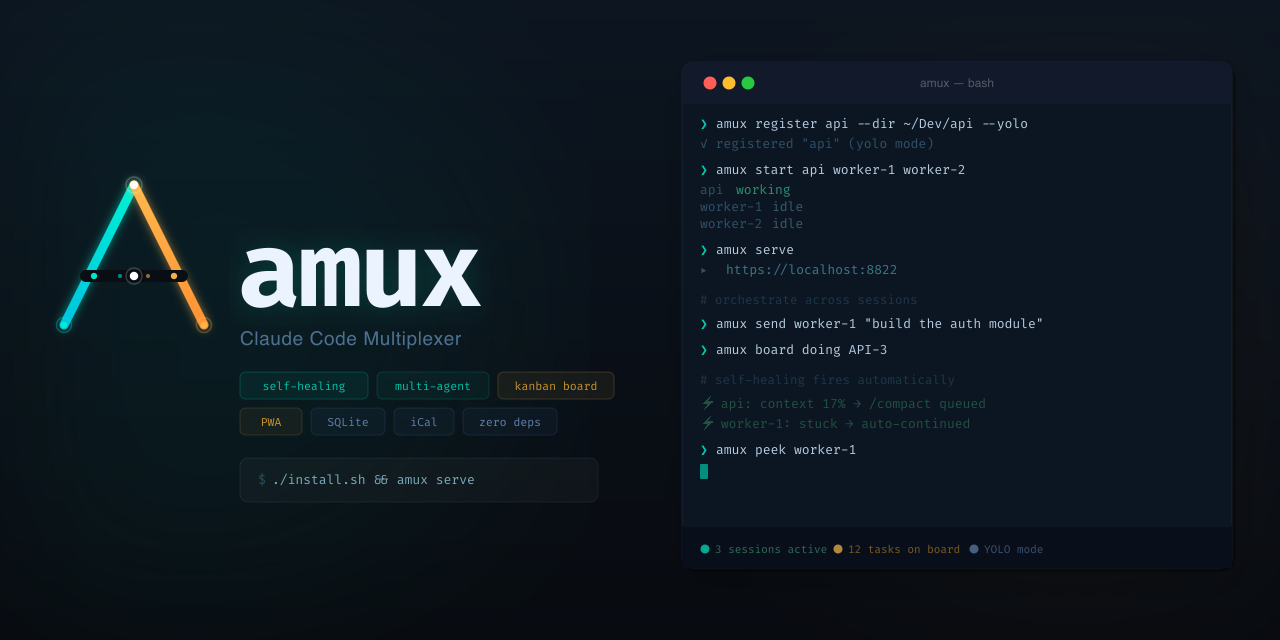
Terminal-native coding removes most of that overhead. The toolchain is the same one that has shipped production software for decades: shell, git, tests, logs. What has changed is that a FutureX coding agent can operate inside that toolchain directly. It reads files, runs commands, and edits code without forcing you to leave the context where the actual work happens.
Source: amux.io
Why the Terminal Is the Right Home for an AI Agent#
The terminal is not just faster because it is lighter. It is the most reliable interface to a development machine. Every command is scriptable, every output is pipeable, and every action is auditable in the scrollback. That makes it an ideal substrate for an intelligent agent.
FIM's FutureX is built for this substrate. In contrast to IDE alternatives that bolt an assistant onto a GUI, FutureX is an AI agent terminal in its own right. It understands file trees, build systems, package managers, and test runners. You can point it at a failing CI log and it will trace the issue, patch the code, and re-run the suite — all from within a terminal session. For heavier reasoning there is fx-pro; for fast, incremental edits there is fx-fast; and for bulk mechanical changes, fx-eco keeps the cost close to zero.
This is what separates CLI coding tools from agentic ones. Traditional CLI coding tools await your instructions. FutureX interprets a goal and executes it as a sequence of shell-level actions you can inspect, interrupt, or redirect.
Autonomous Workflows: From Prompt to Pull Request#
The simplest measure of an AI agent is how much of the loop it can close without human intervention. GUI assistants often stall at the first permission dialog or the first test failure. FutureX treats both as signals, not stops.
Source: refactoring.fm
Planning and Execution#
Give FutureX a task like "migrate this module to the new API and update all call sites." The agent will explore the repository, identify affected files, draft a plan, and then implement it. Because it runs in the terminal, it can invoke formatters, linters, and type checkers as part of the same loop. It does not wait to be handed code; it goes and finds it.
Self-Verification#
The same terminal access that lets FutureX modify code lets it verify that code. It runs the test suite, reads failures, and iterates. When something is ambiguous, it asks. When it is confident, it opens a pull request with a summary of what changed and why. For senior engineers, the value is not having an intern-level assistant; it is having a colleague who never needs to be told to run the tests.
Parallel and Remote by Default#
Modern development is remote whether you admit it or not. Production runs in the cloud, build farms are elsewhere, and your laptop is a thin client with extra steps. GUI-based IDE alternatives struggle with this reality: remote plugins, sync folders, and latency-compensated scrolling are all patches over a fundamental mismatch.
FutureX runs where the code is. Over SSH, in a container, or on a bare-metal build box, the agent operates on local files and local processes. There is no upload step, no diff-to-remote sync. If your codebase lives in a datacenter, you want your agent in that datacenter too.
Source: refactoring.fm
That same architecture enables parallelism. A developer supervises several FutureX sessions across different tmux panes or hosts, each working on an independent task — one fixing flaky tests, another updating documentation, a third refactoring a hot path. Coordination remains in your hands, but the mechanical work scales horizontally. This is the part of the terminal renaissance that IDEs cannot replicate: not a bigger window, but many independent windows.
Where Traditional IDEs Still Earn Their Keep#
To be clear, the terminal does not win every contest. For visual debugging of UI layouts, inspecting complex data structures in a debugger, or performing broad cross-referencing refactors in an unfamiliar codebase, a GUI IDE still shines. The shift is not ideological. Most of the senior developers adopting FutureX still open an IDE daily — but they open it deliberately, as a tool, rather than as a default surface for everything.
The practical stance: keep your IDE for the tasks that are visual by nature, and run FutureX for the work that is mechanical, autonomous, and remote. Used this way, the two are not rivals. IDE alternatives stop being a category; they become complementary.
Conclusion: The Terminal Renaissance Is a Workflow Shift#
The terminal is experiencing a renaissance because it is the last unmediated interface left in software development. No splash screen, no telemetry dashboard, no plugin marketplace — just a shell and a filesystem, and now an agent that can work both. Terminal AI coding with FutureX restores the composition model that made the CLI the home of systems programming for fifty years, and it adds what was previously impossible: an agent that does real work in that environment.
For developers who grew up on IDEs, this may look like a step backward. For the senior engineers driving the shift, it is clearly a step forward — toward faster iteration, more honest automation, and a toolchain that respects where the code actually lives. The FutureX coding agent is that toolchain. FIM builds it, and the terminal is where it belongs.
Related reading
FutureX vs. the Agent Framework Wars: Built-In Beats DIY Orchestration
A technical look at why a purpose-built terminal AI agent like FutureX beats assembling AI agent frameworks by hand, and where the complexity really lives.
AI agent frameworks5 min read

FutureX vs Claude Code: What the 40% Refactoring Speedup Means for Legacy Code
The 40% refactoring speedup from the FutureX vs Claude Code benchmark translates directly into lower legacy code maintenance costs and shorter, safer modernization projects.
FutureX5 min read
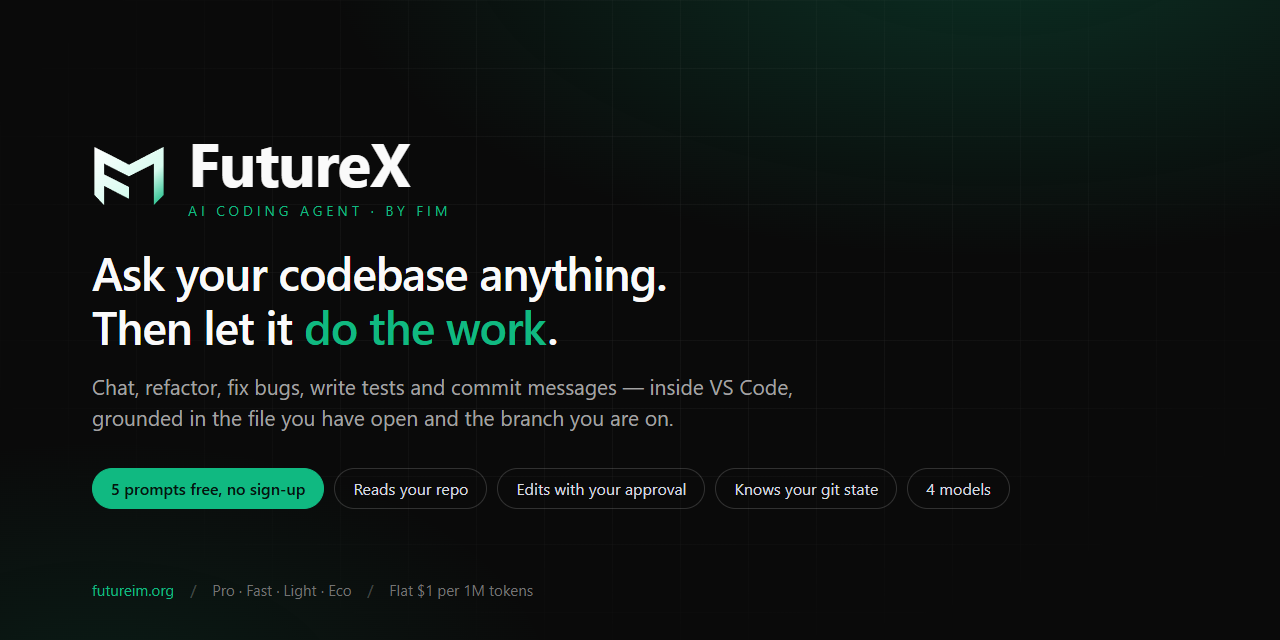
From 5 Free Prompts to Production
A practical guide to FutureX's zero-friction onboarding: five free prompts with no signup, the chat-to-refactor workflow in VS Code, and what happens after the free tier.
FutureX5 min read