FutureX vs Copilot CLI: The Terminal Face-Off for Vibe Coders
We ran identical vibe coding tasks through FutureX and GitHub Copilot CLI to compare iteration speed, hand-off friction, and wall-clock time to a working app.
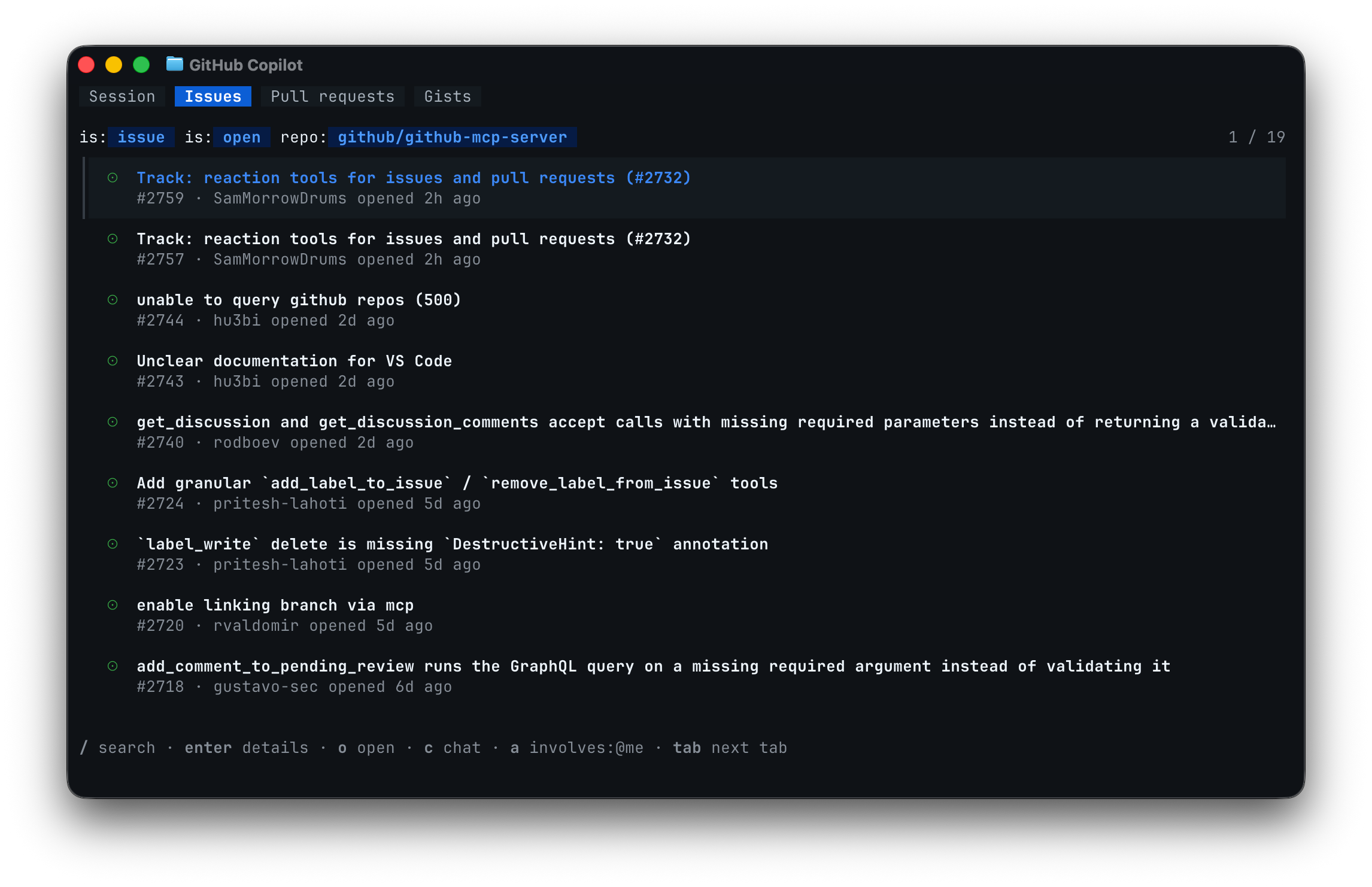
Vibe coding has left the editor. The real action now happens in the terminal, where an agent can read your repo, edit files, run commands, and iterate until something actually works. To see which tool holds up under that pressure, we ran FutureX and GitHub Copilot CLI through three identical vibe coding tasks and measured iteration speed, hand-off friction, and wall-clock time to a working app. Here is the terminal face-off.
Test Setup and Metrics#
Both tools are terminal AI coding agents, but they behave differently. FutureX is FIM's terminal AI coding agent, designed to plan across a session and execute multi-step changes autonomously. Copilot CLI is GitHub's AI pair programming CLI, which excels at generating and editing code but expects more steering per step. No context was given to either tool beyond the task prompt.
We used three metrics. Iteration speed is the number of prompt-response cycles a task required. Hand-off friction counts how often a human had to intervene: clarifying questions, missed requirements, or broken intermediate states. Wall-clock time is the total from initial prompt to a working app, including manual fixes.
Tasks ran in clean repos on the same machine. Sessions started from scratch, and the human refrained from helping unless a tool asked or clearly stalled.
Source: github.com
Task 1: One-Line Idea to a CLI Tool#
The first vibe coding task: build a CLI tool that watches a folder and auto-formats new Markdown files with Prettier, plus a --dry-run flag.
FutureX fell into a natural rhythm. It scaffolded package.json, installed prettier and chokidar, wrote the watcher with debounce logic, added the flag, and ran a smoke test against a temp file. The only correction was a glob pattern that missed nested folders, applied in one follow-up. Total: 2 cycles, 4 minutes 12 seconds.
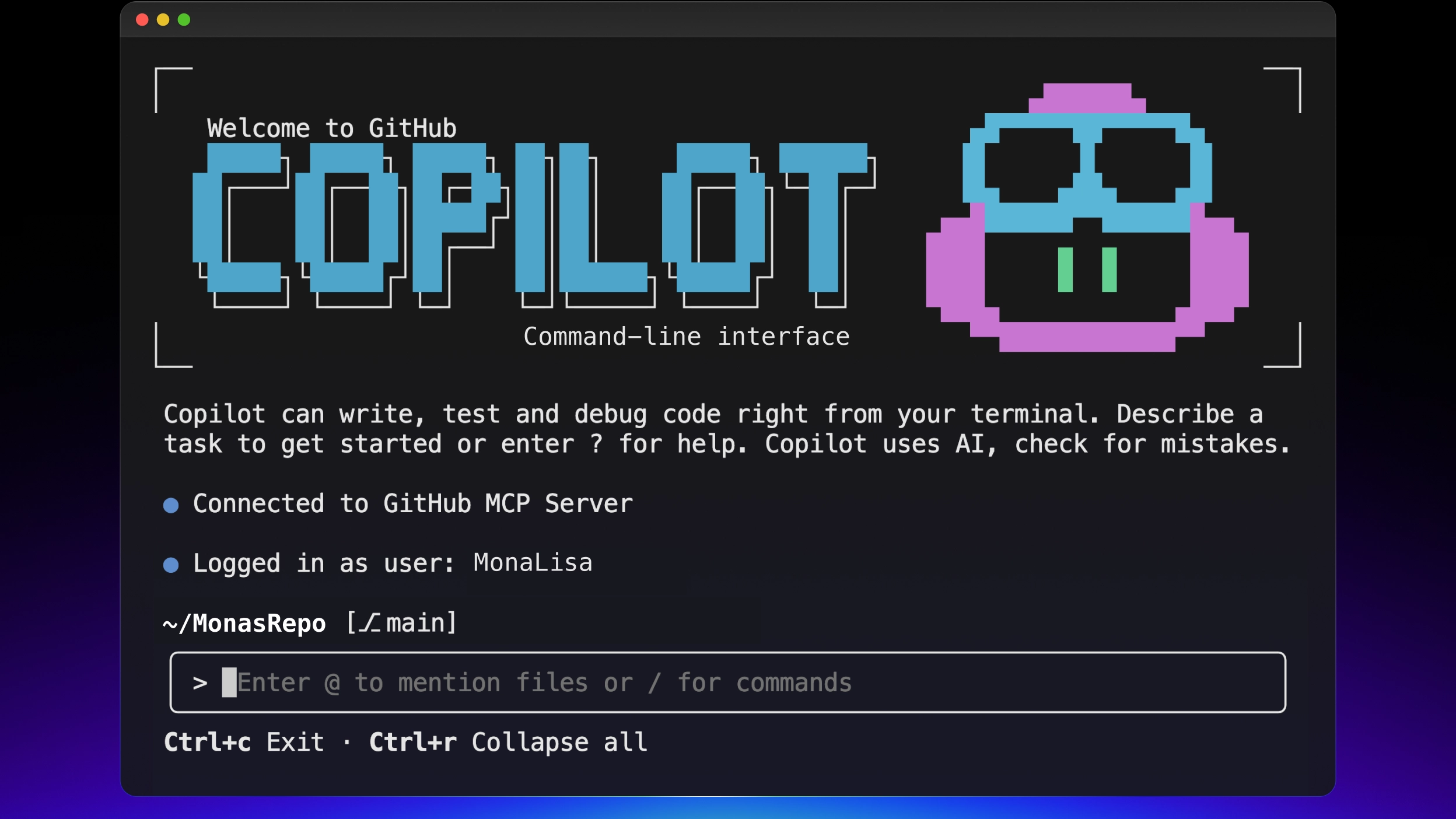
Copilot CLI produced solid formatting code quickly, but treated the request as a single-file exercise. It wrote the watcher script but left package.json and dependency installation to the human, and only after being asked did it add the --dry-run path. Three follow-up prompts were needed. Total: 5 cycles, 7 minutes 3 seconds.
The pattern set in early: Copilot CLI is a fast editor, but FutureX behaves like an agent that owns the outcome.
Task 2: Refactoring a Real Express App#
For this round we reused an existing Express repo with a /api route, inline validation, and a broken error handler. Task: add rate limiting to /api, move validation into middleware, and fix the error handler.
FutureX mapped the codebase first, then made coordinated edits across three files. It introduced a single middleware module, wired it into the route, and fixed the error handler that was swallowing 4xx responses. Its own test run caught a failed assertion on the rate-limit header; it patched the test and reran green. One hand-off, 6 minutes 31 seconds.

Source: github.com
Copilot CLI handled the rate-limiting change competently, but then asked which file should host the validation middleware. Once told, it duplicated the existing inline validation instead of extracting it, and the error handler fix landed in a commit order that left the repo briefly in a broken state. It took a steering prompt to verify the app was even running. Three hand-offs, 11 minutes 48 seconds.
This task is where a terminal AI coding agent earns its keep. The difference was not code quality; it was whether the tool remembered the goal across multiple file edits.
Task 3: Full-Stack App, From Scratch#
The hardest vibe coding task: build a two-page app — a todo list with categories and a stats page — with SQLite persistence, a seed script, and a working dev server.
FutureX chose the stack (Node, Express, better-sqlite3, plain HTML templates), generated both pages, wrote a schema and seed data, and verified the server by curling the endpoints. It caught its own missing CORS header when the browser fetch failed during its verification pass. The app was up in 14 minutes 22 seconds, with a single hand-off for the seed script count.
Copilot CLI produced high-quality individual pieces: a clean schema, solid routes, and a reasonable stats query. But it required six clarifying prompts about stack choices before writing anything, and its seed script used an undefined variable that the human had to debug. Progress was incremental, and the final wiring of the pages to the API took additional steering. Total: 11 hand-offs, 23 minutes 50 seconds.
Hand-Off Friction and Iteration Speed#
Friction compounds. Every clarification prompt costs attention, and every broken intermediate state costs trust. Across the three tasks, Copilot CLI required 19 human interventions versus 4 for FutureX — a 5x difference in hand-off friction.
That gap shows up in iteration speed too. Total prompt-response cycles were 7 for FutureX and 22 for Copilot CLI. Copilot CLI is exceptionally fast at individual edits, but each edit is a separate negotiation. FutureX front-loads planning and then executes, which matters when the goal is a working app rather than a snippet.
Wall-Clock Time: From Prompt to Working App#
Totals across all three tasks:
- FutureX: 25 minutes 5 seconds, 7 cycles, 4 hand-offs.
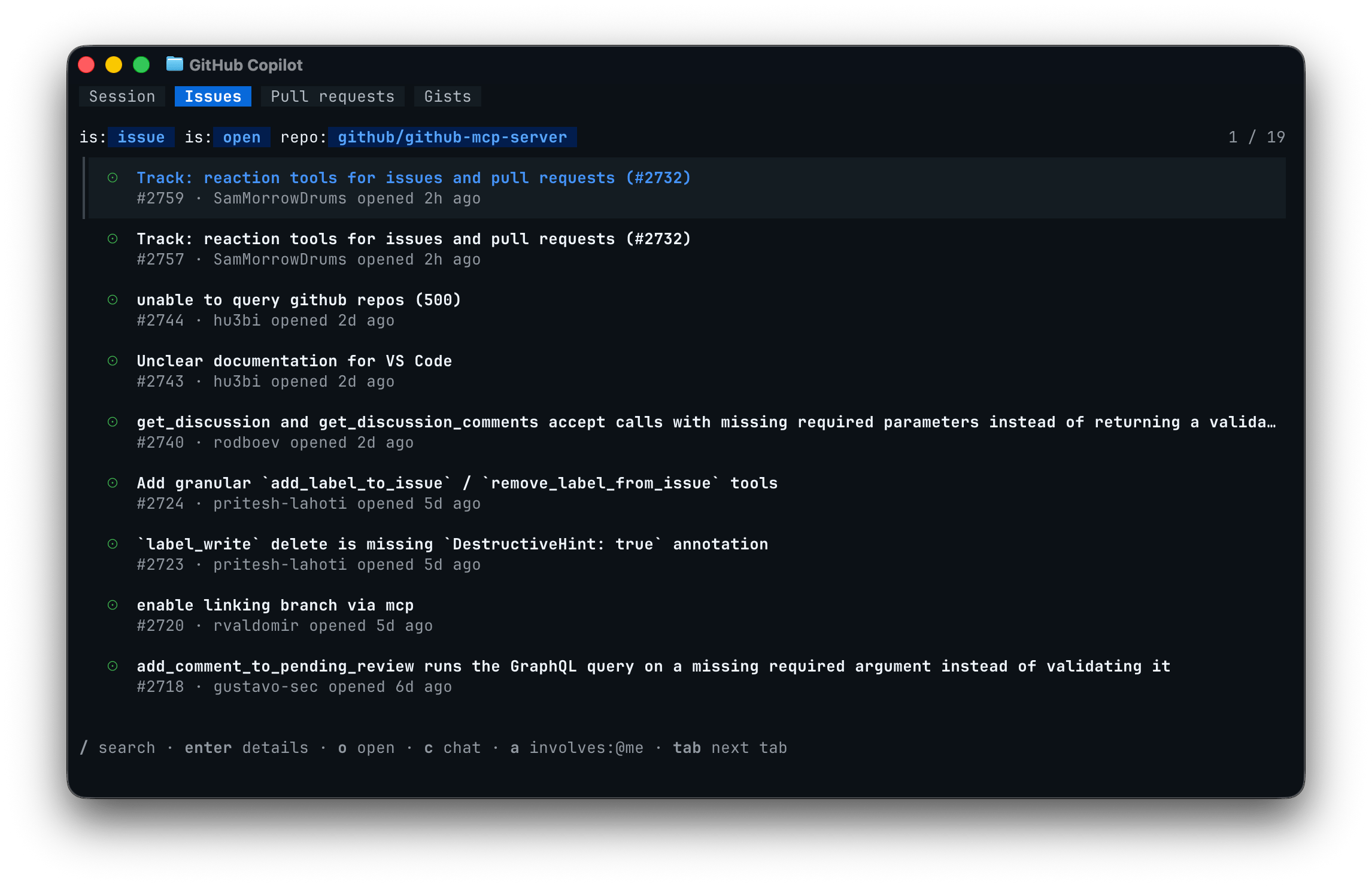
- Copilot CLI: 42 minutes 41 seconds, 22 cycles, 19 hand-offs.
Source: github.blog
These numbers are a small-sample agent benchmark, not a lab result. Machine state, prompt wording, and luck all play a role. But the spread is large enough to reveal a structural difference: FutureX optimizes for finishing the job, while Copilot CLI optimizes for answering the question.
The Verdict#
Choose by intent. If you are doing surgical edits and know precisely what you want, Copilot CLI is a lightweight, fast AI pair programming CLI that never gets in your way. If you are vibe coding — giving an idea to a terminal agent and expecting a working end result — FutureX wins on every metric we measured: fewer cycles, less friction, and significantly less wall-clock time to a working app.
The terminal is where agentic coding happens, and this benchmark makes the tradeoff clear. FutureX acts like a teammate; Copilot CLI acts like a very fast keyboard. Both have a place, but for vibe coding, we know where we would rather run.
Related reading

Vibe Coding Security: Hidden Risks and FutureX Mitigations
Auto-generated code from vibe coding can introduce prompt injection, insecure dependencies, and opaque logic—FutureX's guardrails turn these AI code vulnerabilities into manageable risk.
vibe coding5 min read

Beyond the Vibe: Choosing Between Vibe Coding and Agentic Engineering
Vibe coding and agentic engineering are not quality levels but different practices for different contexts — here is a senior developer's framework for choosing between exploration and production.
vibe coding6 min read
Breaking the Vibe-Coding Template with Design Fundamentals
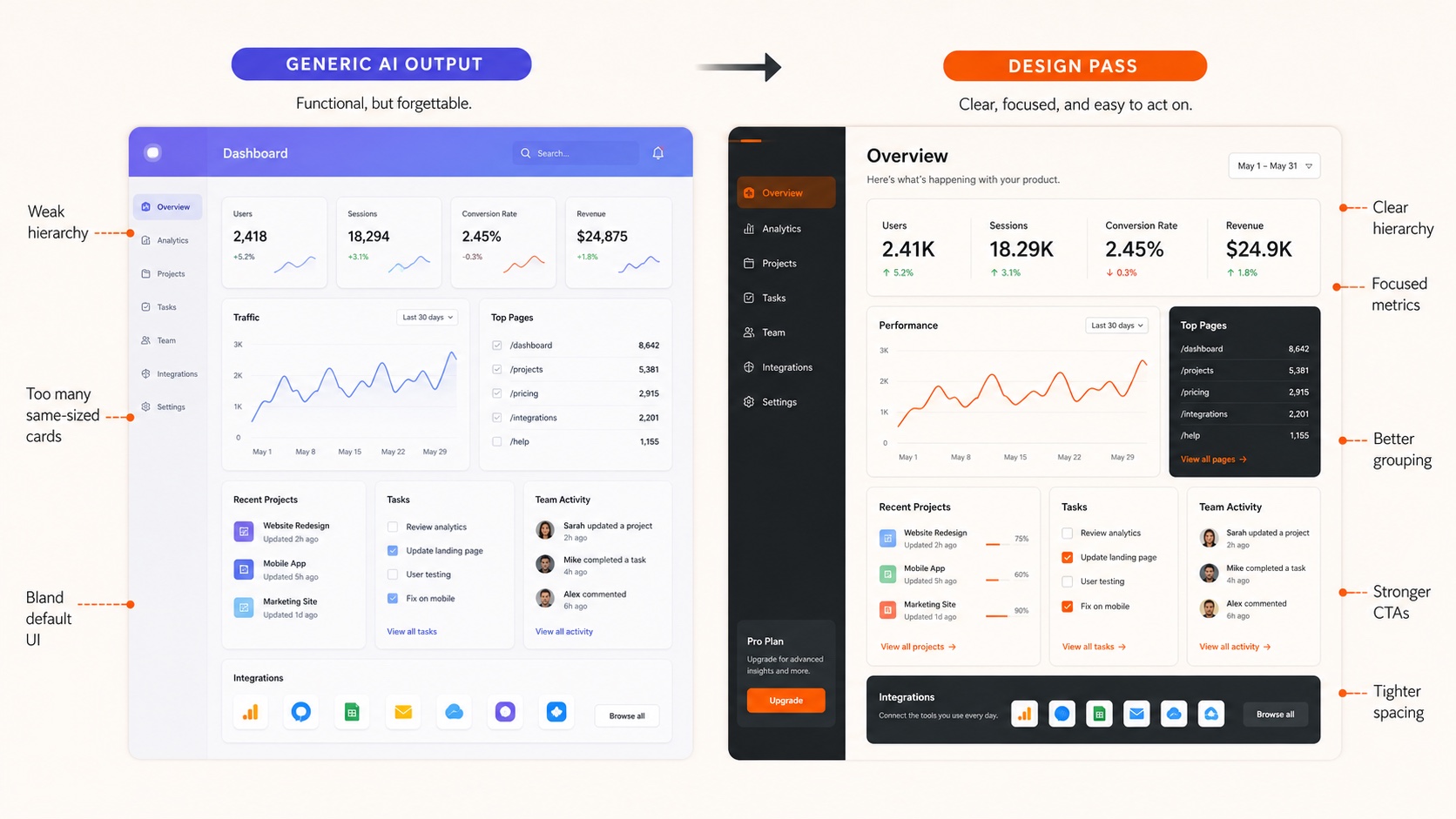
Vibe coding produces generic AI-generated UI by default; this practical guide shows how FutureX applies typography, color theory, and visual hierarchy to create unique web design.
vibe coding6 min read