From Vibe to Value: Measuring Productivity Gains When You Code with AI
Move beyond lines of code and learn how to measure the real productivity impact of vibe coding with FutureX using metrics for speed, quality, and skill growth.
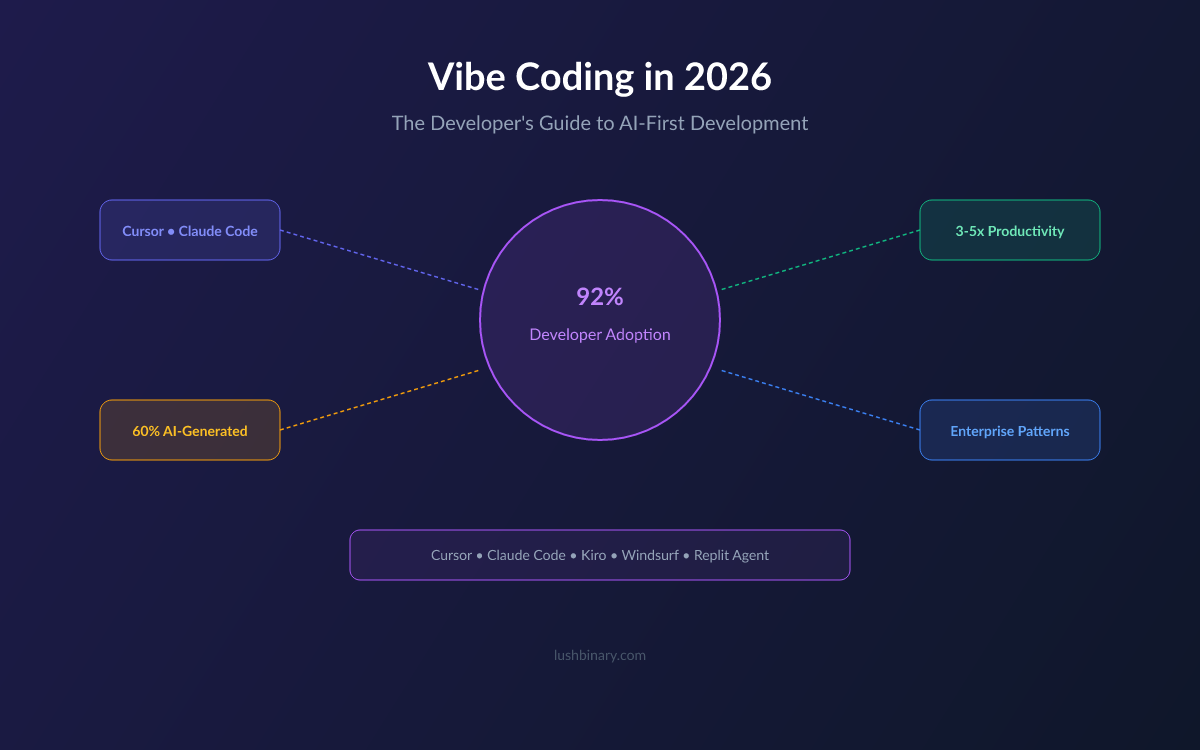
Vibe coding with FutureX feels like a superpower. Code appears faster, boilerplate writes itself, and you spend less time staring at a blinking cursor. But feel is not evidence. When engineering leaders ask whether AI assistance is worth the investment, they want numbers. This post shows you how to measure the true productivity impact of vibe coding with FutureX — using productivity metrics that capture speed, quality, and skill growth, not just volume.
Why Lines of Code Are the Wrong Yardstick#
Counting lines of code is the oldest productivity metric in software, and it is also the most misleading. AI coding agents like FutureX are exceptionally good at generating volume. A single prompt can produce dozens of functions, test stubs, and configuration files in seconds. If you measure developer productivity by output volume, vibe coding will look like a tenfold improvement — and that number will be meaningless.
Volume is not value. Unreviewed generated code becomes technical debt. It grows the surface area for bugs, bloats review queues, and makes future changes more expensive. The goal of vibe coding is to ship working features faster, not to manufacture more lines that need maintenance. Measuring AI impact requires metrics that reflect outcomes: how quickly work ships, how well it holds up under review, and how rarely it breaks production.
The shift from vibe to value starts when you stop asking how much code FutureX produced and start asking what that code actually did for the product, the team, and the developers writing it.
Productivity Metrics That Actually Matter#
When measuring AI impact, pick metrics that connect directly to delivery and quality. Three categories cover most of what you need: cycle time, throughput, and rework.
Cycle Time#
Cycle time is the time from when a developer starts a task to when the change ships. FutureX cuts more than typing time — it reduces cognitive latency. Developers spend less time recalling APIs, reconstructing patterns, and hunting for syntax. Measure both wall-clock cycle time and active working time. Active time matters because vibe coding should free up mental bandwidth for design and debugging, not just compress keystrokes.
Track cycle time per task type and per developer before and after introducing FutureX. A consistent drop of 20 to 40 percent on feature work is a realistic goal. If you only see gains on trivial tasks, you are using the tool too narrowly.
Throughput#
Throughput is the number of completed, merged tasks per unit of time. Raw task counts favor small, easy work, so weight throughput by complexity. Use story points, t-shirt sizing, or a simple severity scale if you do not run Scrum. The key is to measure completed value, not started work. A developer who opens twenty PRs but merges two is not productive — they are generating review load.
With FutureX, throughput gains typically appear as a higher ratio of merged work to opened work. The agent helps you finish the last mile: wiring, edge cases, and tests that usually stall in review.
Defect and Rework Rate#
AI models are confident even when they are wrong. FutureX produces code that looks correct and fails in subtle ways. That is why defect rate is the most important counterweight to speed. Track bugs caught in code review, revert rate, hotfix frequency, and the number of follow-up PRs that clean up a merged change.
Rework is expensive. If a developer saves two hours generating code but loses three hours fixing its defects, productivity went backward. A healthy vibe coding workflow sees faster shipping without a rising rework rate. If defects climb, the fix is usually context quality: give FutureX clearer specifications, relevant tests, and examples of the patterns you expect.
Measuring AI Impact with FutureX#
To measure the real effect of the agent, instrument the workflow around it. FutureX sessions generate rich telemetry: prompt-to-response latency, acceptance rates, edit frequency, and test outcomes. Combine that signal with your existing code hosting and CI data to build a complete picture.
Building a Baseline#
Run a two-week control period without AI assistance, then two weeks with FutureX on similar work. Keep the task mix comparable — same team, same project area, same complexity profile. The difference between the two periods gives you a defensible estimate of AI impact, far better than comparing against historical averages that include unrelated changes.
If a full A/B test is impractical, do a per-developer comparison. Ask team members to alternate with and without FutureX on similar tickets over a month. The sample is smaller, but the signal is still useful.
Controlling for Task Selection#
A common trap in measuring AI impact is assigning only trivial tasks to the AI-assisted workflow. Greenfield CRUD endpoints and boilerplate generation make any tool look great. To get honest numbers, randomize which tasks go through vibe coding. Include gnarly debugging sessions, legacy codebase changes, and refactors. Those are the moments where a tool like FutureX either proves its value or exposes its limits.
What to Log#
At minimum, capture these per session: task identifier, time to first commit, number of AI-generated edits accepted, number of edits rejected or reverted, test pass rate before merge, and review comments received. Store them in a simple table and review the weekly trend. This gives you a lightweight system for measuring AI impact without building a data platform.
Evaluating Skill Improvement#
Productivity metrics measure output, but vibe coding should also make you a better engineer. Skill growth is harder to quantify, yet it is the part of measuring AI impact that compounds over time. If FutureX helps you ship faster today but you learn nothing, the long-term value is limited.
Code Review Signal#
Code review comments are a free source of learning data. Track the number and severity of review comments per PR over time. If the count trends down while throughput stays high, developers are internalizing the patterns FutureX suggests and applying them with better judgment. If review comments stay flat but cycle time drops, the team is coding faster but not necessarily learning faster.
Also track how quickly developers spot mistakes in AI-generated code. Speed of detecting a wrong approach is a strong signal of growing experience. Developers who know what to look for can use FutureX as an accelerator instead of a crutch.
Time-to-Proficiency#
Measure how long it takes a developer to go from first contact with FutureX to independently completing a non-trivial feature. In a healthy setup, structured onboarding — writing prompts, reading generated code critically, and reviewing failed tests — cuts this time substantially. A developer who can reach proficiency in a new stack within days, rather than weeks, has turned AI into a learning amplifier.
Learning Transfer#
Periodically assess whether the skills exercised during vibe coding carry over to unassisted work. One practical approach is a quarterly exercise where developers solve a small problem with FutureX and an equivalent one without it. Compare design choices, edge-case handling, and code clarity. The goal is not to prove humans are better than AI; it is to verify that the human is still the architect.
Building a Measurement Loop#
Metrics only create value when they feed back into behavior. Treat measuring AI impact as an ongoing loop, not a one-time audit.
Weekly Review Ritual#
Spend fifteen minutes a week on the numbers. Look for changes in cycle time, defect rate, and acceptance rate. Ask the team what FutureX made easier and what it made harder. The qualitative answers often explain the quantitative shifts — a bad prompt habit will show up as a rework spike before anyone notices the pattern.
Adjusting Context and Prompts#
When defect rate climbs, improve the context you give FutureX rather than abandoning the tool. Add project conventions, relevant test files, and a one-paragraph specification before generating. Small changes in prompt structure produce outsized changes in output quality, and the productivity metrics will reflect it.
Link to Business Outcomes#
Finally, connect developer productivity to outcomes the business understands: features shipped per release, customer-reported incidents, and time from idea to production. Those high-level numbers are what make the case for AI investment stick. They also keep the team honest — if faster coding is not leading to faster value delivery, the metrics are telling you something important.
From Vibe to Value#
Vibe coding does not mean abandoning rigor. The developers who get the most out of FutureX treat it as a system they measure, tune, and improve — the same way they would treat any other part of their workflow. By choosing productivity metrics that reflect speed, quality, and learning, you can turn the fuzzy feeling of momentum into a clear, defensible picture of developer productivity.
Start small. Pick three metrics, capture a baseline, and let the numbers guide how you prompt, review, and learn. That is how you move from vibe to value — and how measuring AI impact becomes a skill that pays off long after the novelty wears off.
Related reading

Vibe Coding Debt: Why FutureX Refactors Are the Real Time-Saver
Vibe coding accelerates first drafts but defers hidden costs; FutureX makes code refactoring 40% faster, turning refactoring debt into a manageable part of developer productivity.
vibe coding10 min read
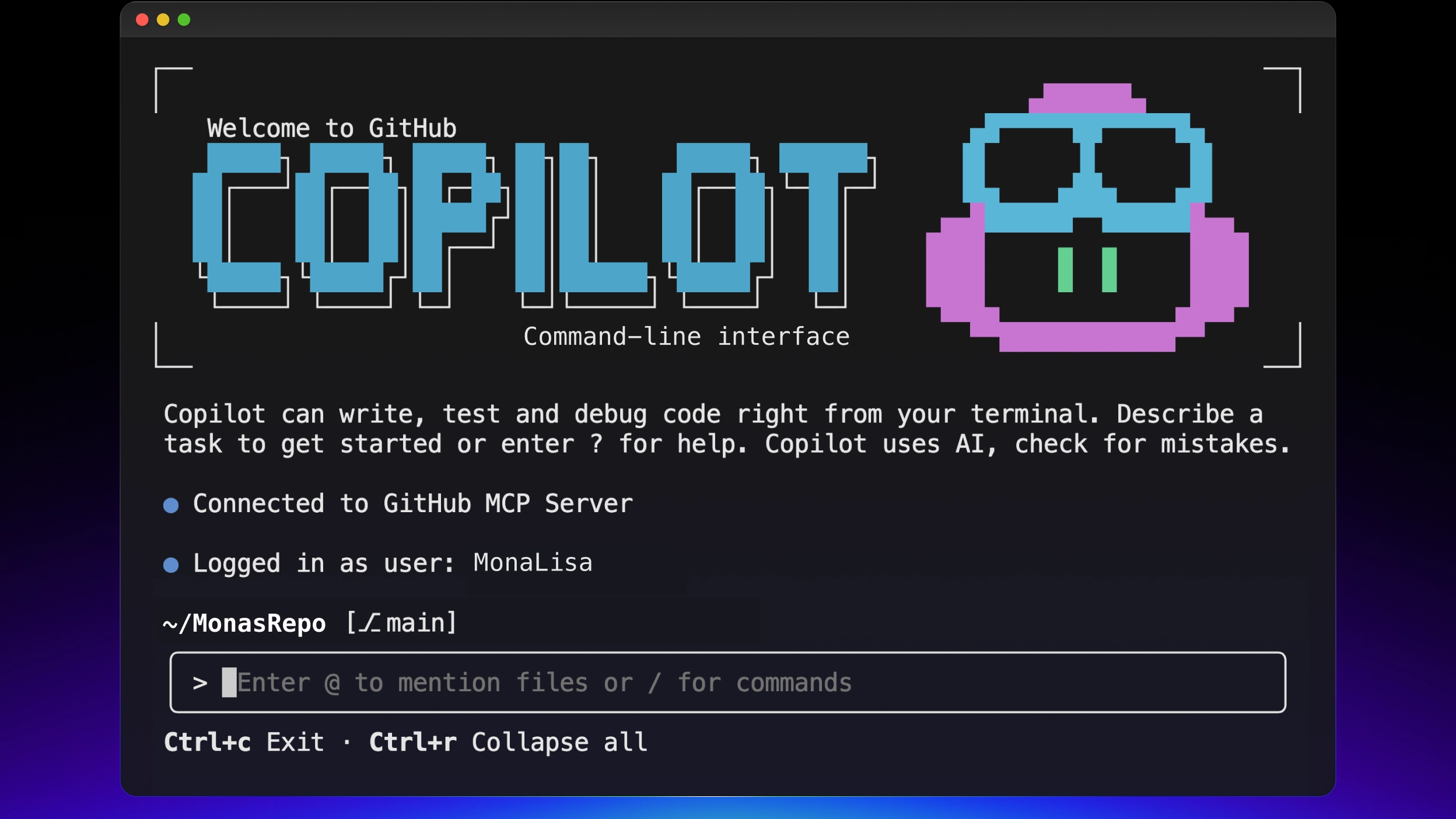
Vibe Coding Beyond Autocomplete: Why FutureX Beats Copilot CLI for Whole-Project Prompts
FutureX treats the entire repository as a promptable unit, letting you vibe a feature end-to-end while Copilot CLI still forces you through autocomplete-era diff babysitting.
vibe coding7 min read

Beyond the Vibe: Choosing Between Vibe Coding and Agentic Engineering
Vibe coding and agentic engineering are not quality levels but different practices for different contexts — here is a senior developer's framework for choosing between exploration and production.
vibe coding6 min read