FutureX Starter: Avoiding the 7 Most Common Beginner Mistakes
A practical list of the seven most common beginner mistakes developers make when using FutureX, with concrete ways to avoid each one.

FutureX is a coding agent that can scaffold a project, fix a bug, or explain a foreign codebase in seconds. That power cuts both ways: it also amplifies your habits, good or bad. New developers who start with FutureX tend to repeat a small set of beginner mistakes, from accepting generated code without review to over-relying on the agent and ignoring error messages. This practical list covers the seven most common pitfalls and how to avoid each one.
Mistake #1: Accepting Code Without Review#
FutureX produces working code fast, and that speed is exactly why you need a review gate. When the agent returns a patch, do not merge it on trust. Open the diff, read every changed line, and trace the logic against the surrounding code. Ask yourself whether the change respects existing conventions, handles nulls and edge cases, and could cause side effects elsewhere. If any part is unclear, ask FutureX to explain that section before you accept it. A useful trick is to summarize the change in one sentence of your own. If you cannot, you are not ready to commit. This is code review in the traditional sense, applied to an AI contributor, and it is the single most important habit you can build as a new developer.
Mistake #2: Over-Reliance on the Agent (Vibe Coding)#
“Vibe coding” — letting the agent drive while you approve whatever compiles — feels like magic for the first week, then becomes a debt you pay later. When you do not understand why the code works, you cannot debug it, extend it, or defend it in a design review. FutureX is best used as a tireless pair programmer: it drafts, you decide. Ask it to propose an approach before writing code. Have it annotate the tricky parts. When you notice you have stopped reading the agent’s output, that is the signal to step back and slow down. Over-reliance is a beginner mistake, but it is also a habit, and habits can be changed with deliberate checkpoints in your workflow.
Mistake #3: Ignoring Error Messages#
When a test fails or a build breaks, the error message is the most valuable piece of context you have. Beginners often skip straight to asking FutureX for a fix, pasting only the last line or nothing at all. Read the full stack trace first. Identify the file, the line, and the exception type. Then paste the complete output into FutureX and ask two questions: what does this mean, and what are the possible causes? Getting the agent to explain before fixing builds your own diagnostic skill, and it gives FutureX the raw evidence it needs to produce a correct patch. Ignoring error messages turns a solvable problem into a guessing game.
Mistake #4: Giving Too Little Context#
A prompt like “make this faster” or “fix the bug in the login form” does not give FutureX enough to work with. In a small, fresh codebase the agent may stumble onto something reasonable, but in a real project it needs constraints. Include the framework and version, the file or module that matters, any performance or security requirements, and what you have already tried. If the project has documentation, point FutureX at it. One extra sentence of context can be the difference between a patch that fits and a patch that looks plausible but breaks everything. This is one of the most practical AI coding tips you will find: context is the single biggest lever you control in any prompt.
Mistake #5: Not Testing Incrementally#
Accepting a large FutureX change without running anything is a gamble. The agent generates code quickly, but tests are still the ground truth. Run the test suite after every significant change. If the project has no tests, ask FutureX to generate a baseline suite for the module you are touching, then run it. Add your own manual checks for edge cases the tests do not cover. Keep changes small enough that a failure points to a narrow range of code, which also makes rollbacks easy. Testing is not a separate phase; it is part of the loop you build around every agent interaction.
Mistake #6: Skipping Version Control#
FutureX edits files, but you should treat it as a contributor whose work needs the same discipline as a human teammate’s. Initialize a repository on day one, even for a small experiment. Commit a clean baseline before you start a task, then commit again after you review the agent’s changes. A version-control history gives you three things: an audit trail of what changed, a clean revert point when something breaks, and a readable diff to hand back to FutureX when you ask it to fix a regression. Never run a coding agent on a dirty working tree. The diff is the boundary between the agent’s output and your codebase, and version control is what makes that boundary visible.
Mistake #7: Asking for Too Much in One Shot#
Bundling five unrelated requests into one prompt produces tangled patches that are hard to review and easy to break. FutureX does its best work on focused, single-purpose tasks. Break large goals into steps: ask it to analyze the current code first, then propose a plan, then implement step one, then run tests, then move to step two. Each checkpoint lets you verify before the next change. If a task genuinely spans several subsystems, write a short design note, review it yourself, and feed the implementation steps to the agent one at a time. That slower path beats an all-at-once approach every time, because it keeps every change understandable and reviewable.
The Right Way to Start with FutureX#
The seven mistakes share a common root: handing control to the agent and stepping back. The fix is to make FutureX fast at execution while you stay responsible for direction. Review every patch before accepting it, read error messages before asking for a fix, give the agent enough context, test as you go, and keep everything in version control. These beginner mistakes are also the ones that separate productive AI-assisted development from chaos. The stakes are low while you are learning, which makes now the perfect time to build the discipline. Start with small tasks, keep a clean diff, and never accept a change you cannot explain. That is the real skill behind using FutureX well, and it will serve you long after the novelty of the agent wears off.
Related reading
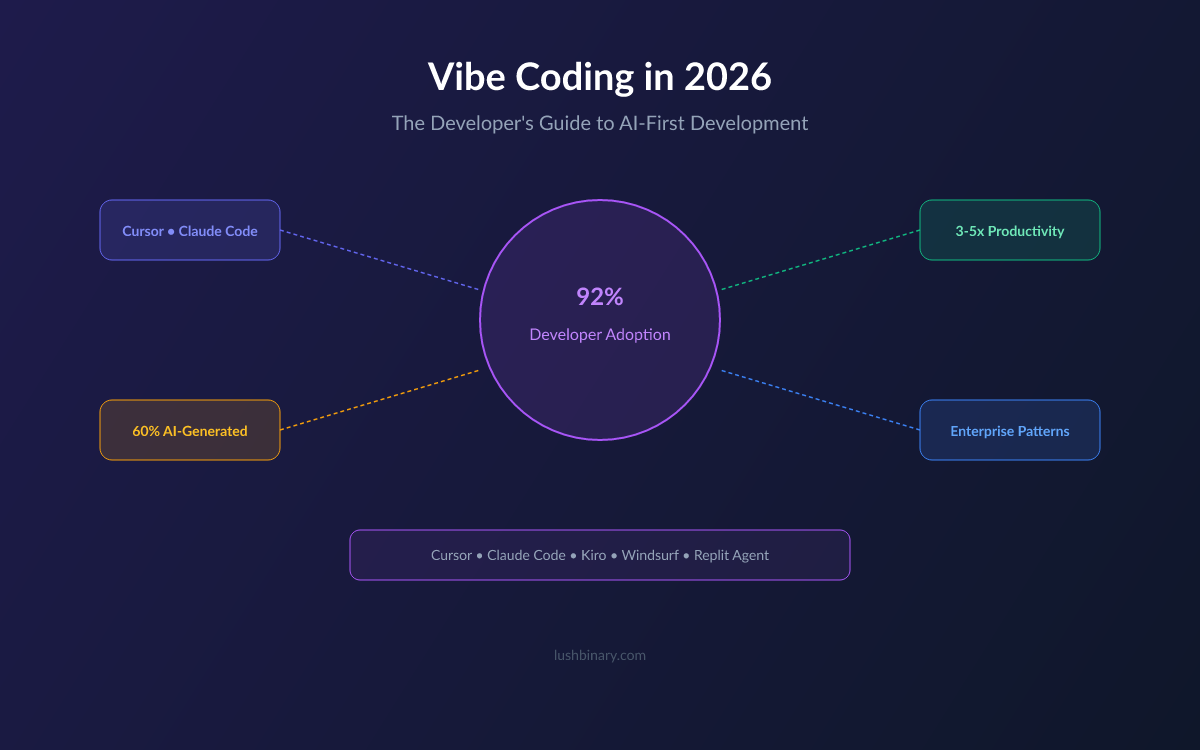
From Vibe to Value: Measuring Productivity Gains When You Code with AI
Move beyond lines of code and learn how to measure the real productivity impact of vibe coding with FutureX using metrics for speed, quality, and skill growth.
vibe coding7 min read
No More Blank Stares: How to Review AI-Generated Code Like a Senior Engineer
A practical guide to code review strategies for AI-generated code, teaching developers how to catch subtle bugs and tech debt that FutureX might introduce.
code review6 min read

Vibe Coding Debt: Why FutureX Refactors Are the Real Time-Saver
Vibe coding accelerates first drafts but defers hidden costs; FutureX makes code refactoring 40% faster, turning refactoring debt into a manageable part of developer productivity.
vibe coding10 min read