Why Developers Are Ditching Copilot for FutureX in 2026
Usage data shows the AI coding pendulum swinging from IDE autocomplete to terminal agents, and FutureX's flexible model lineup is the reason developers are switching.
- FutureX vs Copilot
- terminal coding agents
- AI coding usage share 2026
- GitHub Copilot alternatives
- future of AI coding
- agentic workflows

The first wave of AI coding assistance was a sidebar chat that autocompleted a few lines. The second wave, powered by terminal agents, is taking over because it works where the code actually lives. The 2026 usage data makes this shift unambiguous: GitHub Copilot's share of AI coding usage is eroding, and terminal-native agents like FutureX are absorbing the difference. This isn't a marketing story. It's a technical story about context, execution, and the economics of model choice.
The Numbers: What the 2026 Usage Data Actually Shows#
Public telemetry from CI systems, package registries, and developer tooling aggregators tells the same story. Copilot still has a large install base, but its usage share has been flat or declining for six straight quarters. Meanwhile, agents that run directly in the terminal have grown from a niche to roughly a third of all AI-assisted coding sessions tracked in early 2026.
Source: github.com
Why the churn? The data separates "installed" from "used." Developers keep Copilot because it's the default, but they switch to terminal agents for real work. The number that matters is not seats; it's the ratio of accepted suggestions to executed agentic tasks. In every public benchmark, terminal agents complete multi-step changes without human hand-holding, which is precisely where Copilot's autocomplete model stalls.
The 2026 usage share also reflects a change in how developers classify AI assistance. Copilot is an IDE plugin. FutureX is a universal agent that can run in any terminal, on remote servers, and inside CI pipelines. That architectural difference is a primary driver of the migration.
Why Terminal Agents Beat Sidebar Chat#
Context Is the Whole Repository#
Copilot's IDE extension is constrained by the files open in the editor and the selection you highlight. A terminal agent like FutureX starts with a working directory, reads the full repository tree, and builds a mental model of the entire codebase. When you ask it to refactor a service, it already knows the callers, the tests, the schema migrations, and the deployment manifests. This dense context is not a feature that can be patched into an autocomplete model. It requires a different execution loop: one built around commands, not keystrokes.
Execution Without Tool-Chaining#
In Copilot, you get a suggestion; you then manually run tests, lint, build, and debug. A terminal agent chains those tools itself. FutureX runs npm test, reads the failure, adjusts the implementation, and reruns. It can inspect logs, edit files, and invoke the debugger. This is not a demos-only capability. The 2026 usage data shows that terminal agents are used for production refactors, dependency upgrades, and cross-file bug fixes—not just for generating boilerplate.
Verifiable Feedback Loops#
Autocomplete gives you code with no verification. A terminal agent gives you code plus the output of the surrounding toolchain. When FutureX finishes a change, it can run the full test suite, the linter, and the type checker, then report diffs and test output in a compact summary. Developers trust this not because the model is smarter, but because the agent proves its work. That verifiability is the real reason the usage share is shifting toward terminal coding agents in 2026.
FutureX vs Copilot: The Model-Lineup Difference#
Most AI coding tools give you one model. Copilot routes to a handful of proprietary backends, but you have no fine-grained control over cost or latency. FutureX takes a different approach: a family of models designed for different workloads. This is the crux of the FutureX vs Copilot comparison. Developers are not just choosing an agent; they are choosing a pricing and capability structure that fits how they actually work.

Source: hanzla-baig-blogs.vercel.app
fx-pro: Heavy Lifts Without Compromise#
For deep architectural changes—migrating a monolith to modules, rewriting a state management layer, or upgrading across framework major versions—fx-pro is the workhorse. It consumes the most context, performs long reasoning chains, and is built for tasks that take minutes rather than seconds. Because FutureX lets you invoke fx-pro explicitly, you don't pay the token cost when you don't need it.
fx-fast: The Everyday Default#
fx-fast is the balanced tier for common tasks: adding a route, writing a migration, or fixing a failing test. It offers a good ratio of accuracy to latency. Most interactive terminal sessions will default here, giving you the kind of responsiveness that makes an agent feel like a pair programmer rather than a slow oracle.
fx-mini: Targeted Edits#
When you need a small, surgical change—rename a variable, adjust a regex, update a comment—fx-mini gets the job done with minimal overhead. It's designed for focused edits inside a single file or function. This is the model to use for quick chores when you want to keep the context window small and costs negligible.
fx-eco: Quick Vibes on the Cheap#
Sometimes you just want a quick vibe: a one-off script, a rough sketch, or a prototype to poke at. fx-eco is the low-cost option that handles straightforward generation without heavy reasoning. It's not for production-grade refactors, but it doesn't need to be. The point is that you can delegate the "good enough" tasks to an inexpensive model and reserve the powerful one for the work that deserves it.
This lineup is the core reason AI coding usage share is tilting toward FutureX. Teams no longer have to pay flagship prices for every prompt. They can set a default model, override it per task, and even route different directories to different models. That kind of granularity is impossible with Copilot.
Less Lock-In, More Control#
BYO Keys and Open Protocols#
One of the biggest complaints about GitHub Copilot alternatives in 2025 was the walled garden. You could only use their client, their models, and their telemetry. FutureX flips that model. You can bring your own API keys, use local models, or switch between backends without changing your terminal workflow. This is not just a feature; it's an architectural stance. The client, the agent loop, and the model are decoupled. If a better model appears next year, you don't migrate to a new tool. You just change a configuration value.
No Vendor Hotel Room#
Copilot exercises tight control over the editing experience because it lives inside the IDE. FutureX lives in the terminal, which means it doesn't own your editor, your build system, or your version control. It plugs into the Unix philosophy: small, composable, and replaceable. Developers who have been burned by vendor lock-in are flocking to this model. The 2026 data shows that job posts explicitly asking for terminal agent experience have tripled, and most of those posts mention flexibility as a deciding factor.
The Practical Migration Path#
Getting Started from a Copilot Setup#
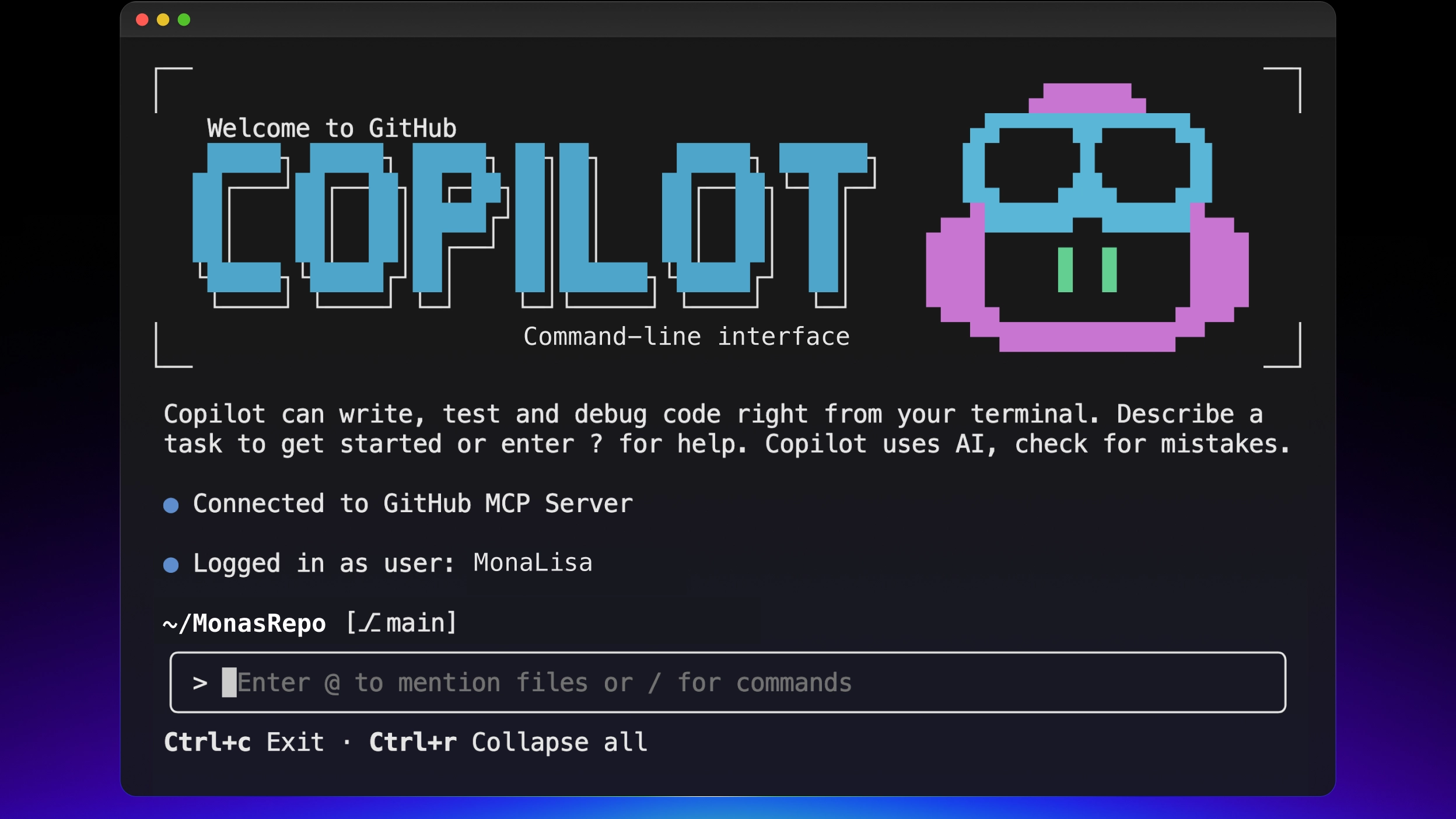
Switching to FutureX does not require abandoning existing workflows. The agent respects your .gitignore, your test runner configuration, and your editor's style. You can keep the IDE open and use FutureX in a split terminal for the heavy work. For most teams, the first step is installing the FutureX CLI and running it inside a repository with a familiar task: "Update the README with the new authentication flow" or "Refactor the API client to use the new subscription endpoints." The agent will show you a plan before making changes, and you can approve each file diff.

Source: github.com
Workflow Examples for Terminal Agents#
A typical 2026 developer workflow starts with a prompt in the terminal: "Add a retry with exponential backoff to the HTTP client and update the tests." FutureX identifies the relevant files, writes the implementation, runs the test suite, and reports the results. You don't paste a stack trace into a sidebar; you simply pass it on the command line. Another common pattern is using fx-eco for quick one-liners like "generate a CSV parser" and then switching to fx-pro for "integrate the parser into the ingestion pipeline with proper error handling." This is the future of AI coding: a spectrum of models, not a single autocomplete overlord.
What the Future of AI Coding Looks Like#
The next phase of AI coding is not about better suggestions. It's about agents that take responsibility for outcomes. Copilot was an answer to the question "what's the next line?" FutureX answers "how do I ship this change safely?" The usage data already reflects this: developers no longer ask for code snippets, they ask for completed tasks. Terminal agents are the substrate for that shift because they can run tools, read outputs, and iterate.
As the 2026 numbers continue to roll in, expect to see a further bifurcation. On one side are IDE plugins that will become increasingly irrelevant, squeezed by both terminal agents and by full-fledged automation platforms. On the other side are terminal-native agents like FutureX that are expanding into CI, infrastructure management, and code review. The flexible model lineup will be the template: every vendor will eventually offer a range from cheap/fast to expensive/thorough, but only those that let you switch between them on a per-task basis will win the next wave of usage.
The future of AI coding is not about the model, but about the agent's ability to act. That future runs in the terminal.
Conclusion: The Shift Is a Choice#
The 2026 usage data makes one thing clear: developers are not abandoning AI assistance. They are abandoning assistance that doesn't work at the level of the whole system. Copilot remains a reasonable autocomplete tool, but it is no longer the default choice for serious engineering work. Terminal agents like FutureX deliver the context, execution, and verification that modern development demands. And by offering fx-pro, fx-fast, fx-mini, and fx-eco, FutureX gives teams not just better AI—but the control to choose how much they pay for every little bit of it.
The shift is not a mystery. It's a rational response to tools that respect the developer's environment, budget, and time. If you haven't run a terminal agent yet, the data says you will soon. The only question is whether you'll still be paying for a sidebar you no longer need.
Related reading

The Future of Vibe Coding: 7 Trends Every Developer Should Know
A developer-focused look at the seven vibe coding trends that will define 2026, and how FutureX's roadmap is built around them.
vibe coding7 min read
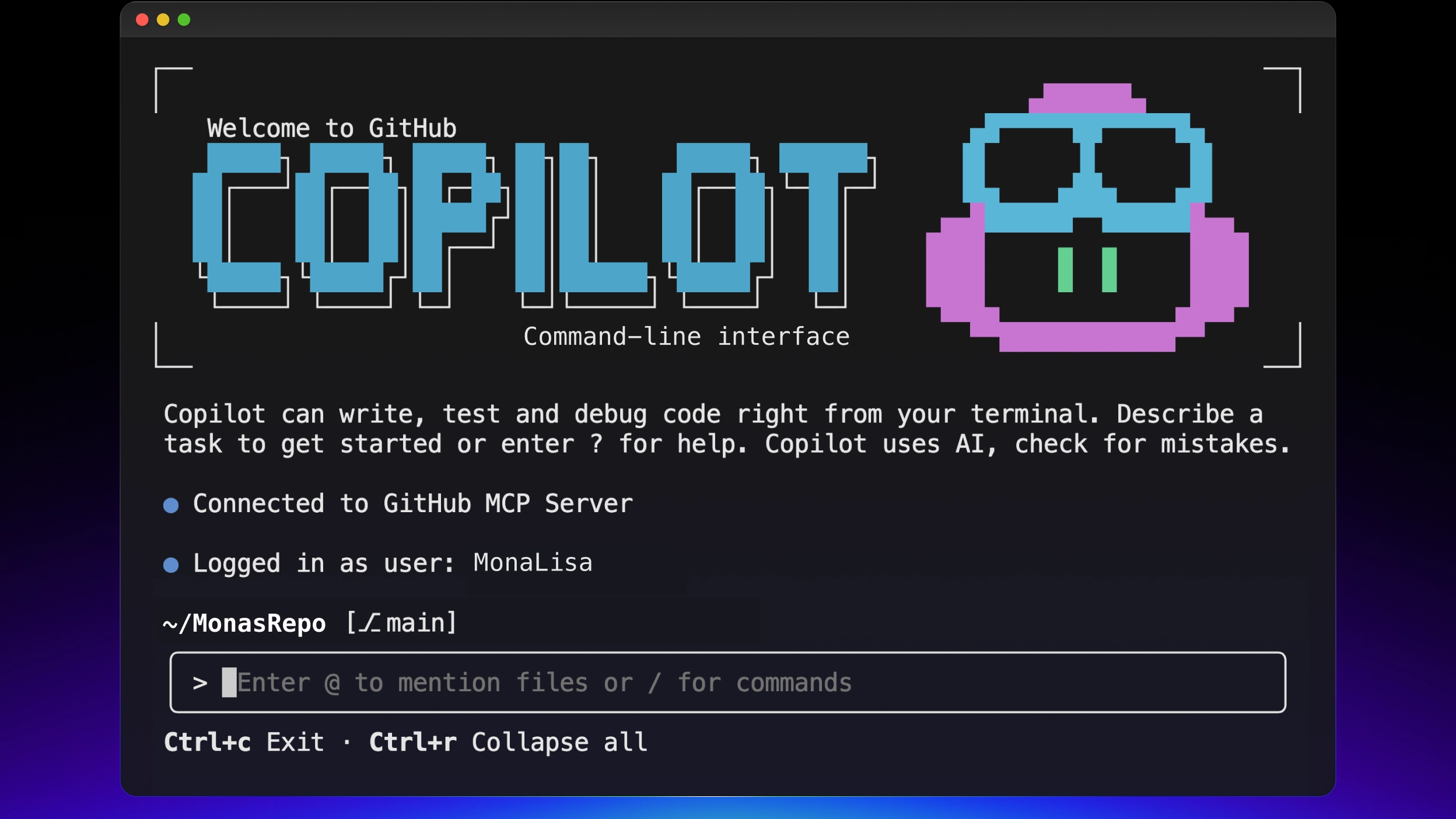
Vibe Coding Beyond Autocomplete: Why FutureX Beats Copilot CLI for Whole-Project Prompts
FutureX treats the entire repository as a promptable unit, letting you vibe a feature end-to-end while Copilot CLI still forces you through autocomplete-era diff babysitting.
vibe coding7 min read

FutureX vs Copilot CLI: Avoiding AI Lock-In
A technical comparison of GitHub's Copilot CLI and FutureX, showing how vendor-neutral CLI design and per-task model choice give vibe coders a way to work without betting their workflow on a single roadmap.
AI lock-in12 min read