FutureX vs. Cursor vs. Claude Code: Which Vibe Coding Tool Wins in 2026?
A technical comparison of FutureX, Cursor, and Claude Code focusing on context handling, multi-file edits, and pricing to help developers choose the best vibe coding tool in 2026.
Vibe coding has evolved from a novelty into a core workflow for many developers, but not all AI coding agents are created equal. As we move through 2026, three tools stand out: FutureX, the agent built into the FIM platform; Cursor, the AI-first IDE; and Claude Code, Anthropic's CLI agent. Each approaches the core pain points of context retention, multi-file edits, and pricing differently. This comparison cuts through the marketing to help you decide which tool fits your vibe coding style.
Context Handling: How Each Tool Remembers Your Project#
The ability to maintain accurate context across a codebase is the single biggest differentiator in AI coding agent comparison. FutureX uses a persistent project-level memory graph. Every file, class, function, and import relationship is indexed and updated as you code. This means FutureX can recall decisions made three sessions ago without re-prompting. It also automatically prunes irrelevant context to stay within token limits, focusing on the parts of the codebase you've recently touched or that are directly related to the current task.
Cursor, by contrast, relies on file-level indexing and a conversation history that is bounded by the current chat session. If you start a new chat, the agent loses all prior knowledge. Cursor's "Index" feature helps but only surfaces files based on fuzzy search, not a deep understanding of relationships. For large monorepos or projects with complex dependency graphs, Cursor often needs repeated manual guidance to maintain the correct context.
Claude Code, being a CLI tool, maintains a token-aware conversation buffer. It can refer back to messages within the same session, but it lacks any persistent project memory across sessions. Claude Code can read entire files or directories on demand, but without an understanding of which parts are stale or irrelevant. This makes it less reliable for long-running vibe coding projects where the agent needs to remember past decisions.

Source: ninjatech.ai
What This Means for Vibe Coding#
If you enjoy rapid, session-bound exploration, Cursor and Claude Code work fine. But for sustained development where the agent needs to build on prior work, FutureX's persistent memory gives a clear advantage. You spend less time re-explaining your architecture and more time iterating.
Multi-File Edits: Orchestrating Changes Across Your Codebase#
A genuine vibe coding session often involves changes spanning multiple files: adding a new API endpoint, updating types, modifying the database schema, and adjusting tests. FutureX handles this natively with a planning phase. Before making any edit, it proposes a sequence of changes, shows you a diff, and asks for confirmation. This prevents half-baked modifications from propagating errors. FutureX also understands circular dependencies and can re-order edits to avoid broken intermediate states.
Cursor's Composer can suggest multi-file edits, but it sometimes generates changes in an arbitrary order, leaving your codebase in a broken state until you manually apply all suggestions. Cursor also has difficulty with files that aren't open in the editor, requiring you to manually navigate to them first.
Claude Code supports multi-file edits through its file editing tool, but it operates without an IDE's live feedback. You must run your project after each change to see if it compiles. There is no built-in error detection or automatic rollback. For complex refactors, this can lead to long feedback loops.

Source: vibecoding.app
Orchestration vs. Autonomy#
FutureX takes an agent-first approach, orchestrating edits with reflection and rollback capabilities. Cursor gives you more manual control but less automation. Claude Code is the most autonomous but the least integrated. For vibe coding where you want the tool to take the lead on multi-file tasks, FutureX offers the smoothest experience.
Pricing: What You Pay for Vibe Coding in 2026#
Pricing models can make or break a tool for individual developers and teams. FutureX offers a Free tier with 1,000 agent actions per month -- enough for small hobby projects. The Pro plan at $20/month provides unlimited agent actions and persistent project memory for up to 10 projects. A Team plan at $40/month adds shared contexts and team-only models. Enterprise pricing is custom and includes on-premise deployment options.
Cursor's pricing has remained stable: a free Hobby tier with limited AI requests, Pro at $20/month for unlimited requests and all models, and Business at $40/month per user with centralized billing. Claude Code is unique in that there is no subscription -- you pay per token. API costs for Claude Code average $0.30 per call for code generation tasks, which can add up quickly for heavy users. A month of daily vibe coding can easily surpass $60 in API bills.
Source: dev.to
FutureX Pricing: The Value Proposition#
For developers who use vibe coding intensively, FutureX's Free tier provides a risk-free way to evaluate the agent. The Pro plan is competitive with Cursor but offers the advantage of persistent context, which saves time and reduces errors. Claude Code can be cheaper for very light usage but becomes expensive for moderate to heavy use. In the AI coding agent comparison, FutureX's pricing is transparent and predictable, making it a strong choice for teams.
Developer Workflow Integration#
FutureX is deeply integrated into the FIM platform's IDE, which includes a built-in terminal, debugger, and visual diff viewer. This means you can review and apply AI-generated changes without leaving the environment. Cursor is its own IDE, but it supports most language servers and extensions. Claude Code is purely CLI, requiring you to manage your own editor, testing, and git workflow.
For developers who prefer a minimal setup, Claude Code offers flexibility. For those who want an all-in-one vibe coding environment, FutureX on FIM provides the most frictionless experience.
Best Vibe Coding Tool for Different Use Cases#
- Large monorepos or long-lived projects: FutureX wins with persistent context and multi-file orchestration.
- Rapid prototyping and one-off scripts: Cursor is fast and familiar, with IDE features you already know.
- Automation and CI/CD integration: Claude Code excels because it's a stateless CLI tool that can be scripted.
- Team collaboration: FutureX's Team plan with shared context makes it easy for multiple devs to work with the same agent memory.
No single tool is perfect for everyone. The decision comes down to whether you prioritize context depth, edit safety, or price predictability. For most vibe coders in 2026, FutureX offers the best balance of these factors, especially when you factor in the FIM platform's broader ecosystem.
Conclusion#
The best vibe coding tool in 2026 depends on your workflow and budget. FutureX stands out for its persistent context handling, safe multi-file edit planning, and transparent FutureX pricing. Cursor remains a solid choice for developers who prefer an IDE-first experience. Claude Code is ideal for CLI purists and automation. If you're struggling to vibe code effectively -- losing context, breaking builds, or burning budget -- give FutureX a try on FIM. The free tier is enough to see the difference on your next project.
Related reading
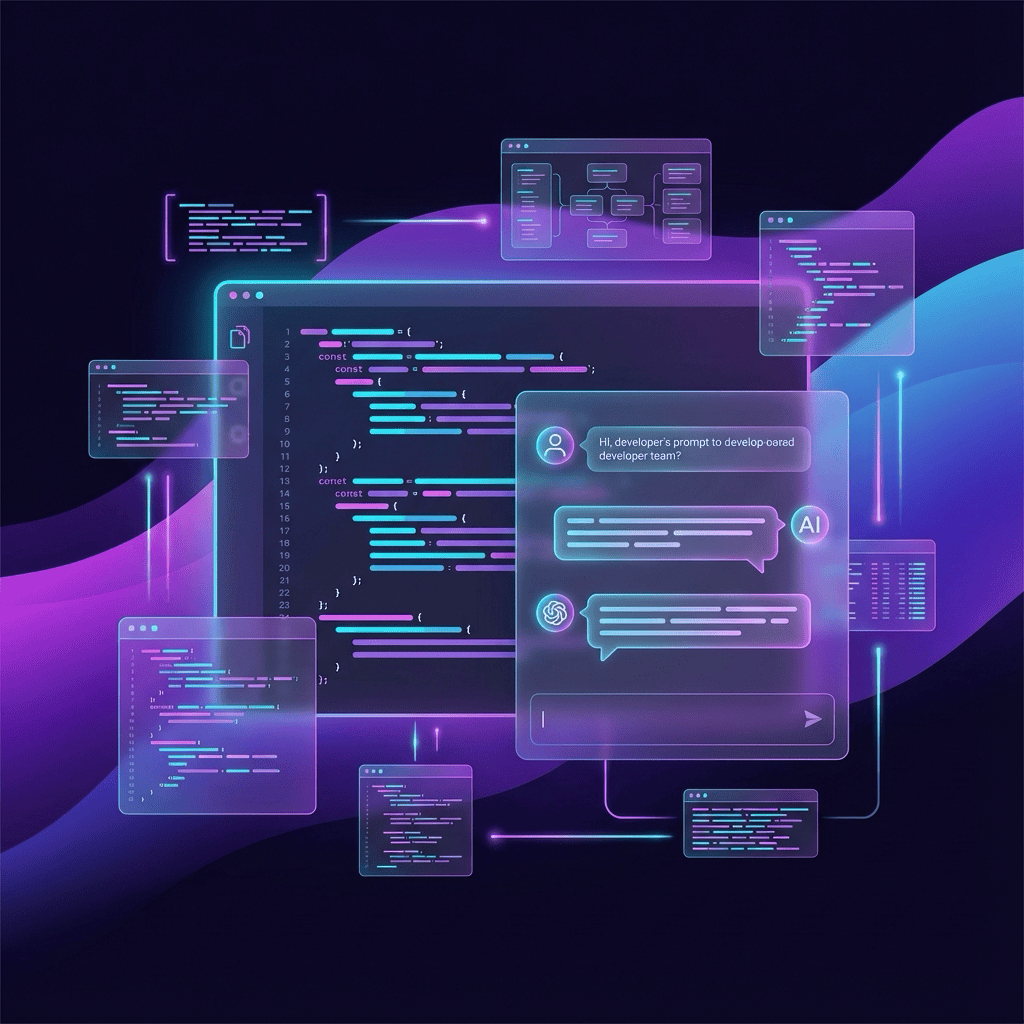
How to Vibe Code Like a Pro: 5 FutureX Prompt Patterns That Actually Work
Move beyond generic advice and learn five concrete prompt patterns that turn vague ideas into working code with FutureX, the AI coding agent on FIM.
vibe coding3 min read
From Idea to Deployed App in One Session: FutureX Vibe Coding Workflow
A real-world walkthrough of using FutureX to go from concept to a deployed full-stack application in a single coding session, with practical tips for speed and reliability.
FutureX5 min read
Vibe Coding Best Practices: Lessons Learned from 10 Projects Built with FutureX
After building 10 projects with FutureX, we share practical lessons on code review, testing, and integrating AI code with manual refinements to maintain quality while moving fast.
vibe coding3 min read