Vibe Code Full-Stack Apps for Under $10/Month
Assemble a complete vibe coding environment around the FutureX API—including MCP servers, the futurex CLI, and full-stack scaffolding—for under $10/month.
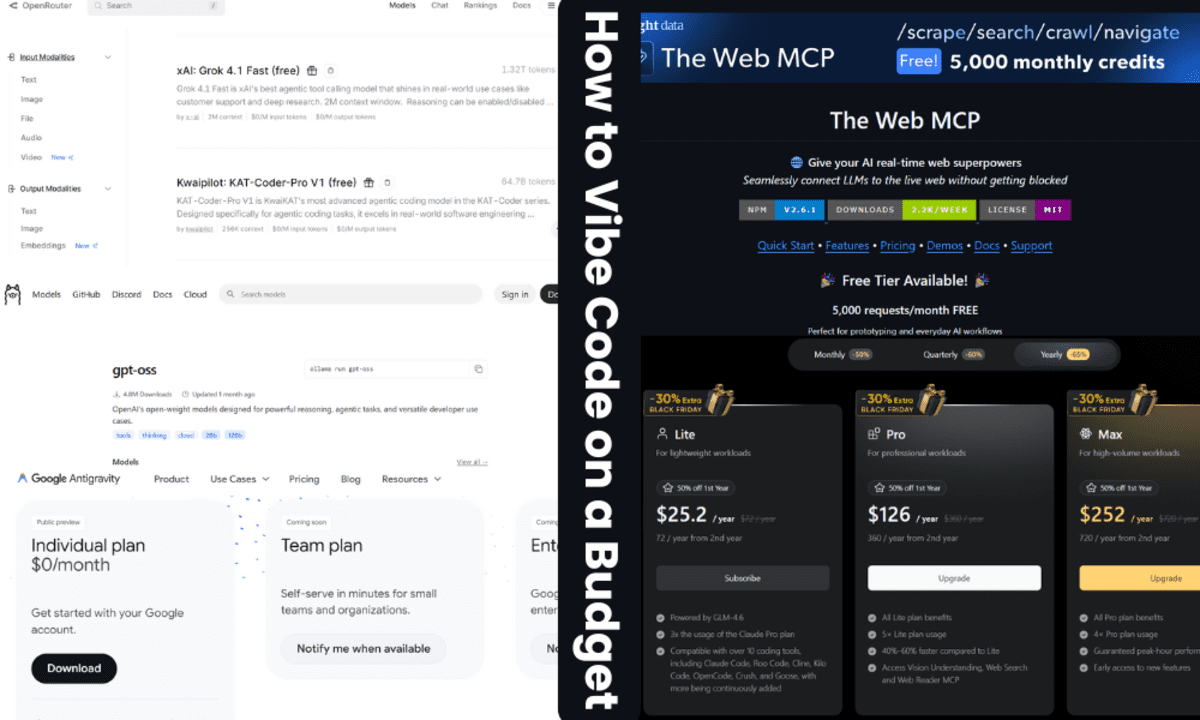
The typical vibe coding tutorial opens with a $100-$200 Claude Code subscription and layers another $20-$30 in hosted MCP server fees before you've generated a single component. That framing treats budget as an afterthought. This guide assembles the same capabilities—an agentic coding loop, Model Context Protocol servers, CLI tooling, and full-stack scaffolding—around FutureX for under $10/month. Everything here is concrete: API tiers, MCP server choices, and the exact commands to start a session.
The $10 budget, itemized#
The FutureX API is metered per token across four model tiers: fx-pro, fx-fast, fx-mini, and fx-eco. For vibe coding, the two cheap tiers do most of the work, and the expensive one gets reserved for architecture-level decisions.
A typical month of daily 30-minute sessions breaks down like this:
- fx-eco for formatting, commit messages, and small edits: roughly $2-$3
- fx-mini for component generation and route scaffolding: roughly $3-$5
- Occasional fx-pro calls for cross-file refactors and auth flows: roughly $0.50-$1
- MCP servers: $0 (self-hosted or free tiers)
- futurex CLI: $0 (open source)
- Hosting for staging: $0 (Vercel, Netlify, or Railway free tiers)
Total: $6-$9 per month. That is the entire cost of the stack, not the cost after a $150 plan.
The FutureX stack core#
The stack has one center of gravity: the FutureX API. Everything else—MCP servers, the CLI wrapper, deployment targets—extends that API. The key to staying under budget is choosing the correct model tier per task.
Picking the tier that matches the task#
fx-eco is fast and cheap; make it the default for edits, diffs, and anything under 50 lines. fx-mini handles generation of components, API routes, and database schemas. fx-pro is the tier you invoke explicitly with --model fx-pro for cross-cutting changes like migrations or refactors.
An effective session spends 80% of its tokens on fx-mini and fx-eco. That single habit is what keeps monthly spend in the single digits. If you default every request to the largest model, the same workflow will cost five to ten times more.
API-first architecture#
Because FutureX is an API, you can wrap it with your own tooling. The official client libraries, the futurex CLI, or a raw HTTP call all hit the same endpoint. Nothing in the stack is locked to a proprietary editor or seat-based subscription.
MCP servers on a budget#
Trending guides often recommend $20-$30/month hosted MCP servers for filesystem, browser, and database access. That is the largest avoidable cost. MCP servers are just local processes speaking the Model Context Protocol; most of them run for free.
Self-hosted filesystem and git servers#
Run the filesystem and git MCP servers locally with npx or as background services. They connect FutureX to your working directory and repository state without any recurring fee. Latency is lower too, since nothing leaves your machine.
Free database and browser tiers#
For database access, use a local SQLite MCP server during development and a Supabase or Neon free tier for staging. Both expose Postgres-compatible endpoints the MCP server can reach. For browser automation, a local Playwright MCP server is free and covers the same end-to-end checks as paid hosted browsers. The only thing you pay for is the occasional token burst when FutureX runs a verification loop.
The rule of thumb for MCP server budget: if it can run on your laptop, it is free. Pay only for infrastructure that must be always-on and publicly reachable.
The futurex CLI#
The futurex CLI converts the API into a terminal-native vibe coding loop. It is the difference between pasting prompts into a web chat and having an agent that reads files, runs tests, and applies patches directly.
Starting a session#
Initialize a project and enter interactive mode:
futurex init
futurex --model fx-mini
From there, tasks are stated in natural language. The CLI resolves file paths, plans the edit, and applies the diff after confirmation. Because the default context includes git status and the file tree, the agent rarely needs to guess.
Keeping costs visible#
The CLI reports token usage and estimated cost after every command. That transparency is what makes the under-$10 target realistic. If a session drifts, the --model fx-eco flag pulls it back. For one-off commits, an alias like alias fxlog='futurex --model fx-eco "write a commit message"' keeps the cheap tier one keystroke away.
Full-stack assembly#
A full-stack vibe coding setup needs more than an editor loop; it needs scaffolding, a database, and a deploy target. The FutureX stack covers all three.
Scaffolding and routing#
Use the official scaffold to generate a monorepo with a React or Svelte frontend and a Node or Python API. From there, FutureX adds routes, migrations, and schema files in natural-language increments. Each request is small enough to stay on fx-mini.
Staging and deployment#
Push to a Git provider and let CI run the futurex CLI for automated code review comments. Deploy previews to a free Vercel or Netlify tier. For the database, keep the Supabase free tier until traffic requires otherwise. At this stage the monthly cost graph is flat; nothing in the pipeline charges per seat.
If your app outgrows the free tiers, upgrade only the specific service that is the bottleneck. The overall stack stays well under $10 because the AI cost model is per-token, not per-seat. That is the structural advantage of the FutureX stack over subscription plans.
A realistic month#
Here is what one month of full-stack vibe coding looks like: a developer builds a small SaaS app with authentication, two database tables, a dashboard, and a Stripe checkout. They spend about three hours per week in futurex sessions, half on fx-mini and half on fx-eco, with three explicit fx-pro calls for the auth and billing flows. The API bill lands at $7.40. MCP servers, the CLI, and hosting cost nothing. Total: $7.40.
Had they followed the trending guide, the same month would include a $150-$200 plan, $25/month in hosted MCP fees, and per-seat pricing that punishes the second developer.
The constraint is judgment#
The $100-$200 plans are not paying for capability; they are paying for convenience overhead that most solo developers and small teams do not need. Vibe coding under $10 is not a stripped-down hack—it is a deliberate selection of metered API tiers, local MCP servers, and a transparent CLI. The FutureX stack delivers the full agentic loop for a fraction of the cost, and it scales with you instead of billing per seat. The only real limit is your own judgment in choosing the right model tier for each task, which is exactly the skill that makes cheap AI coding tools effective in the first place.
Related reading

FutureX vs Codex: Full Workflow Match for Less
A feature-by-feature comparison showing how FutureX delivers the same agentic planning, codebase awareness, and review workflow as OpenAI Codex at a fraction of the monthly cost.
FutureX6 min read

Beyond Claude Code: The Plan-First Future of Agentic Coding
FutureX's codebase-aware, plan-first workflow brings discipline and cost control to agentic coding, evolving past Claude Code's terminal-centric model.
agentic coding6 min read

The SWE-bench Trap: Why First-Pass Accuracy Beats Leaderboards
High SWE-bench scores like Claude Code's 80.8% don't guarantee real productivity; FutureX's 80% first-pass test rate is the metric that keeps vibe coding sessions flowing.
swe-bench10 min read