Why Your Vibe Coding Setup Is Broken
Aider's manual flow forces constant human checkpoints; autonomous agents like FutureX let you set a vibe and run — here's when that tradeoff pays off.
- vibe coding
- autonomous coding agent
- FutureX vs Aider
- AI pair programming
- agentic coding
- vibe coding workflow

If you have tried vibe coding with Aider, you have probably felt the buzz-kill: you type a request, the agent edits a file, stops, and waits for approval. Another edit, another approval. The loop is safe, but it is also slow. The conversation becomes a series of micro-commits to your own attention span. This post argues that the traditional AI pair programming model Aider represents is structurally broken for vibe coding workflows — and that autonomous coding agents like FutureX fix it by letting you set a vibe and let the agent run. The tradeoff is real, and so are the cases where you still want the manual loop.
The Manual Checkpoint Tax#
Aider popularized the terminal-based pair programmer. You run it in a git repo, ask for a change, and it produces a diff. Then you review, accept, or reject. Rinse and repeat. For many developers, that feels responsible: you stay in the loop, nothing ships without your eyes.
But vibe coding is not about reviewing every line. It is about maintaining a high-level intent and letting the machine handle the messy implementation. Every Aider checkpoint forces you to context-switch from "what I want" to "what was produced" — and back. That cognitive reload adds up. Research on interruption costs suggests even a 30-second review can take minutes to recover from when you are holding a complex mental model of a codebase.
The deeper problem is that the checkpoint happens after every atomic edit, not after a meaningful unit of work. Aider is designed for surgical patches. Vibe coding is often about broader refactors, multi-file features, or exploratory rewrites. Asking for approval 15 times during a 500-line change is not pair programming; it is babysitting.
Source: aider.chat
What Autonomous Agents Change#
FutureX takes a different contract. You describe the vibe — the goal, the constraints, the style — and the agent runs until it finishes, reports back, and waits for your next vibe. No per-edit approvals. No diff-message ping-pong. This is what an autonomous coding agent should feel like: you are the product owner, not the code reviewer.
The Handoff Problem#
The real innovation is in the handoff. Aider's manual flow assumes you are always available to review. Autonomous agents assume you have better things to do. FutureX structures each run so that when it stops, you get a summary of what changed, why it changed that way, and what it skipped. That is a much higher-quality checkpoint — the same review energy spent once, not twenty times.
I have used FutureX on a weekend project where I gave it a single prompt: "Turn this CLI tool into a web service with authentication, rate limiting, and a basic dashboard." It touched 23 files, added migrations, refactored the entry point, and wrote tests. I only looked at the final diff. With Aider, I would have hit roughly two dozen approval prompts. The vibe would have been dead by the third one.
When to Keep the Steering Wheel#
None of this means Aider is useless. For small, well-specified changes — fix this bug, rename that function — the manual loop is fine. You want tight control when a change is risky, security-sensitive, or touching code you do not fully understand. Also, if you enjoy the incremental conversation and learn well from reviewing every edit, Aider's approach is a great teaching tool.
The tradeoff is about blast radius versus flow. With FutureX, you trade granular control for speed and momentum. With Aider, you trade momentum for control. For vibe coding workflows, momentum is the scarce resource. The entire point is to stay in a creative flow state, not to babysit a diff stream.
Source: aider.chat
Setting Up a Vibe Coding Workflow That Doesn't Break#
If you are ready to switch to an autonomous agent, a few practices will keep your vibe coding setup from breaking down.
Write a Vibe Spec, Not a One-Line Prompt#
The biggest failure mode with autonomous agents is vagueness. Aider can recover from a vague prompt by asking clarifying questions at each checkpoint. FutureX has to guess. So spend five minutes writing a spec: the user problem, the acceptance criteria, the constraints (e.g., "do not touch the payment module"), and the definition of done. This is not micromanagement; it is giving the agent a compass.
Use a Scratch Branch#
Let the autonomous coding agent run on a branch. That way, even without per-edit checkpoints, you get a clean rollback point. FutureX works well when it owns the entire change. If you are nervous, merge after review, not during.
Review the Report, Not the Diff#
A common mistake is to immediately open the diff after an agent finishes. That recreates the Aider tax at the end. Instead, read the summary. Ask follow-up questions. If the agent says it skipped something, decide whether that matters. If the summary is clear, trust it and move on. This is the shift from pair programming to delegation.
Keep a Vibe Journal#
Autonomous agents learn from context. FutureX uses conversation memory; if you maintain a file or folder with your project decisions, preferences, and past failures, you can point the agent at it at the start of each run. This turns vibe coding from a series of one-off prompts into a compounding workflow.
The Tradeoff Is Real#
Autonomous agents are not universally better. FutureX will occasionally go down a path you would have caught at step two. That is the price of not watching every move. If your task is high-consequence and hard to reverse, keep the manual loop. If you are prototyping, refactoring, or building something where momentum matters more than perfection, the autonomous approach wins.
The nuance also matters for team dynamics. In a review-heavy organization, Aider's checkpoint flow maps onto existing code review rituals. FutureX requires you to build trust in the summary. That trust comes from experience — you will eventually learn which projects and prompts produce reliable runs.
Conclusion#
Your vibe coding setup is broken because it still treats the agent as a junior pair programmer who needs constant supervision. Aider's manual flow is a product of the older AI pair programming era, where every edit was suspect. Autonomous agents like FutureX represent the next step: you define the vibe, the agent runs, and you reconnect at meaningful boundaries. The tradeoff — less granular control for more flow — is worth it for most non-critical development work.
The future of vibe coding is not more checkpoints; it is better handoffs. Set a vibe, let it run, and then review the story, not the sentence.
Related reading
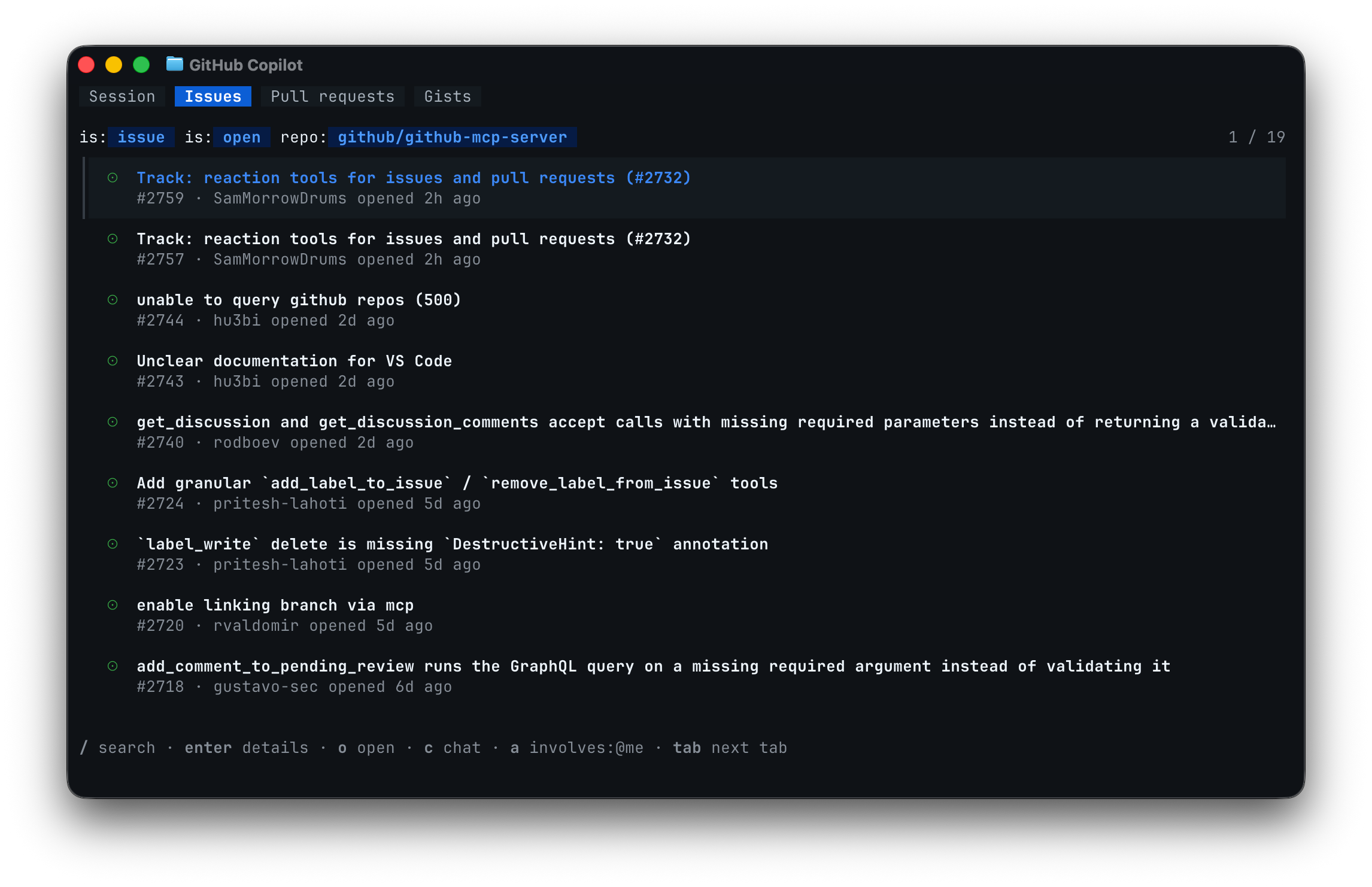
FutureX vs Copilot CLI: The Terminal Face-Off for Vibe Coders
We ran identical vibe coding tasks through FutureX and GitHub Copilot CLI to compare iteration speed, hand-off friction, and wall-clock time to a working app.
vibe coding5 min read
FutureX vs. Aider: The Real Cost of Agentic Coding
A data-driven comparison of token consumption, Git workflow integration, and rework rates between FutureX's autonomous multi-step edits and Aider's incremental, repo-aware approach.
FutureX vs Aider4 min read

FutureX vs Aider: Which Terminal Coding Agent Wins for Vibe Coding in 2026?
A practical head-to-head comparison of FutureX and Aider for vibe coding workflows, focusing on agentic autonomy versus Git-native manual control.
FutureX vs Aider7 min read