FutureX: Elevating VS Code's Terminal Suggest to Intelligent Command Generation
Discover how FutureX transforms VS Code's Terminal Suggest feature from simple autocomplete into an AI-powered command generation engine that understands context, generates multi-step commands, and enforces safety checks.
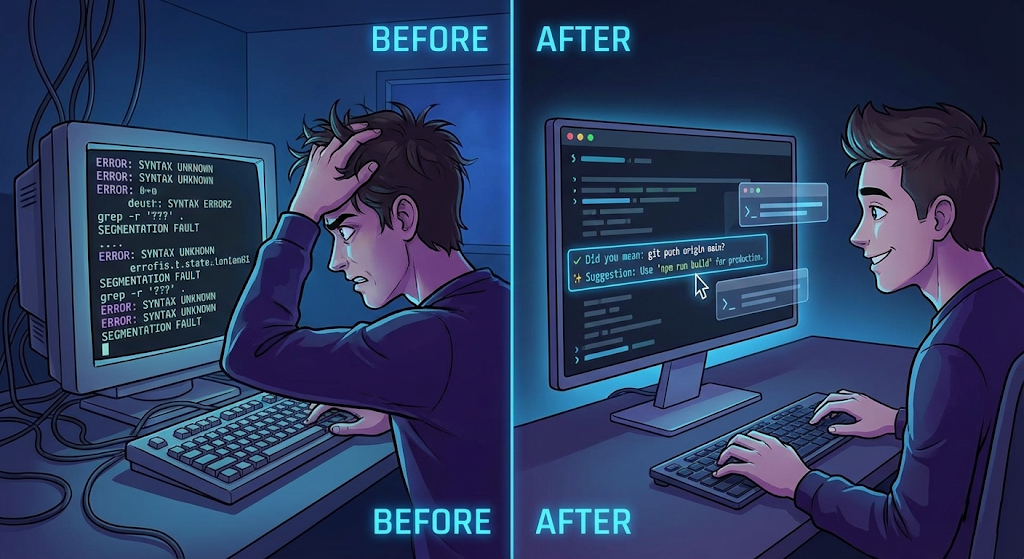
The terminal remains an indispensable part of every developer's workflow. Yet even with modern IDEs, typing the right command often requires memorizing flags, paths, and syntax. VS Code's Terminal Suggest feature brought basic autocomplete to the terminal, but it still relies on static rules and past command history. FutureX takes this foundation and elevates it into something far more valuable: intelligent, context-aware AI command generation. Instead of just completing what you start typing, FutureX suggests entire commands tailored to your current project, file structure, and running state — turning the terminal into a proactive assistant that understands your intent.
The Evolution of the Terminal in VS Code#
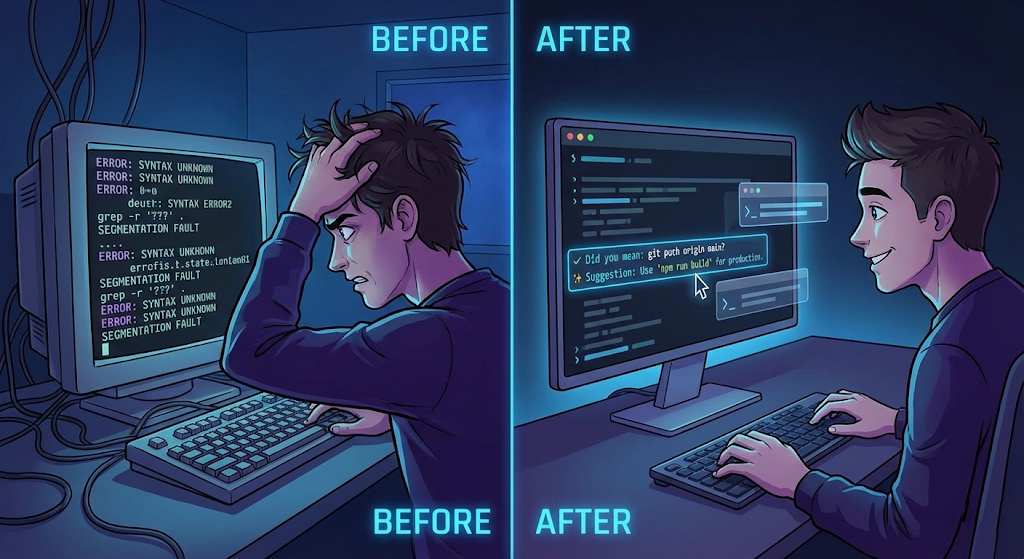
VS Code's Terminal Suggest, introduced in recent releases, provides completions for commands, paths, and shell built-ins as you type. It parses your shell environment and uses a combination of heuristics and history to offer suggestions. For a typical git commit or npm install, it saves a few keystrokes. However, its suggestions are limited to what's already in your shell's domain: known commands, recent files, and environment variables. There is no deeper understanding of your project's semantics, dependencies, or the temporal state of processes.
Source: bhavyansh001.medium.com
FutureX plugs into the same Terminal Suggest API but adds a layer of language model inference that reasons about your entire workspace. When you press Tab after a partial command, FutureX doesn't just look up a static dictionary; it analyzes your active files, the current Git branch, open terminals, and even running tasks. This transforms the terminal from a reactive input field into a conversational interface where you describe what you want, and FutureX generates the precise command.
Where Autocomplete Falls Short#
Consider a common scenario: you need to restart a Docker container, rebuild an image, and then run integration tests. A plain autocomplete might suggest docker compose up --build after you type docker, but it won't chain the steps or infer that the container needs restarting because of a code change. You still have to remember the exact flags and order of operations.
Another pain point is when commands involve obscure parameters — like a curl request with headers and authentication tokens, or a kubectl command with namespace and pod selectors. Autocomplete can't predict those unless you've typed them before. Worse, it offers no guard rails; a misplaced flag could wipe a database or deploy to production. AI command generation from FutureX addresses these gaps by modeling the entire workflow and applying safety constraints.
How FutureX Transforms Terminal Suggest#
FutureX integrates seamlessly with VS Code's built-in terminal interface. The moment you start typing in the terminal panel, an inline prompt appears. You can either continue typing to narrow down the suggestion or hit Tab to accept. But the real magic lies in what happens when you type a natural language phrase — FutureX interprets it and translates it into a precise shell command.
Understanding Intent#
Instead of relying solely on partial input, FutureX evaluates the broader context. For example, if you type deploy to staging, it knows your project uses Kubernetes, looks at the current deployment configuration, and generates kubectl apply -f k8s/staging/deployment.yaml --namespace=staging. This is not a simple pattern match; it's a semantic interpretation that respects your project structure and conventions.
Generating Multi-Step Commands#
One of the most powerful capabilities is generating sequences of commands. Suppose you want to clean up old Docker images and then rebuild. FutureX can propose a single compound command: docker system prune -af && docker compose build --no-cache && docker compose up -d. It understands that cleanup must precede build, and build must succeed before starting containers. The developer can review the command before execution, adding a layer of safety.
Contextual Safety Checks#
FutureX is built with developer confidence in mind. Before generating a command, it scores the risk level. Commands that can have destructive side effects (like rm -rf, kubectl delete, or DROP TABLE) are flagged with a warning and require explicit confirmation. Additionally, FutureX can suggest a --dry-run equivalent when available, allowing you to preview the effect. This transforms the terminal into a safer space, especially for junior engineers or when operating on production environments.
Real-World Developer Workflow Examples#
To appreciate the impact, let's walk through two concrete scenarios that demonstrate how FutureX enhances the developer workflow.
Debugging Docker Containers#
You're debugging a Node.js app running in a Docker container. The container is failing to start. Instead of looking up the container ID and then attaching, you can type debug the failing container. FutureX inspects the docker ps logs, identifies the container that exited with a non-zero code, and suggests: docker logs $(docker ps -a -q --filter "exited=1" | head -1). After execution, you see the error. Next, you type open a shell in that container after fixing, and FutureX proposes: docker exec -it $(docker ps -a -q --filter "name=app" | head -1) /bin/bash. The entire debugging session becomes conversational.
Git Operations with AI Guidance#
Git is a perfect candidate for AI command generation because it has a steep learning curve and many users fall back to UI tools. With FutureX, you can type squash last three commits and push to feature-branch. FutureX generates: git rebase -i HEAD~3 (but suggests the interactive editor to set fixup), then git push origin feature-branch --force-with-lease. It also adds a note: "Force push may rewrite history. Ensure no one else is working on this branch." This not only saves time but educates the developer about safe practices.
Integration Deep Dive#
How does FutureX achieve this level of integration without being intrusive? It uses VS Code's extension API to hook into the terminal session lifecycle and the suggest widget. Let's look under the hood.
Seamless Plugin Architecture#
The FutureX extension registers a completion provider for the terminal's suggest widget. Whenever the user pauses typing (debounced), the extension sends the current line prefix along with metadata (workspace root, open files, environment variables, active terminals) to the local inference engine. The engine runs on-device using the fx-pro model, ensuring low latency and privacy. The generated completions are then presented inline, with a subtle UI indicator showing they came from FutureX.
Prompt Engineering for the Terminal#
The key to accurate command generation is the prompt construction. FutureX builds a structured prompt that includes:
- The user's partial input
- The current working directory and its file listing
- The most recent command outputs (captured via environment variables like
?for last exit code) - Any ongoing tasks (e.g., a running
npm run dev) - A system prompt that instructs the model to output only valid shell commands that are safe and respect the user's shell (bash, zsh, fish)
This prompt is fed to the model, and the response is parsed into one or more command suggestions. The extension also maintains a cache of recent commands to avoid redundant inference.
The Future of Developer Workflow#
Terminal Suggest in VS Code was a welcome improvement, but it only scratched the surface. With FutureX, the terminal evolves into a collaborative partner that understands your intentions, generates precise commands, and warns you about potential pitfalls. This is not just about saving keystrokes; it's about reducing cognitive overhead and enabling developers to stay in flow. Whether you're a seasoned DevOps engineer or a frontend developer who dreads the terminal, FutureX makes the command line accessible, safe, and remarkably intelligent.
The integration is already available in the latest FIM platform update. Try it yourself: open VS Code, trigger the terminal, and type a goal in plain English. FutureX will handle the rest. Welcome to the next generation of AI command generation.
Related reading
From CLI to Context: Why VS Code Extensions Outshine CLI Agents
VS Code extensions provide the context-rich, multi-step environment that CLI agents lack, making them the natural home for modern agentic AI workflows.
agentic AI6 min read

VS Code Extensions Beat Terminal-Based AI Agents for Everyday Coding
Discover why VS Code extensions like FutureX offer superior developer productivity through inline context, quick-fixes, and project awareness compared to terminal CLI AI agents.
VS Code Extensions5 min read
The Rise of Free AI Coding Agents: How FutureX Challenges Codex and Copilot
FutureX is redefining the landscape of AI-assisted development by offering a free, powerful alternative to paid giants like Codex and GitHub Copilot, especially for the growing vibe coding community.
Free AI Coding Agent3 min read