I Used FutureX to Build a Bot in 3 Days: Costs and Lessons
A hands-on cost analysis of building a FutureX bot in three days, including the debugging traps, wasted API calls, and the exact process changes that would have cut the bill in half.

I have a habit of underestimating the difference between "the bot runs" and "the bot behaves." Over three days I built a FutureX bot that watches a set of GitHub repositories, summarizes merged PRs, and posts a daily digest to a Slack channel. The tooling got me most of the way there fast, but the last 30% consumed most of the time and a meaningful chunk of API budget. This is the honest breakdown: what the FutureX bot cost in API calls and wall-clock time, which developer mistakes inflated both, and what I would change on the next attempt.
The Spec That Looked Simple On Paper#
The bot had four requirements: poll GitHub for merged PRs in a list of repos, filter by a configured set of labels, generate a short technical summary for each PR, and post the result to Slack as a threaded digest. Nothing exotic. I chose to build it in TypeScript on Node.js, deployed as a small container, with a Postgres database to track which PRs had already been seen.
Why I Chose Vibe Coding For This#
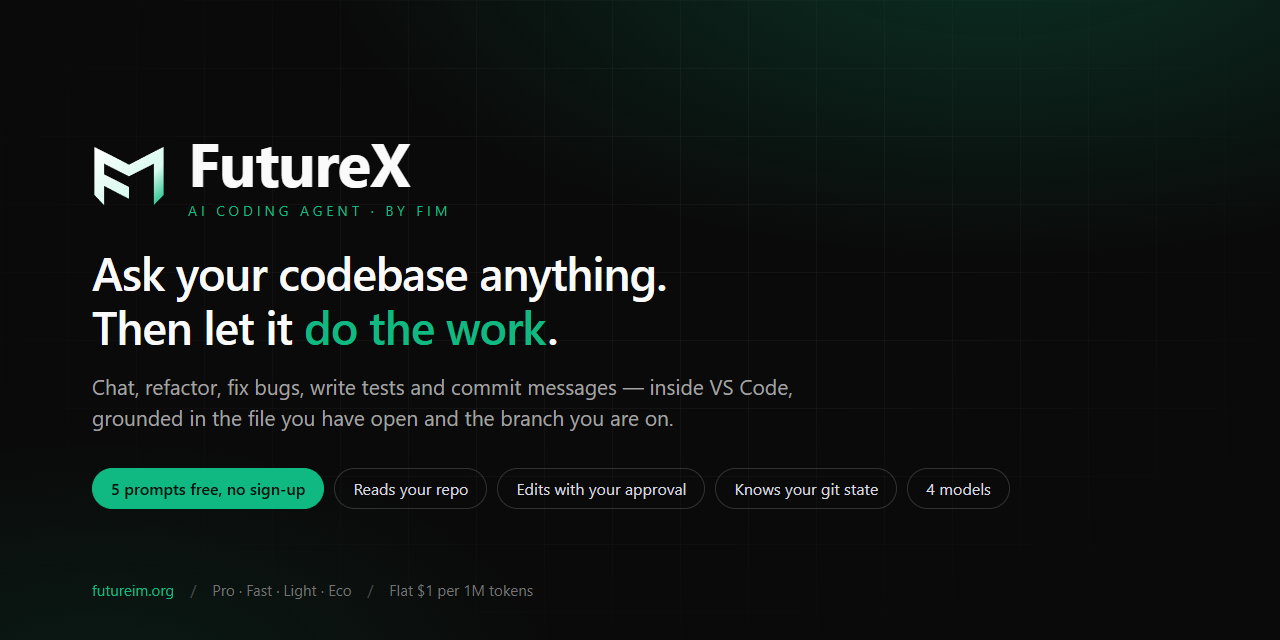
I used vibe coding the way most of us actually do: write a rough prompt describing the behavior, let the AI coding agent scaffold the project, then iterate on the results. FutureX made the initial scaffold painless. In about forty minutes I had a repository with a working GitHub webhook listener, a Slack client, and a schema migration. The time sink was not the greenfield code. It was the debugging loops that came after.
Source: marketplace.visualstudio.com
Day 1: The Prototype That Deceived Me#
Day one ended with a bot that compiled, started, and posted a test message to Slack. That felt like 80% of the project. In reality it was maybe 40%.
The Initial Build#
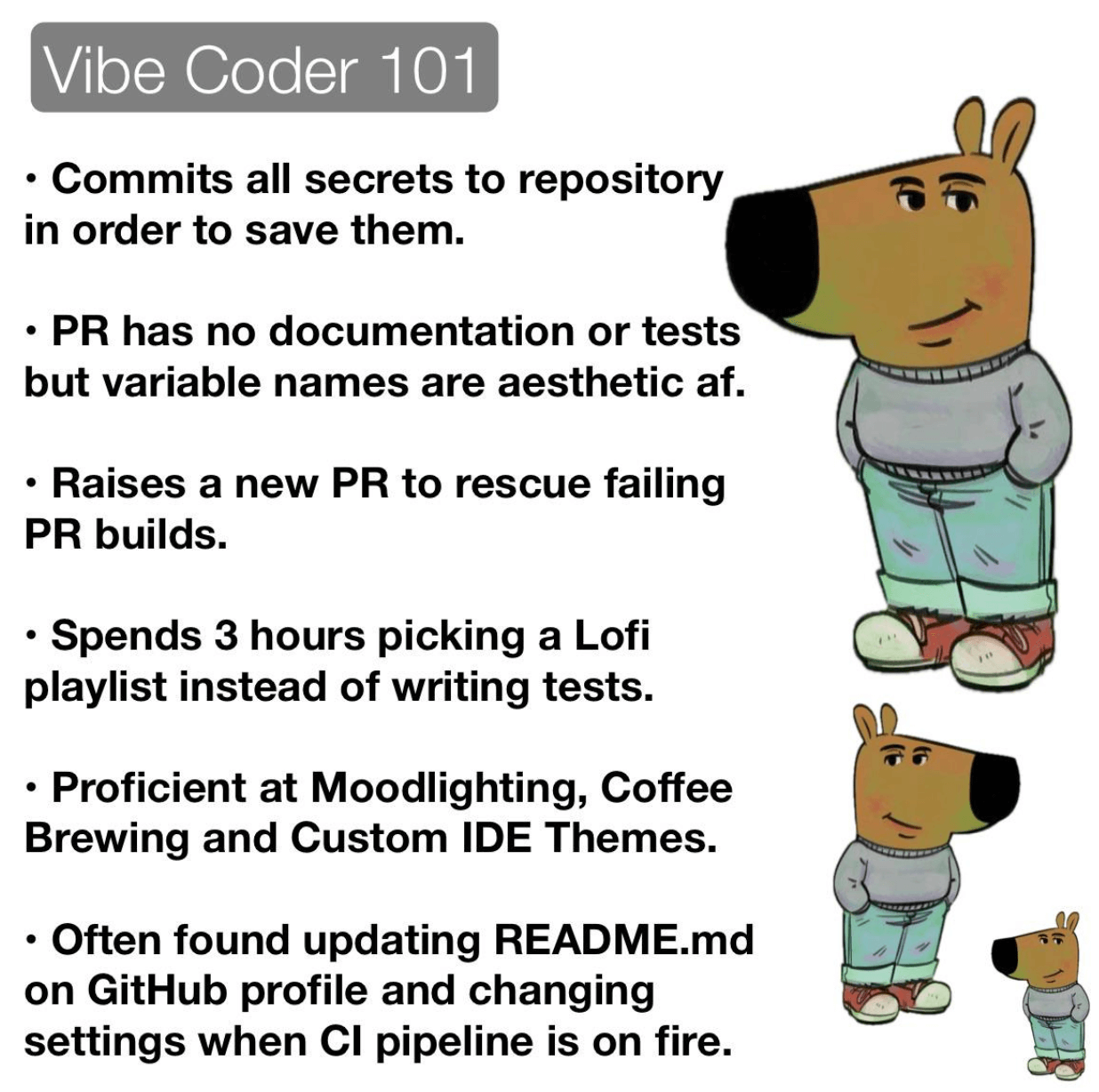
The first FutureX prompt produced a single-service design: an Express server that received webhooks, a worker that polled for missed events, and a scheduler that generated the daily digest. The AI coding agent wrote tests, a Dockerfile, and a README in one pass. I reviewed the diff, nodded, and moved on. This is where the first developer mistake happened: I approved generated code that I had not fully traced. The tests passed because they asserted on mocked inputs, but the production integration points were where the behavior diverged.
Where I Saved Time#
To be fair, the AI coding agent eliminated entire categories of work. I did not write a single line of request-signing code. The Slack API interaction, the GitHub pagination, and the Postgres connection pool all arrived working. On any normal project that is a full afternoon of plumbing. FutureX compressed it to one prompt and a few follow-up fixes. The cost was modest and the speed was the real selling point of vibe coding. The problem was that I used the saved time to build more features instead of writing integration tests.
Day 2: The Debugging Spiral#
Day two is where the cost analysis stops looking good. The bot worked in isolation and failed in combination. I spent roughly nine hours debugging problems that were, in hindsight, obvious. And every hour of debugging with an AI coding agent is also an hour of API spend, because the agent spends tokens on reading logs, proposing fixes, and re-reading the same files.
The Polling Loop Mistake#
The first real bug was a polling loop that fired far more often than intended. I had written a config value called pollIntervalMinutes and the bot was respecting it, but the scheduler was creating a new interval on every webhook event. After a few hours the process had dozens of concurrent timers, each making GitHub REST calls. By the time I noticed the rate-limit warnings, the bot had burned through a significant chunk of the GitHub API quota and generated a large volume of FutureX debugging traffic trying to find out why.
What made it worse: I asked FutureX to "fix the polling bug" without providing the relevant logs. The AI coding agent proposed three or four plausible fixes, each of which required more code review and more test runs. The eventual fix was one line — clear the old interval before setting a new one — but the diagnosis took hours because I was having the agent guess instead of pointing it at the evidence.
The Deduplication Mistake#
The second mistake was an over-engineered deduplication scheme. Instead of trusting the database primary key on (repo, pr_number), I added a "seen PRs" table with a status column, and a state machine that marked PRs as pending, processed, and failed. FutureX implemented exactly what I asked for. The problem was that a retry path reprocessed any PR whose status was not processed, which meant transient failures caused duplicate Slack posts and duplicate summarization calls.
Every duplicate summary was a wasted LLM invocation. Every wasted invocation was money. This was purely a developer mistake: I had designed a scale of correctness that the problem did not need. A unique constraint and an INSERT ... ON CONFLICT DO NOTHING would have solved it with zero state machine.
Source: vibe-coding.run
What Actually Drove the Cost#
Let me get the numbers on the table. I used fx-mini for the initial scaffolding and most of the boilerplate, which kept the base cost low. The expensive parts were the summarization calls (fx-pro, because I wanted quality) and the iterative debugging loops (which also used fx-pro for code understanding).
A Rough Cost Breakdown#
The raw spend broke down roughly like this:
- Scaffolding and boilerplate with fx-mini: about 12% of total cost
- Feature iteration on day one with fx-fast: about 15%
- Summarization calls with fx-pro: about 35%
- Day two debugging loops with fx-pro: about 30%
- Day three cleanup and final integration: about 8%
The summarization calls were unavoidable given the feature set, but the debugging sessions were not. One long session where I let FutureX repeatedly hypothesize about the timer bug consumed more tokens than the entire working summarization feature. That is the real lesson of the cost analysis: the AI coding agent is a force multiplier for bad debugging practices. If you feed it guesses, it will happily generate code for every guess.
Hidden Costs Beyond Tokens#
The API cost was not the only expense. There were also the time costs: waiting for long test runs, re-reading diffs, and re-deploying the container. I also spent about 40 minutes hunting a bug that turned out to be a caching issue on my side — FutureX had produced correct code, and I had been testing against a stale build. That failure consumed no API budget but it consumed time, and time was the thing I was actually trying to save with vibe coding.
Day 3: The Rework#
Day three was mostly rework. I deleted the state machine, replaced it with a unique constraint, and rewrote the scheduler to use a single interval handle. FutureX handled the refactor efficiently once I gave it a clear description of the target state. The whole rework took about three hours, and the bot ran cleanly after that.
The Rework That Was Worth It#
One piece of rework was genuinely valuable. I had asked FutureX to add structured logging from the start, but I had not enforced a consistent event format. Day three forced me to standardize log lines so that every message included repo, pr_number, event_type, and run_id. That made the remaining debugging sessions dramatically cheaper, because I could paste one log line into the prompt instead of describing symptoms in prose.
The Rework That Was Unnecessary#
The rest of the day-three rework was unnecessary, and I take responsibility for that. The deduplication state machine, the over-configured scheduler, and a half-baked "retry with backoff" module were all features I requested without understanding the failure modes. FutureX is a capable AI coding agent: it will build what you ask for. It will not always tell you that what you asked for is more complex than the problem warrants. That judgment call is still on the developer.

Source: marketplace.visualstudio.com
What I'd Do Differently#
If I started over tomorrow, the build would take one day and cost a fraction of what this one did. The changes are mostly process changes, not tooling changes.
1. Give the Agent Evidence, Not Hypotheses#
The single biggest time sink on day two was asking FutureX to fix a bug without giving it the logs. An AI coding agent works best when it has the same evidence a human engineer would want. For any future FutureX bot project, I will paste the failing log line, the relevant config, and the traceback into the initial bug report. That one habit would have eliminated hours of speculation and a large chunk of the debugging API spend.
2. Pin Model Tiers per Task#
I used fx-pro for everything on day two out of laziness. That was a cost mistake. Debugging loops, test generation, and simple refactors do not need the top tier. Using fx-fast for those tasks would have cut the debugging cost substantially without any quality loss, because the hard part was not model reasoning — it was finding the right evidence to give the agent.
3. Write the Integration Test Before the Feature#
The two major bugs — the timer leak and the duplicate processing — were both integration bugs. Unit tests written by the AI coding agent passed because they mocked the scheduler. A single integration test that started the app, fired two webhook events in quick succession, and asserted exactly one digest post would have caught both. I am not saying vibe coding is the problem; I am saying vibe coding without an integration test is how you get a bot that works in isolation and misbehaves in production.
4. Stop Feature-Creeping the Scaffold#
The saved time on day one went straight into more features: the state machine, the retry module, the configurable backoff. None of those were in the original spec. All of them created surface area for bugs. The next build stays at the minimum viable behavior until the integration test passes, and only then does the feature list grow.
The Final Tally#
Total wall-clock time was three days, but the effective engineering time was maybe eighteen hours. The rest was waiting on deploys, staring at logs, and reading diffs. Total API spend was under a modest three-figure number, but roughly a third of it was wasted on debugging loops that a better process would have prevented.
The FutureX bot works now. It has been posting a daily digest to Slack for two weeks without a single duplicate or missed PR. The code is shorter than the original version — the deduplication state machine alone was about 200 lines that are now a single unique constraint. That is the clearest sign of the waste: the final, correct version is simpler than the version I spent a day debugging.
Should You Do It Anyway#
Yes. The cost analysis here is not an argument against vibe coding or against using an AI coding agent. It is an argument for treating the first working build as a prototype, not a deliverable. FutureX compressed the boring parts of the project so much that the only place I could lose time was my own design decisions. The developer mistakes were mine: imprecise debugging, missing tests, and scope creep. The tooling did exactly what it was told.
If you are planning a similar bot, budget for the debugging loop. Assume the first integration path through your bot will be wrong, and build the smallest end-to-end test that would catch it. Keep your prompts concrete, feed the agent log output instead of memory, and pick model tiers based on the task rather than habit. Do that and a three-day FutureX bot project becomes a one-day one, with a far better cost story.
Related reading
The Hidden Cost of FutureX: What My 3-Day App Build Taught Me
A technical cost analysis of a 3-day app build with FutureX, revealing that iteration time and debugging loops — not token charges — are the real hidden expenses.
FutureX hidden cost10 min read
FutureX vs Codex: Best AI Coding Agent for Prototyping
A hands-on comparison of FutureX and Codex for rapid prototyping, exploring how each AI coding agent performs in real-world vibe coding scenarios.
FutureX5 min read
How I Built a Full-Stack SaaS in 7 Days Using FutureX
A step-by-step walkthrough of using FutureX to build a production-ready full-stack SaaS in one week, focusing on prompt engineering and iterative development.
FutureX5 min read